Notification emails
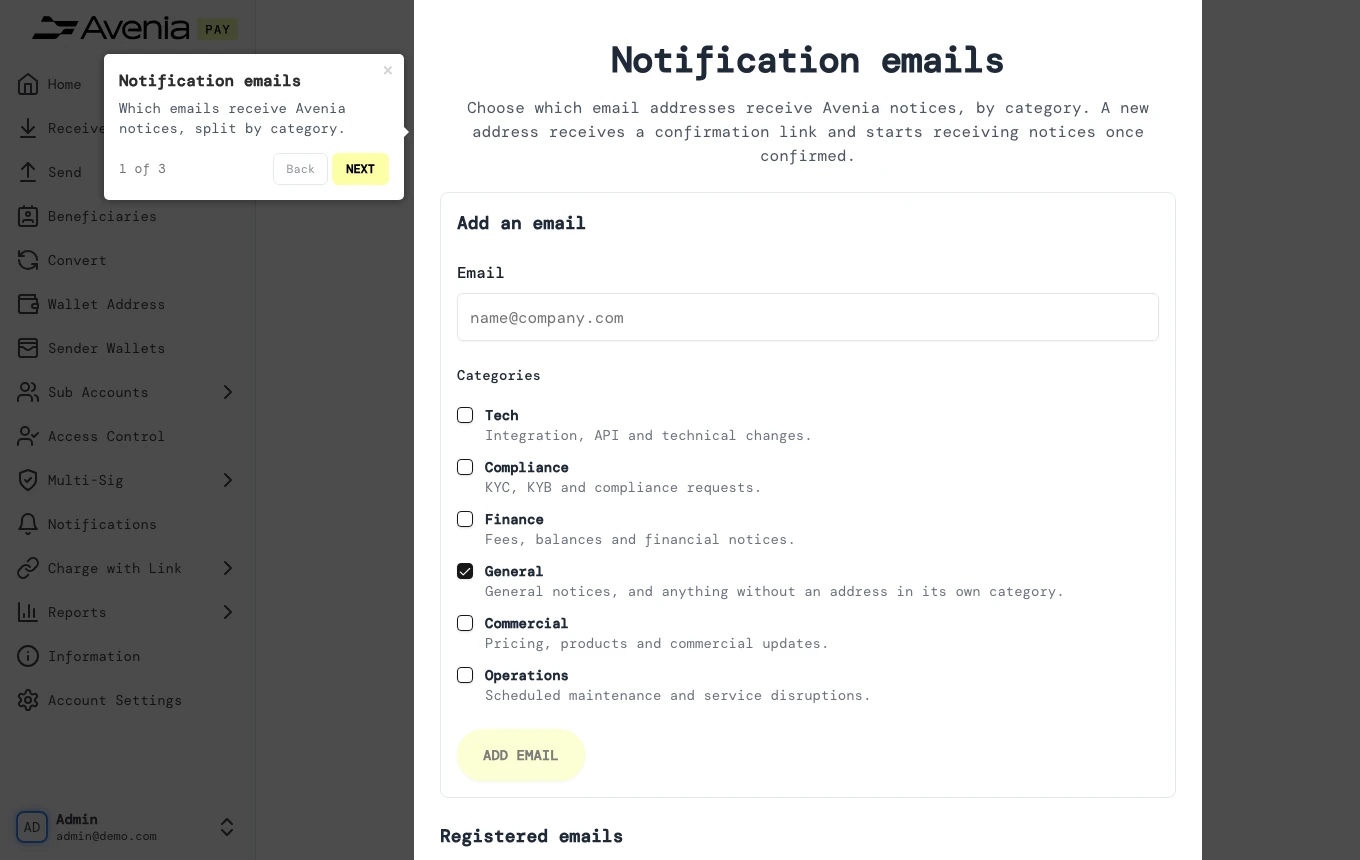
Which emails receive Avenia notices, split by category.
- Where: Side menu → Notifications.
- Who can use it: every access to the account, view-only included.
Step by step
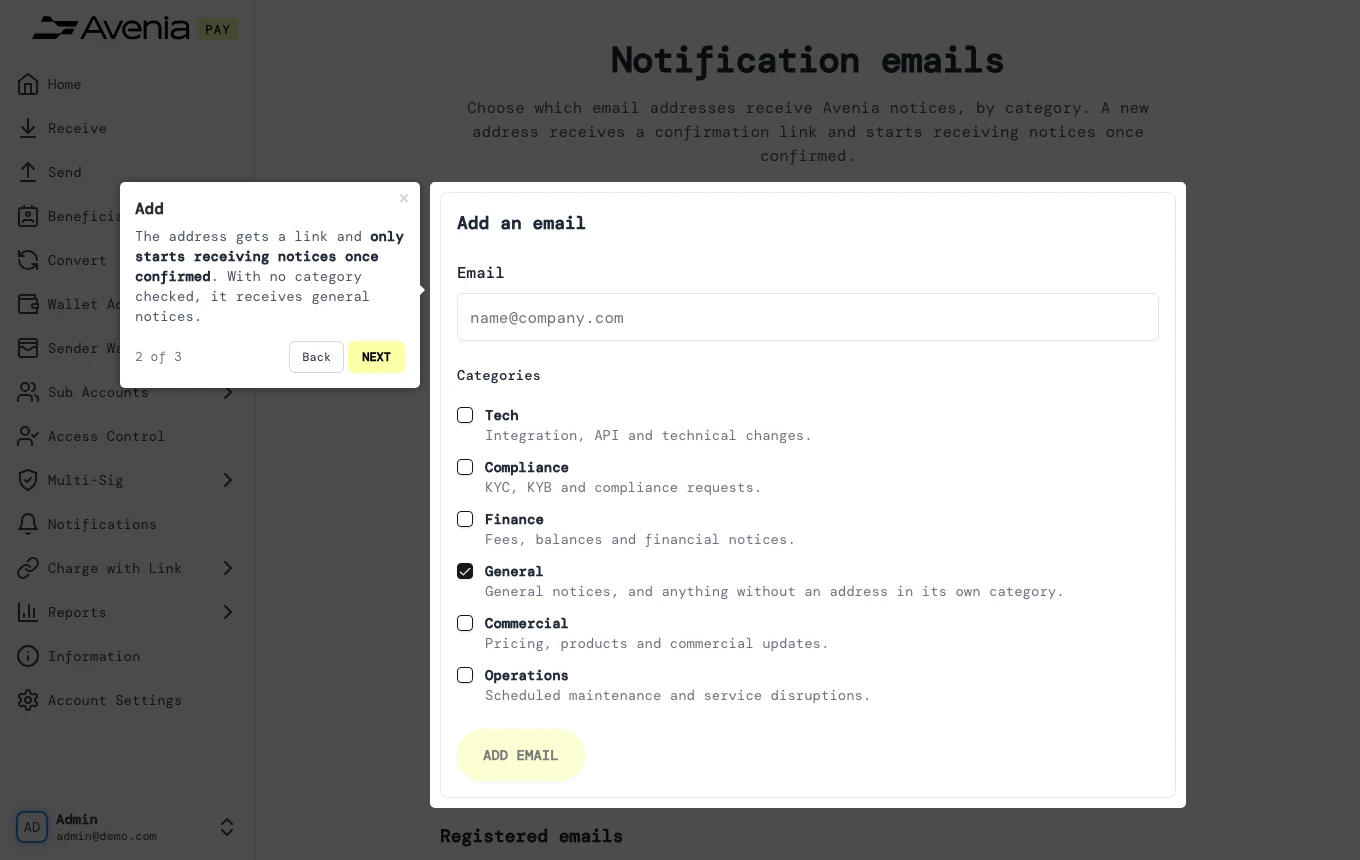
1. Add
The address gets a link and only starts receiving notices once confirmed. With no category checked, it receives general notices.
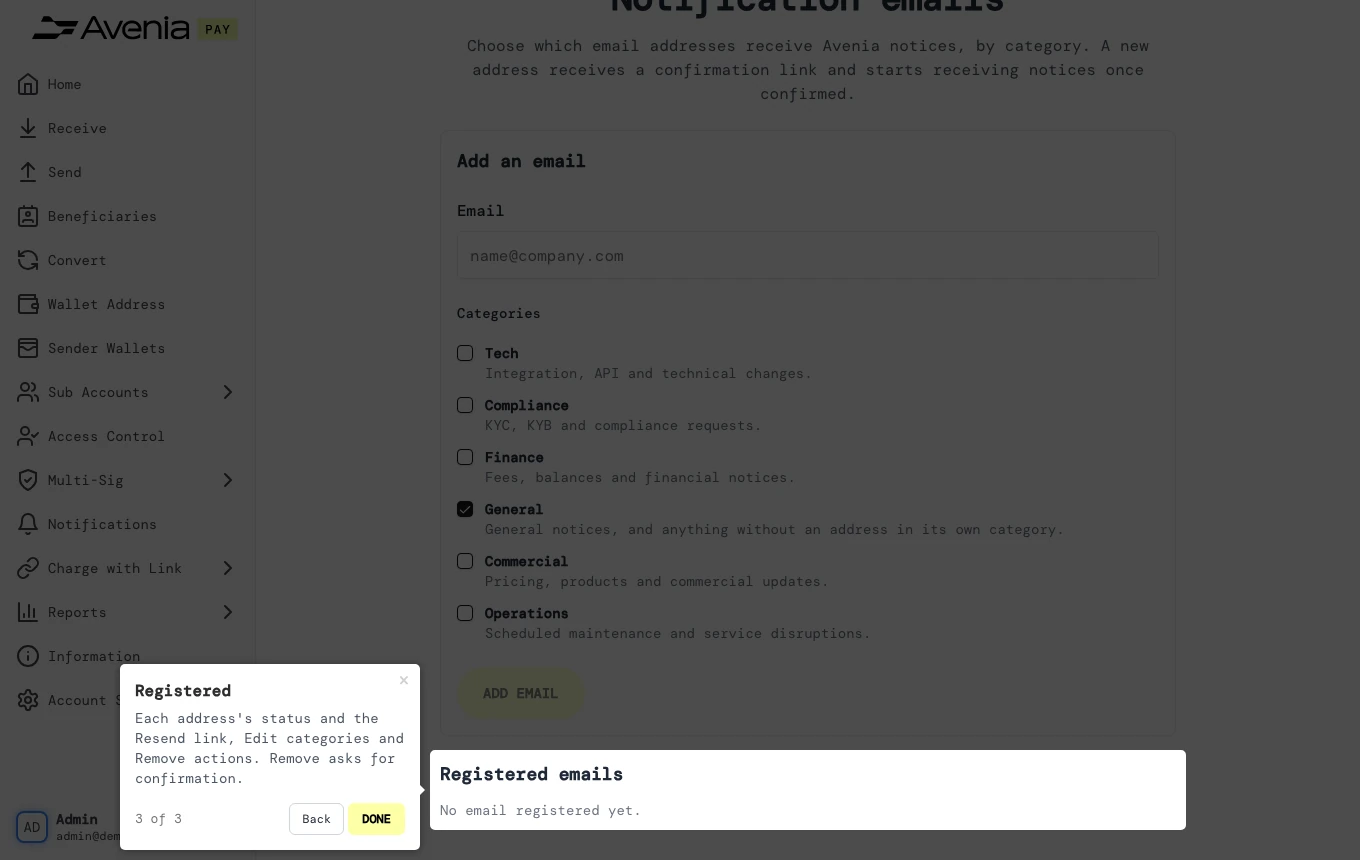
2. Registered
Each address's status and the Resend link, Edit categories and Remove actions. Remove asks for confirmation.
Screen guide
The Screen guide button at the top of this screen in the dashboard walks you through the same steps over your own data.