Convert
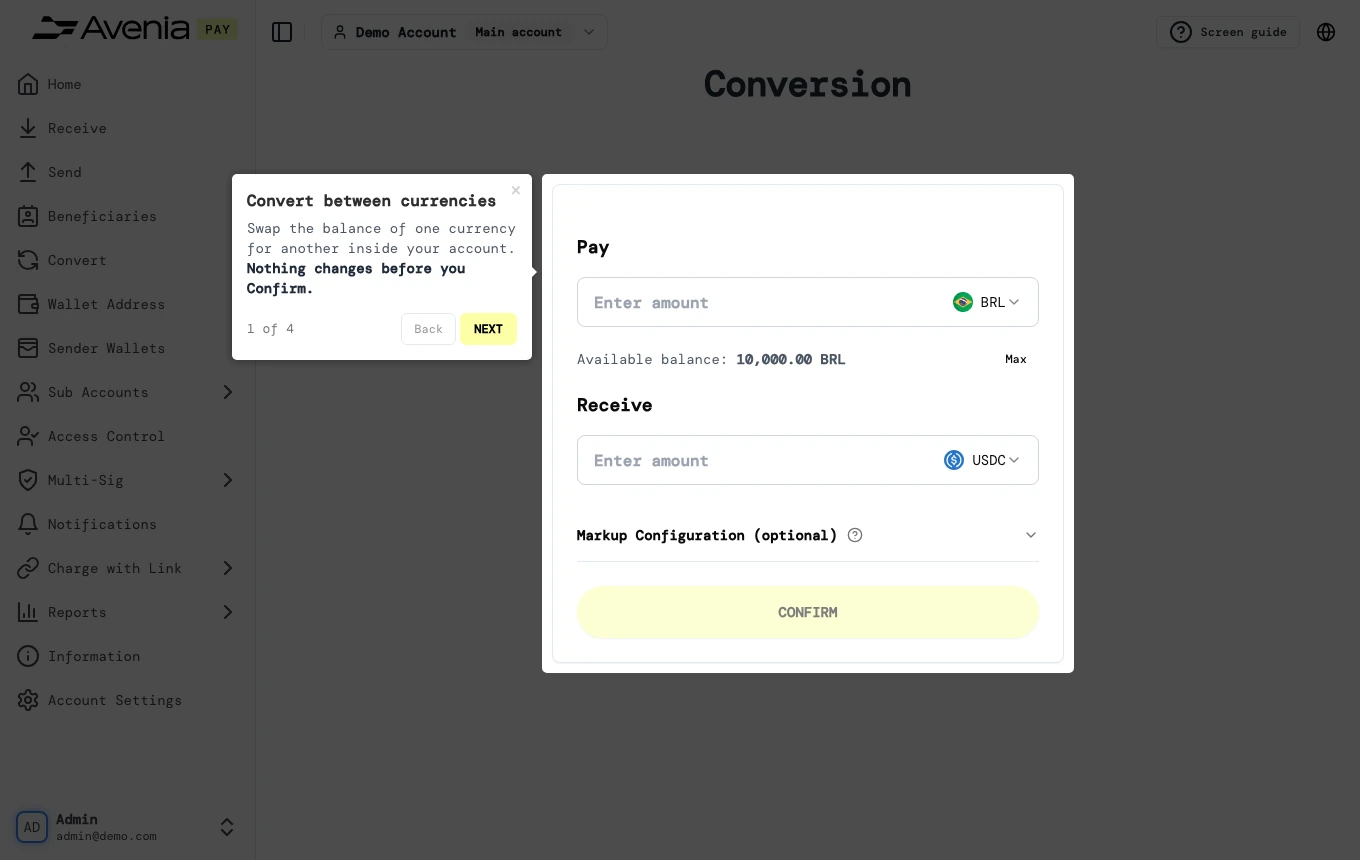
Swap the balance of one currency for another inside your account. Nothing changes before you Confirm.
- Where: Side menu → Convert.
- Who can use it: the account administrator and accesses allowed to convert.
Step by step
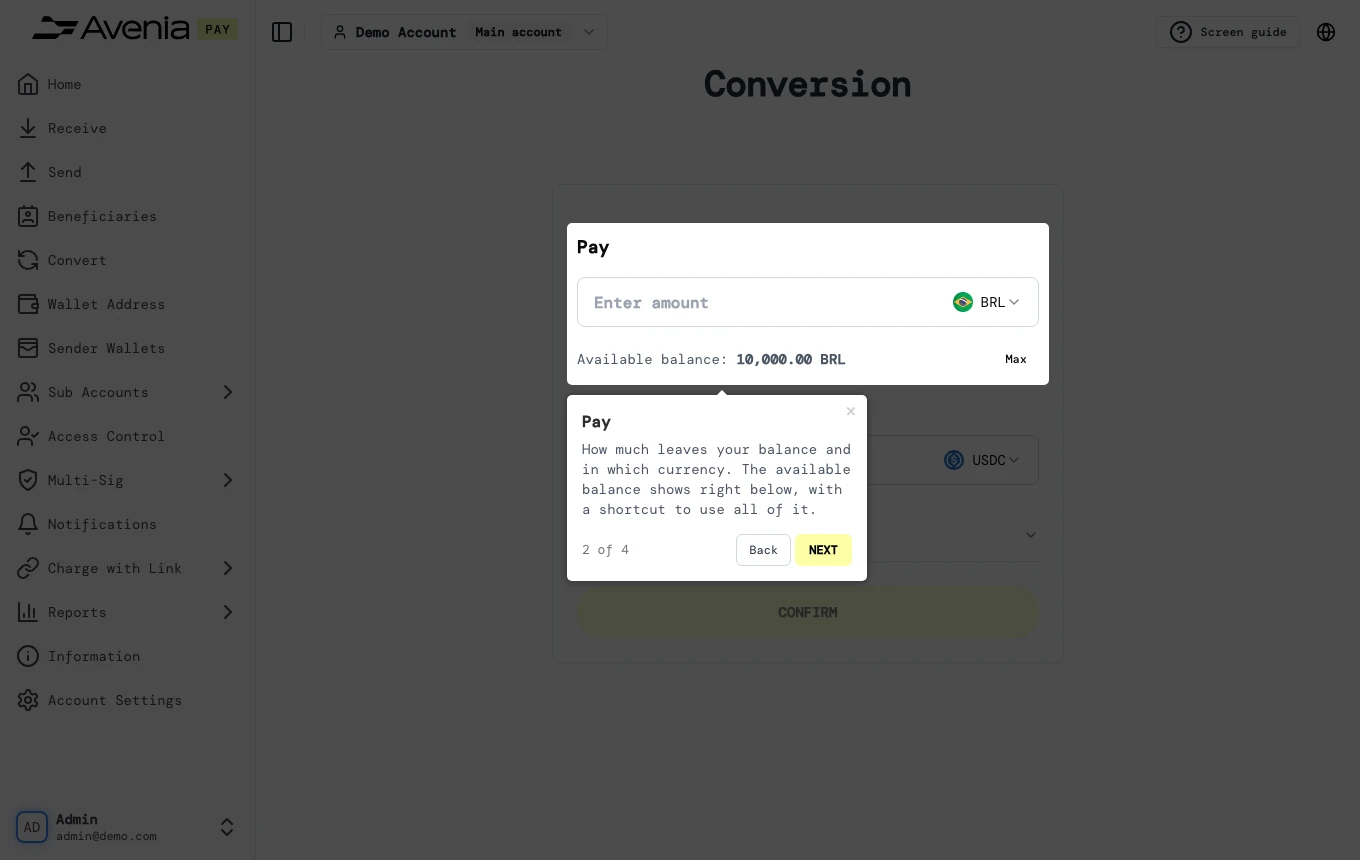
1. Pay
How much leaves your balance and in which currency. The available balance shows right below, with a shortcut to use all of it.
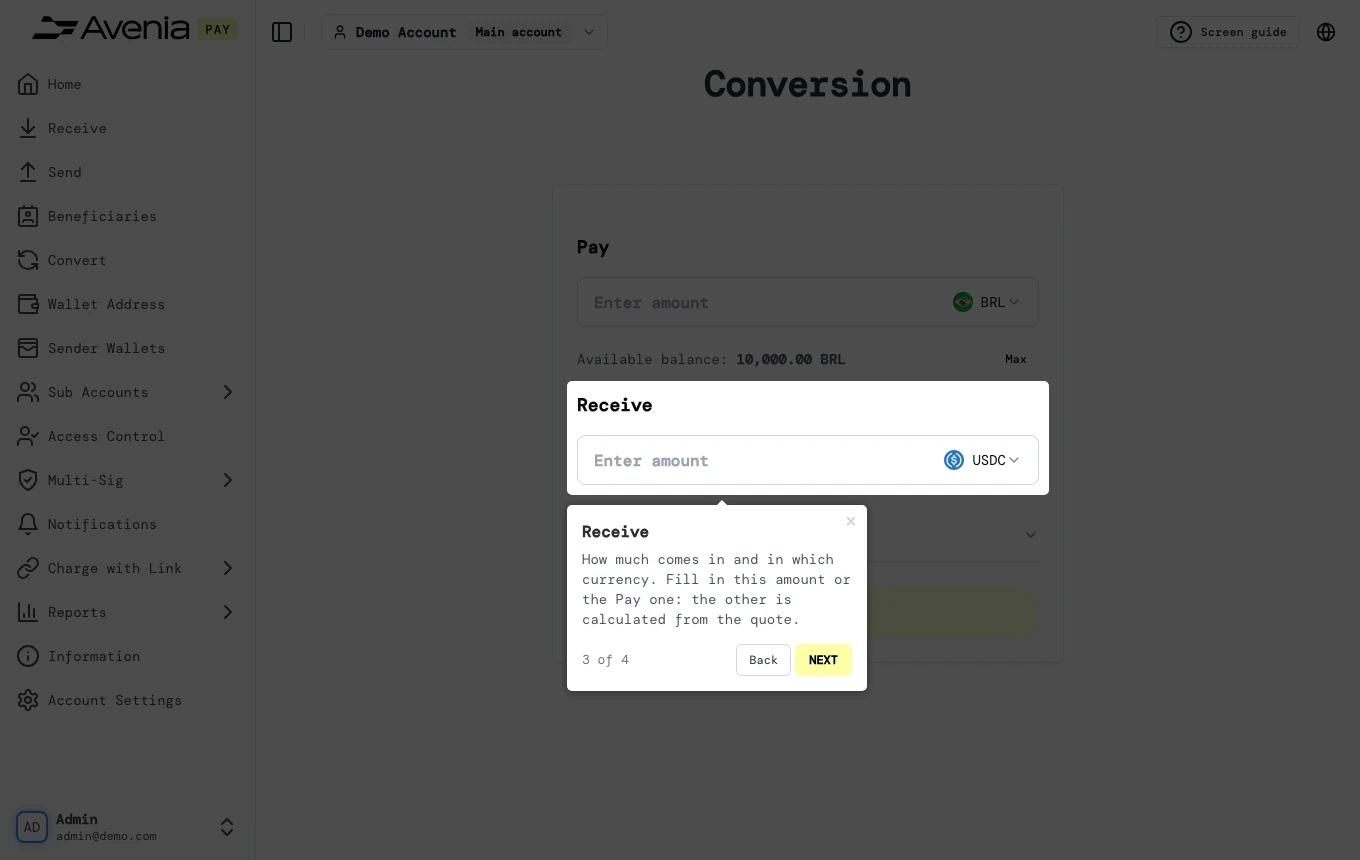
2. Receive
How much comes in and in which currency. Fill in this amount or the Pay one: the other is calculated from the quote.
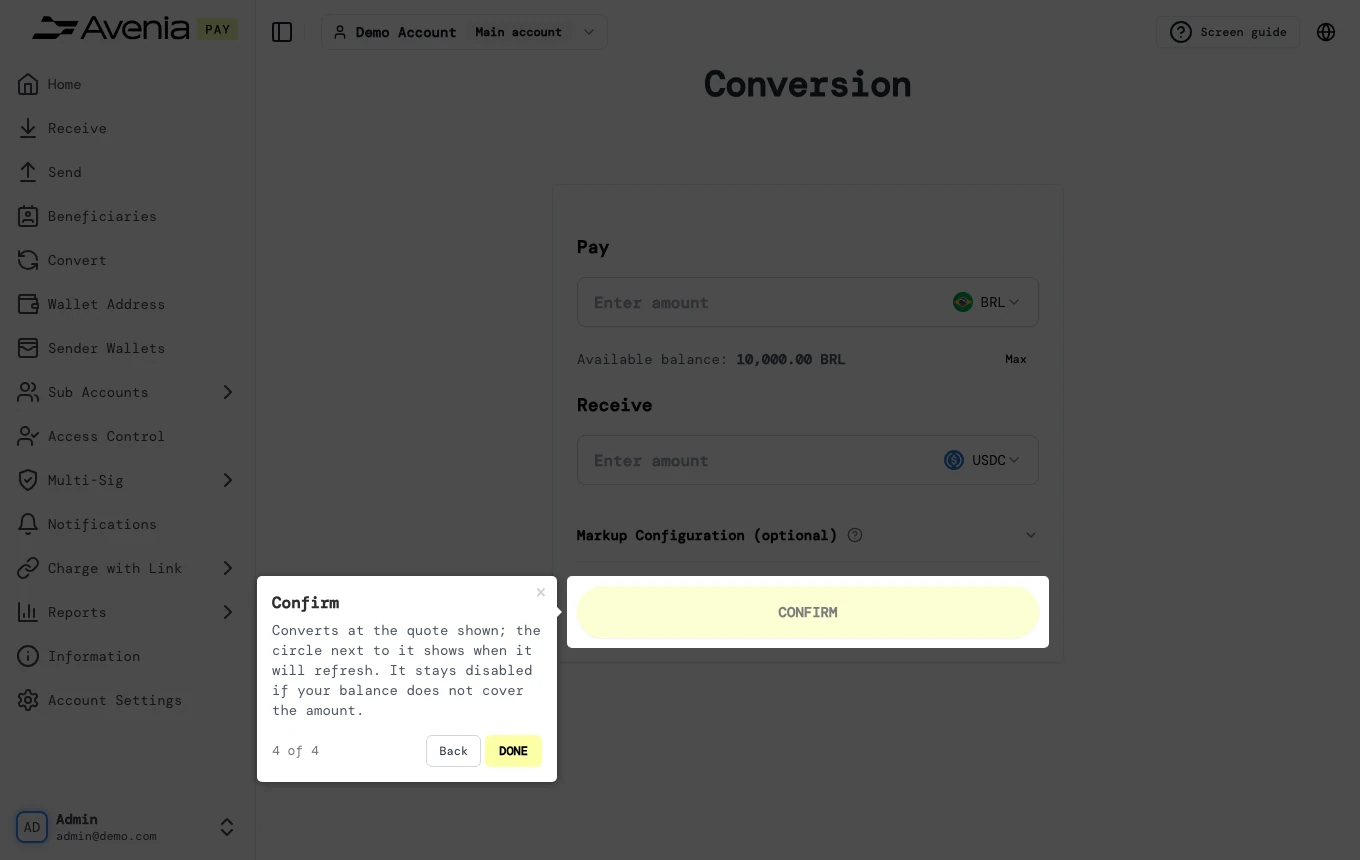
3. Confirm
Converts at the quote shown; the circle next to it shows when it will refresh. It stays disabled if your balance does not cover the amount.
Screen guide
The Screen guide button at the top of this screen in the dashboard walks you through the same steps over your own data.