Beneficiaries
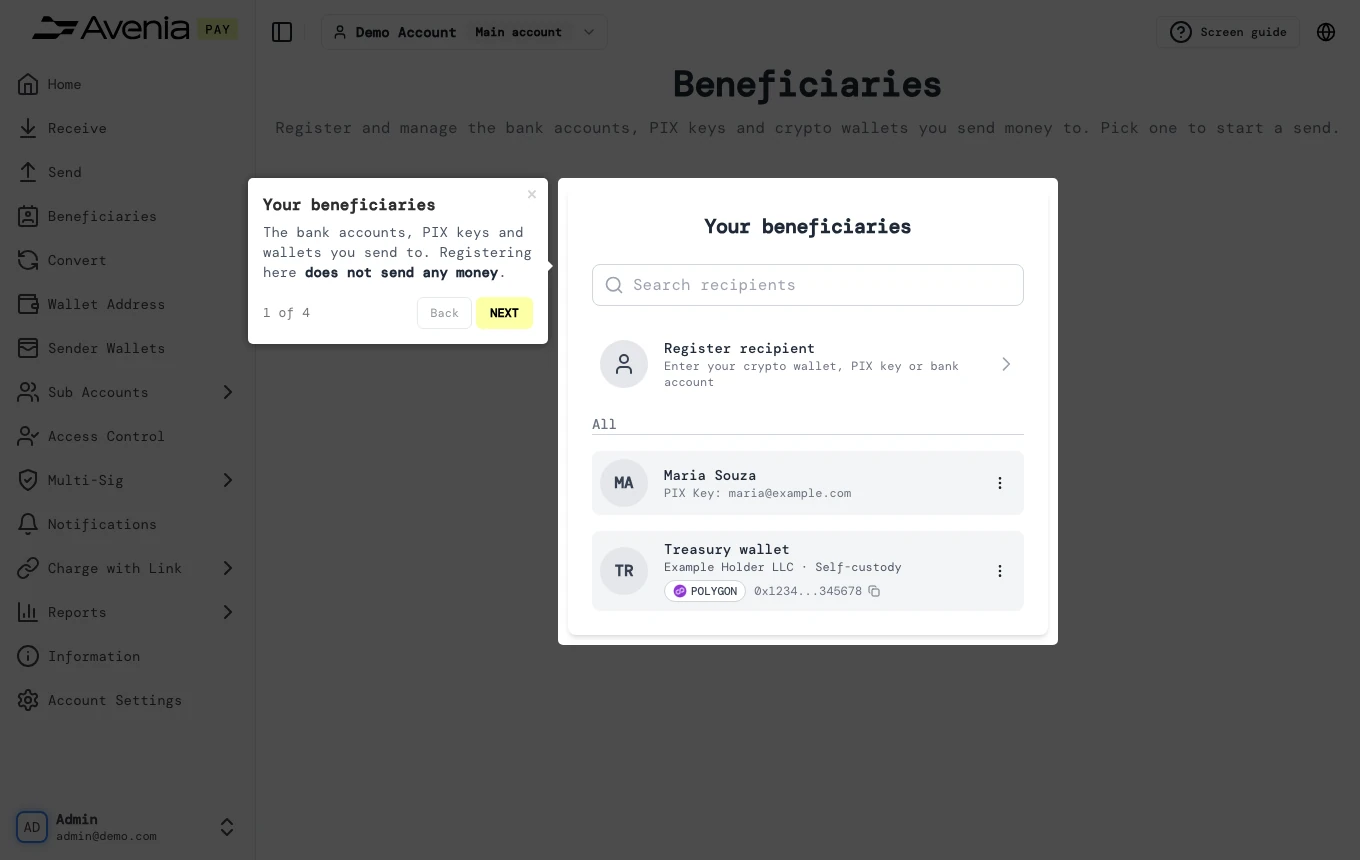
The bank accounts, PIX keys and wallets you send to. Registering here does not send any money.
- Where: Side menu → Beneficiaries.
- Who can use it: every access to the account except a view-only one.
Step by step
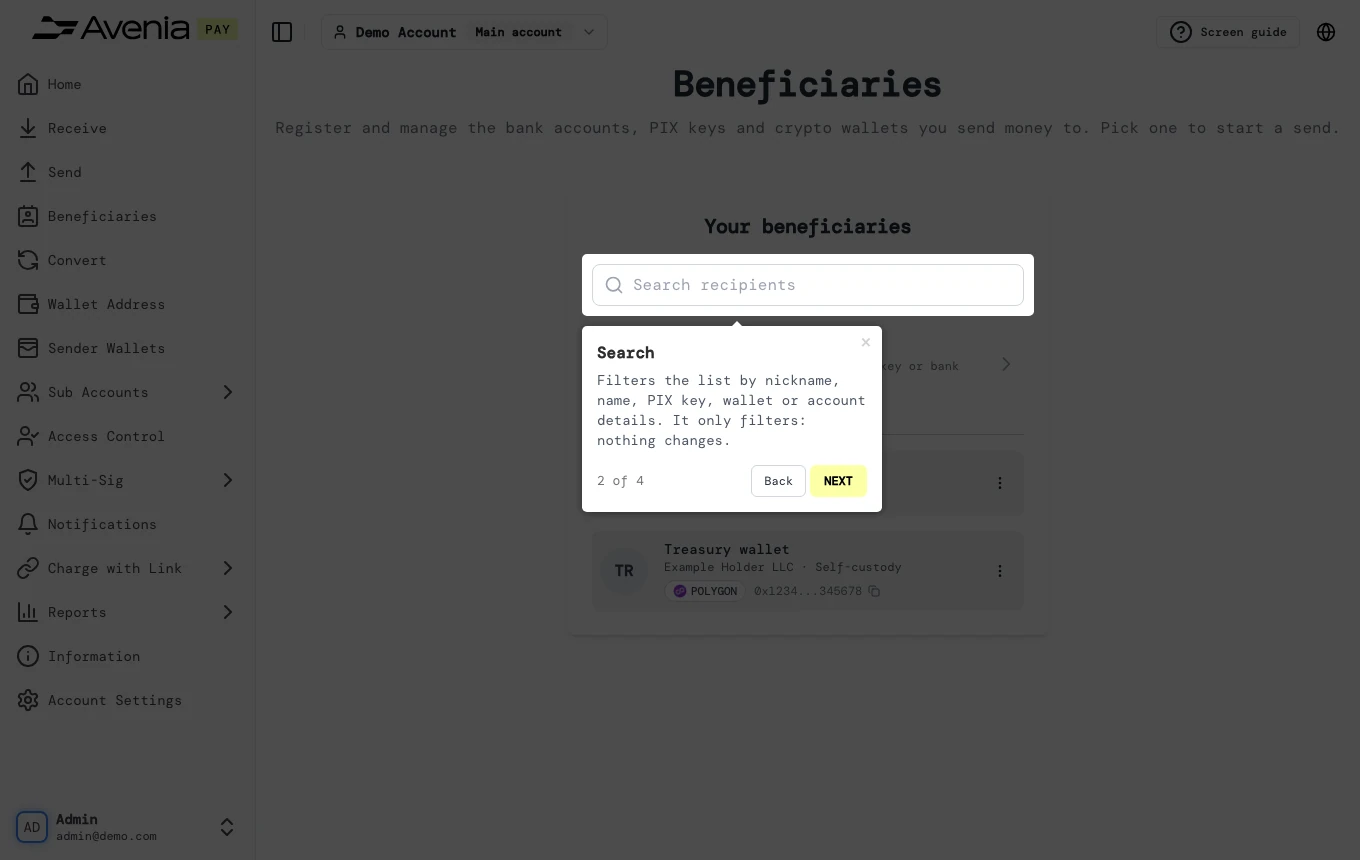
1. Search
Filters the list by nickname, name, PIX key, wallet or account details. It only filters: nothing changes.
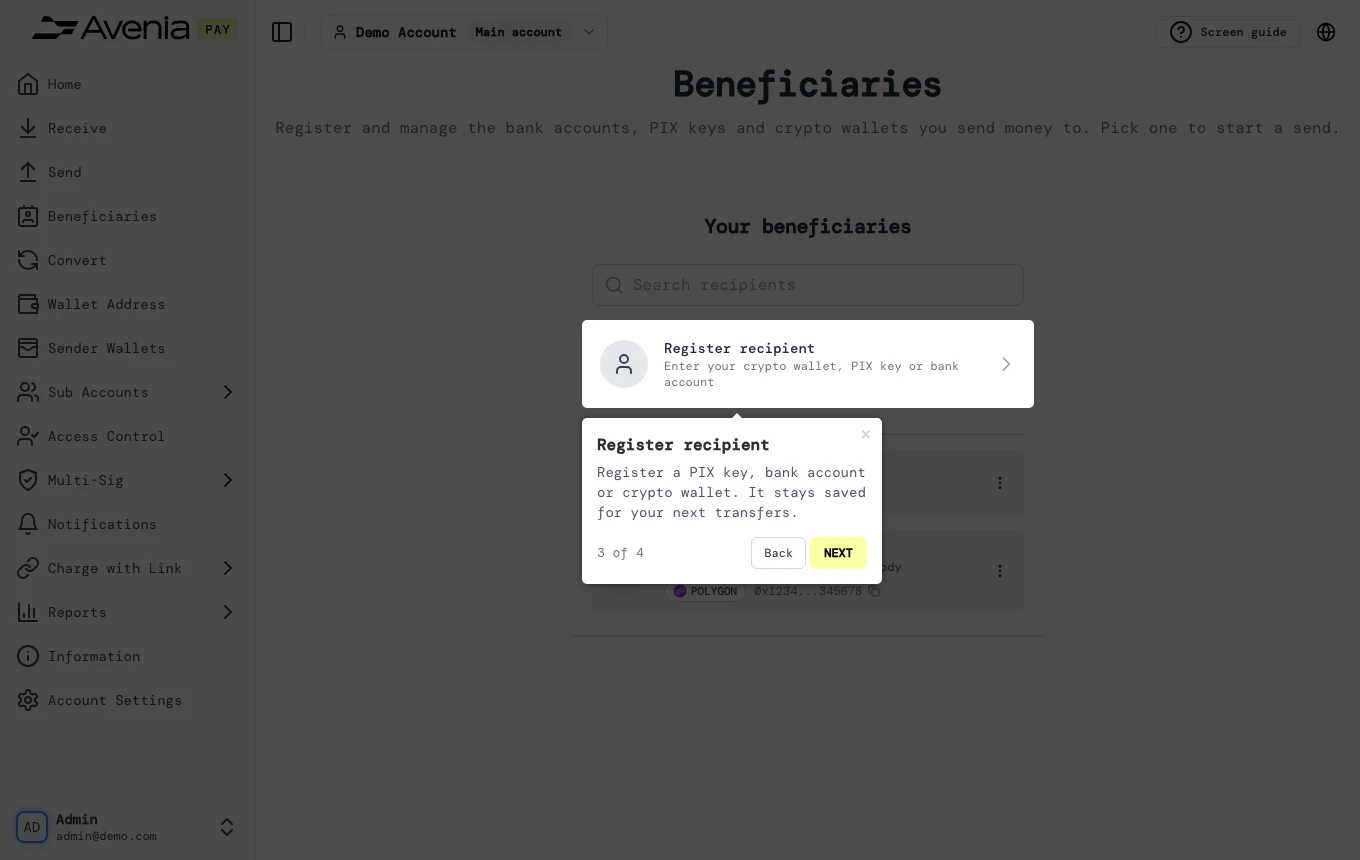
2. Register recipient
Register a PIX key, bank account or crypto wallet. It stays saved for your next transfers.
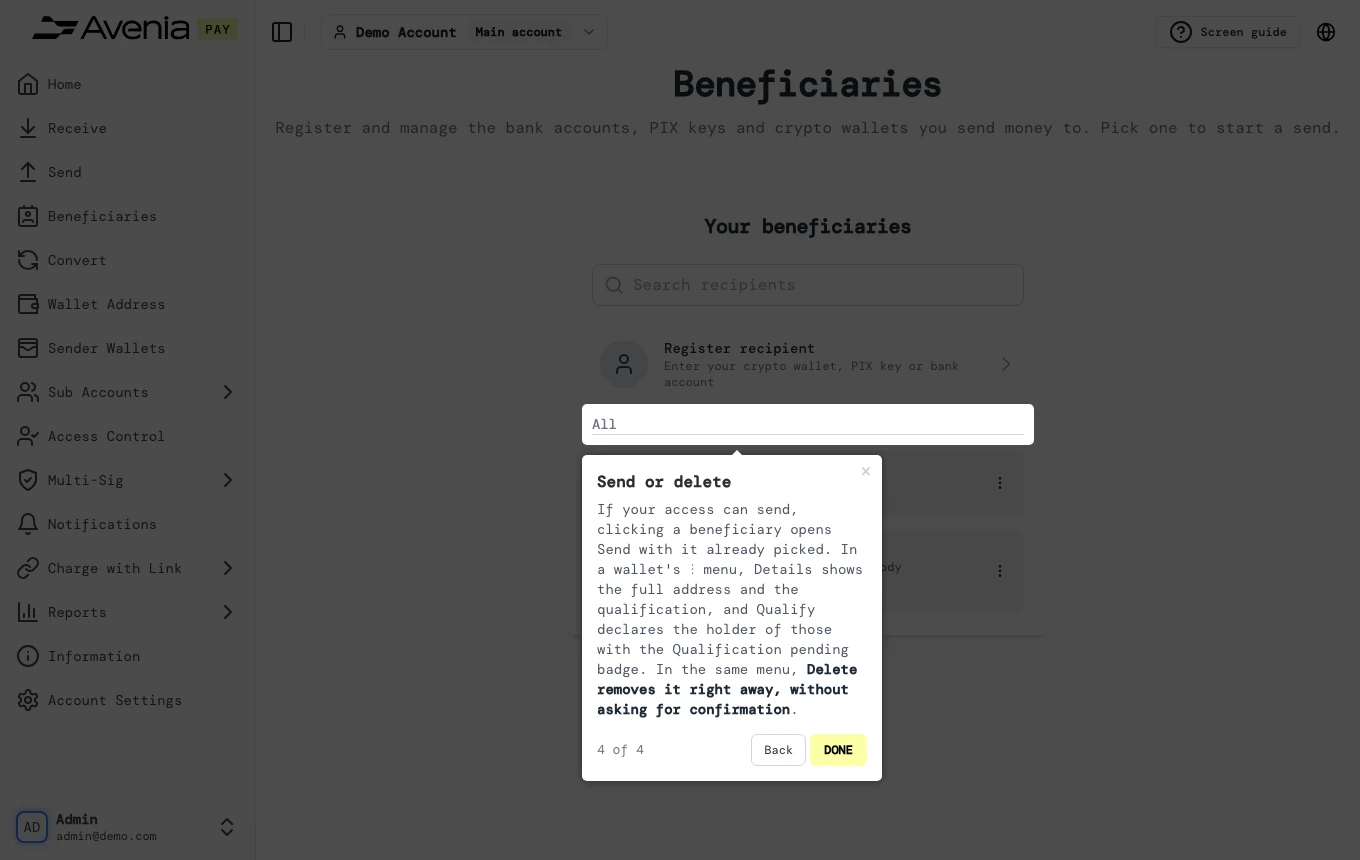
3. Send or delete
If your access can send, clicking a beneficiary opens Send with it already picked. In a wallet's ⋮ menu, Details shows the full address and the qualification, and Qualify declares the holder of those with the Qualification pending badge. In the same menu, Delete removes it right away, without asking for confirmation.
Screen guide
The Screen guide button at the top of this screen in the dashboard walks you through the same steps over your own data.