Account Settings: Profile
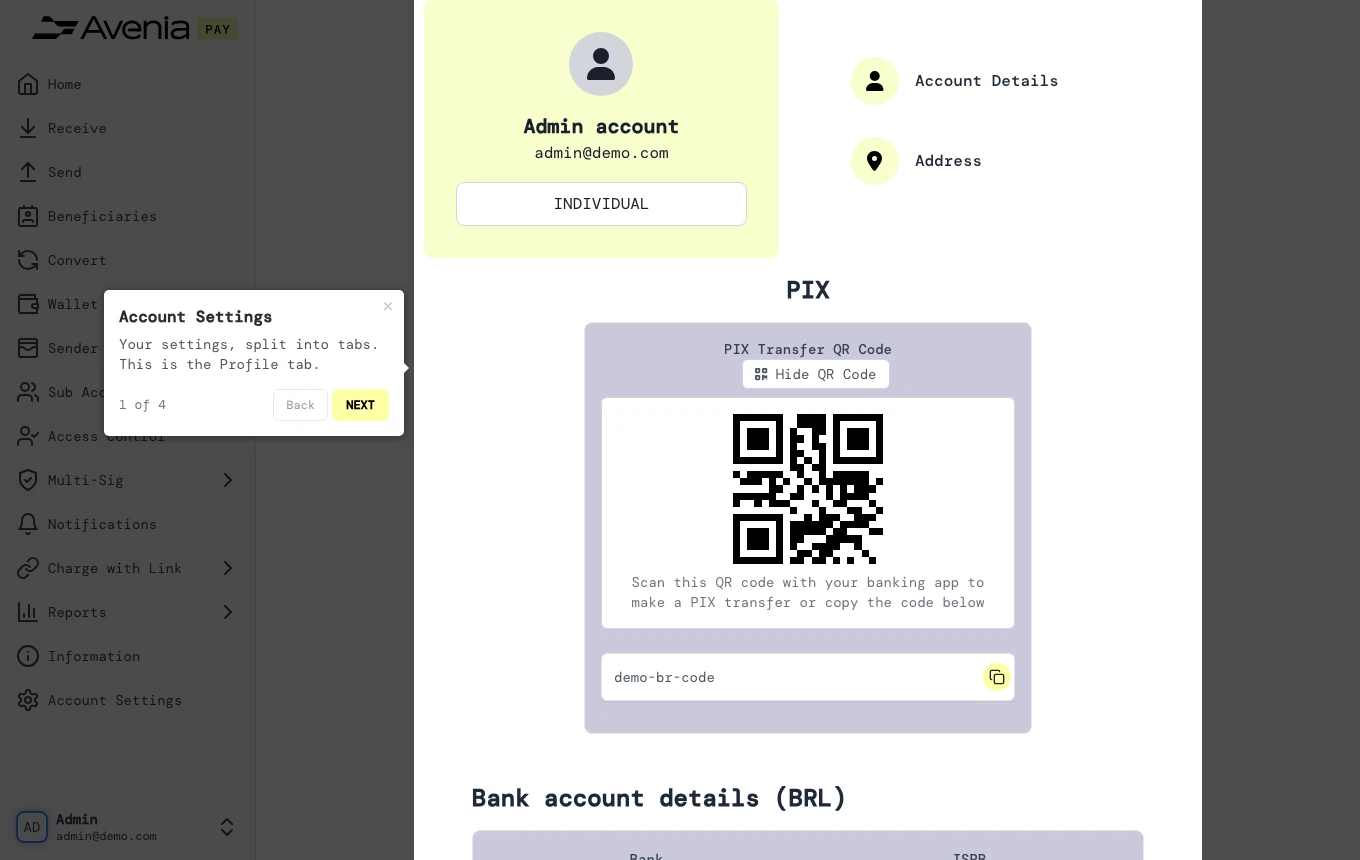
Your settings, split into tabs. This is the Profile tab.
- Where: Side menu → Account Settings, tab Profile.
- Who can use it: every access to the account, view-only included.
Step by step
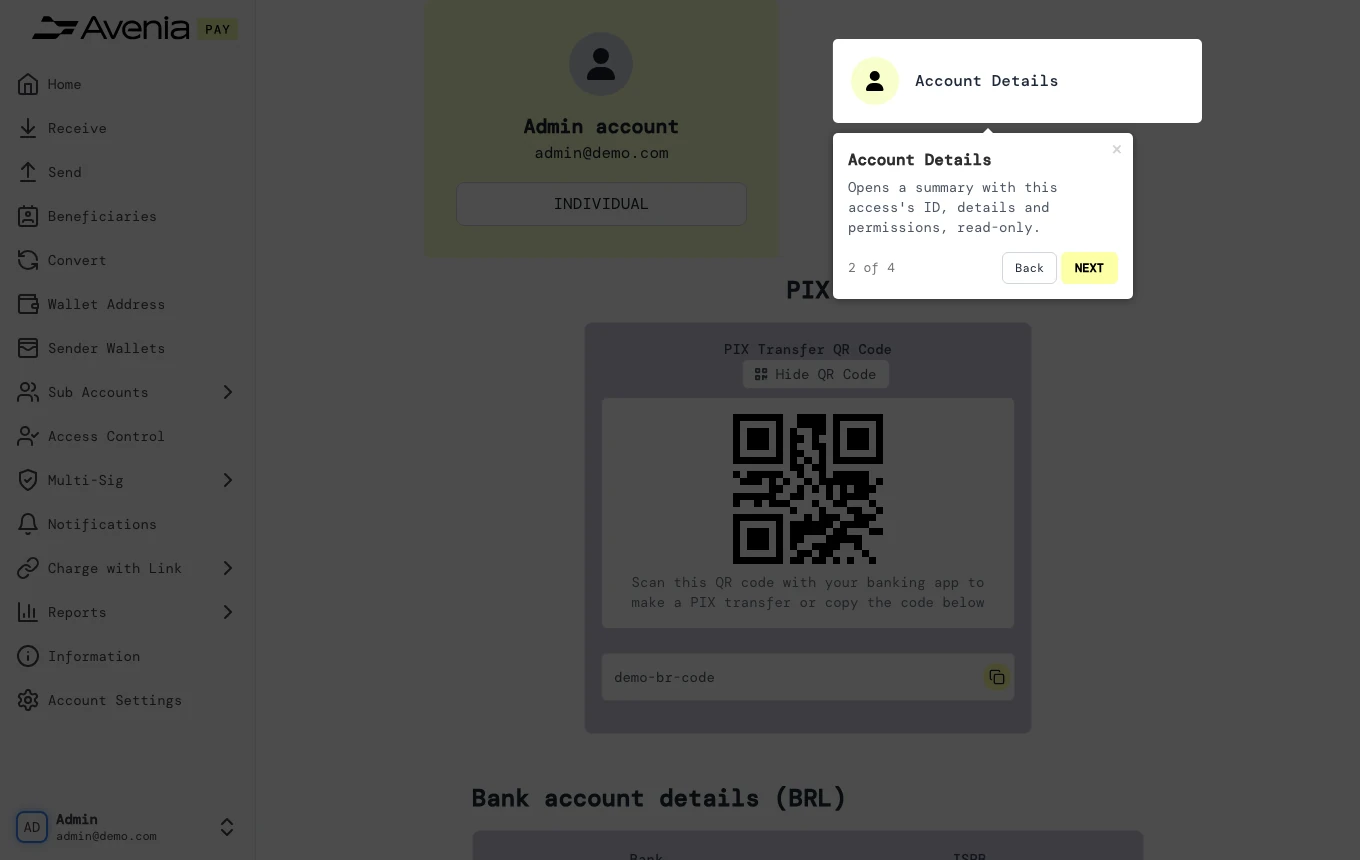
1. Account Details
Opens a summary with this access's ID, details and permissions, read-only.
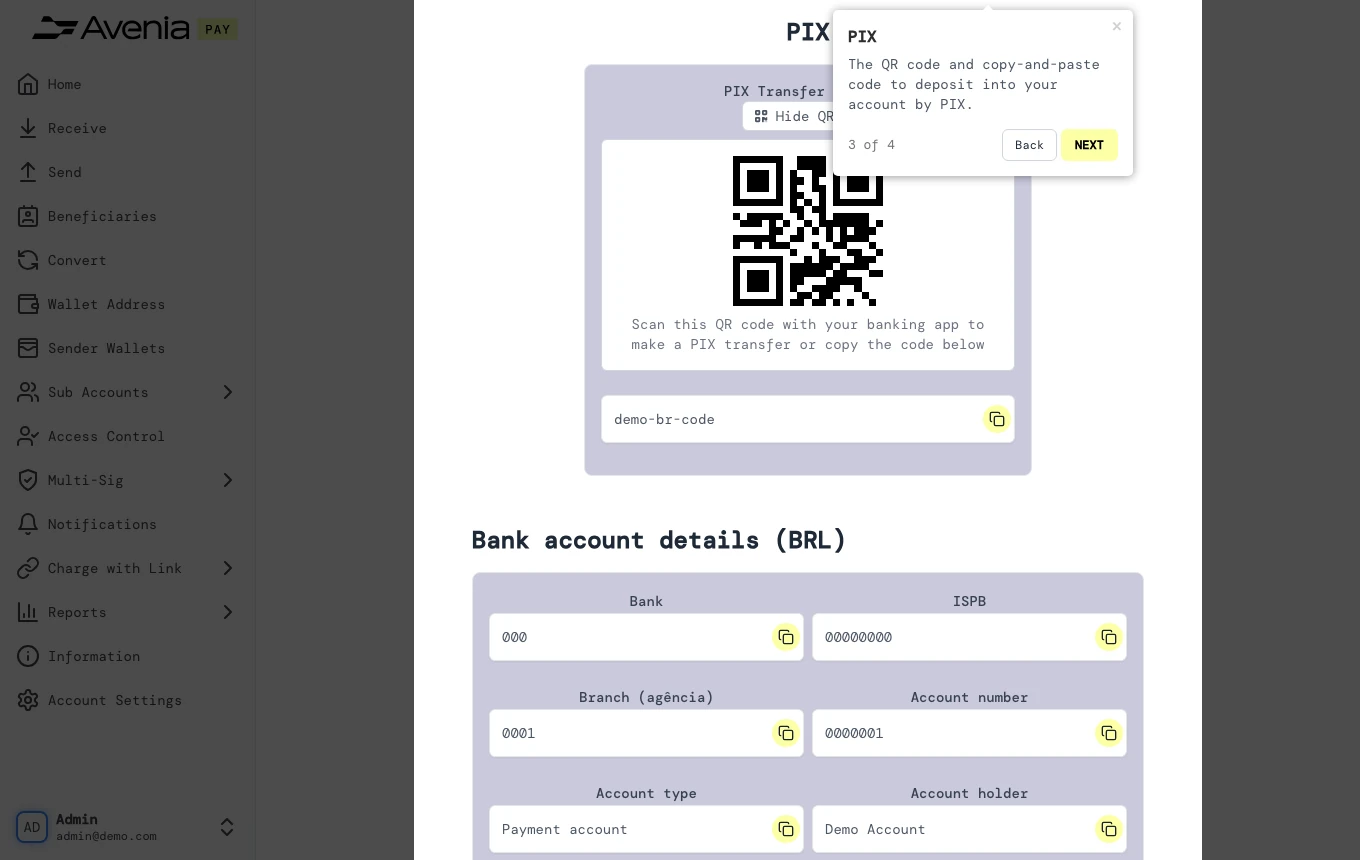
2. PIX
The QR code and copy-and-paste code to deposit into your account by PIX.
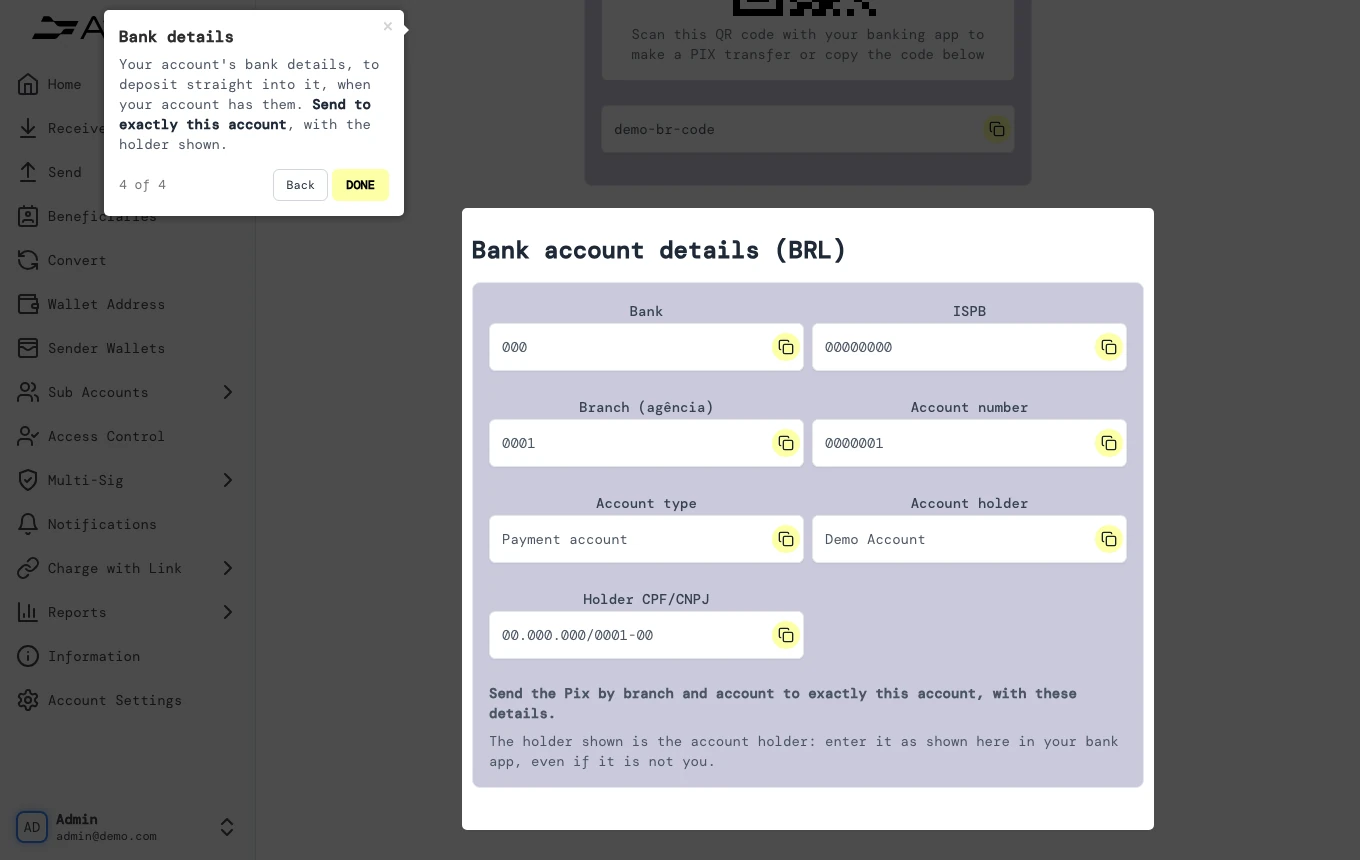
3. Bank details
Your account's bank details, to deposit straight into it, when your account has them. Send to exactly this account, with the holder shown.
Screen guide
The Screen guide button at the top of this screen in the dashboard walks you through the same steps over your own data.