Account Settings: Security
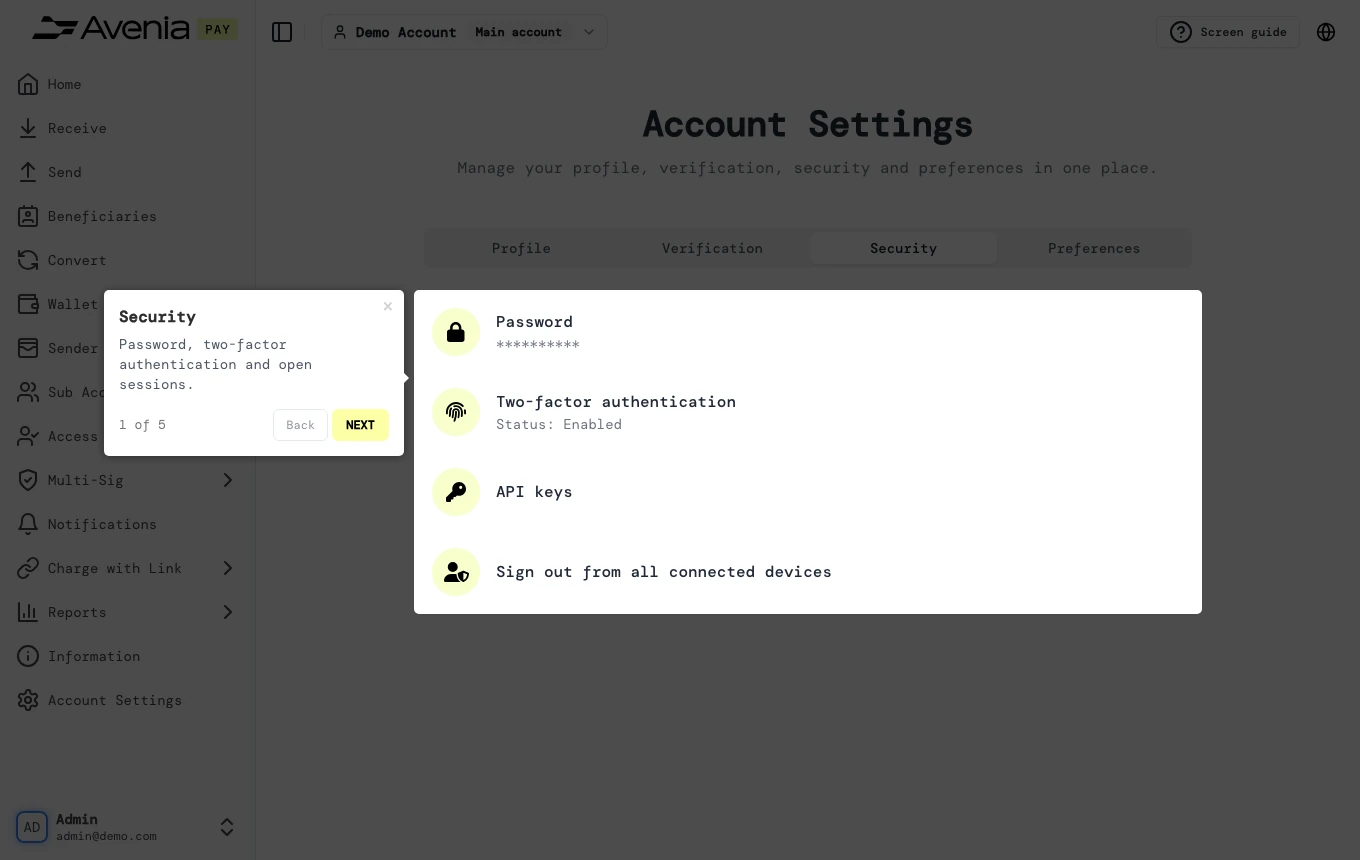
Password, two-factor authentication and open sessions.
- Where: Side menu → Account Settings, tab Security.
- Who can use it: every access to the account, view-only included.
Step by step
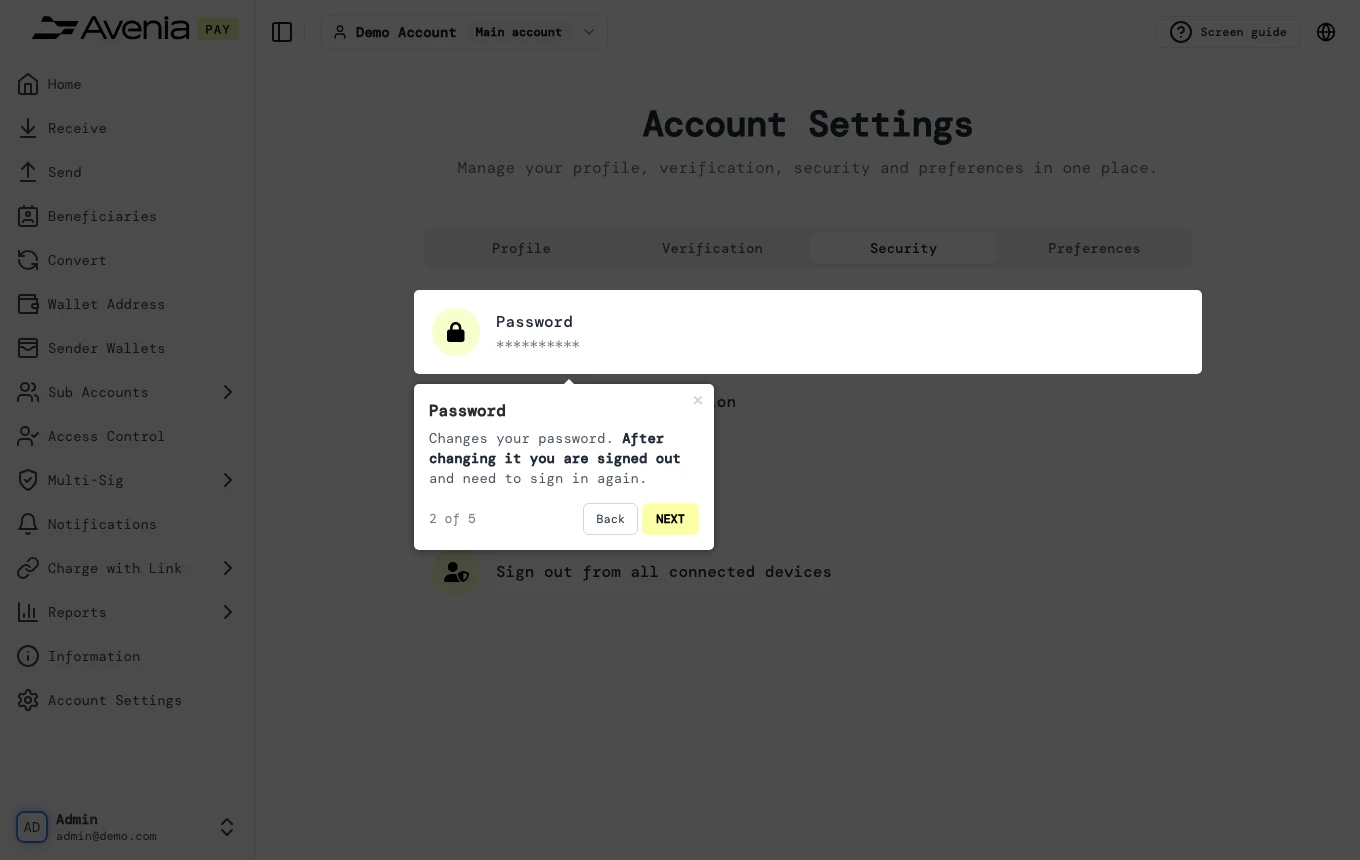
1. Password
Changes your password. After changing it you are signed out and need to sign in again.
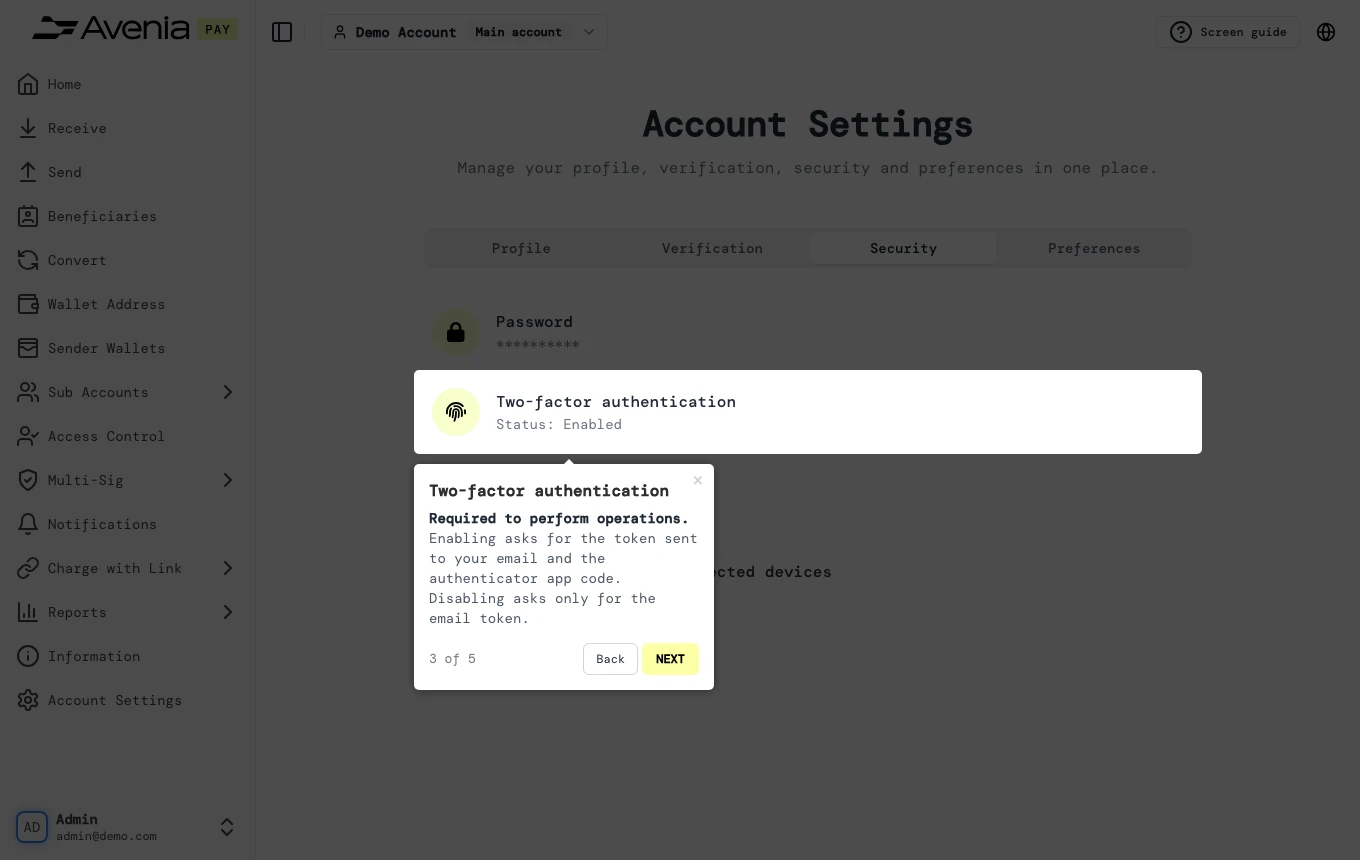
2. Two-factor authentication
Required to perform operations. Enabling asks for the token sent to your email and the authenticator app code. Disabling asks only for the email token.
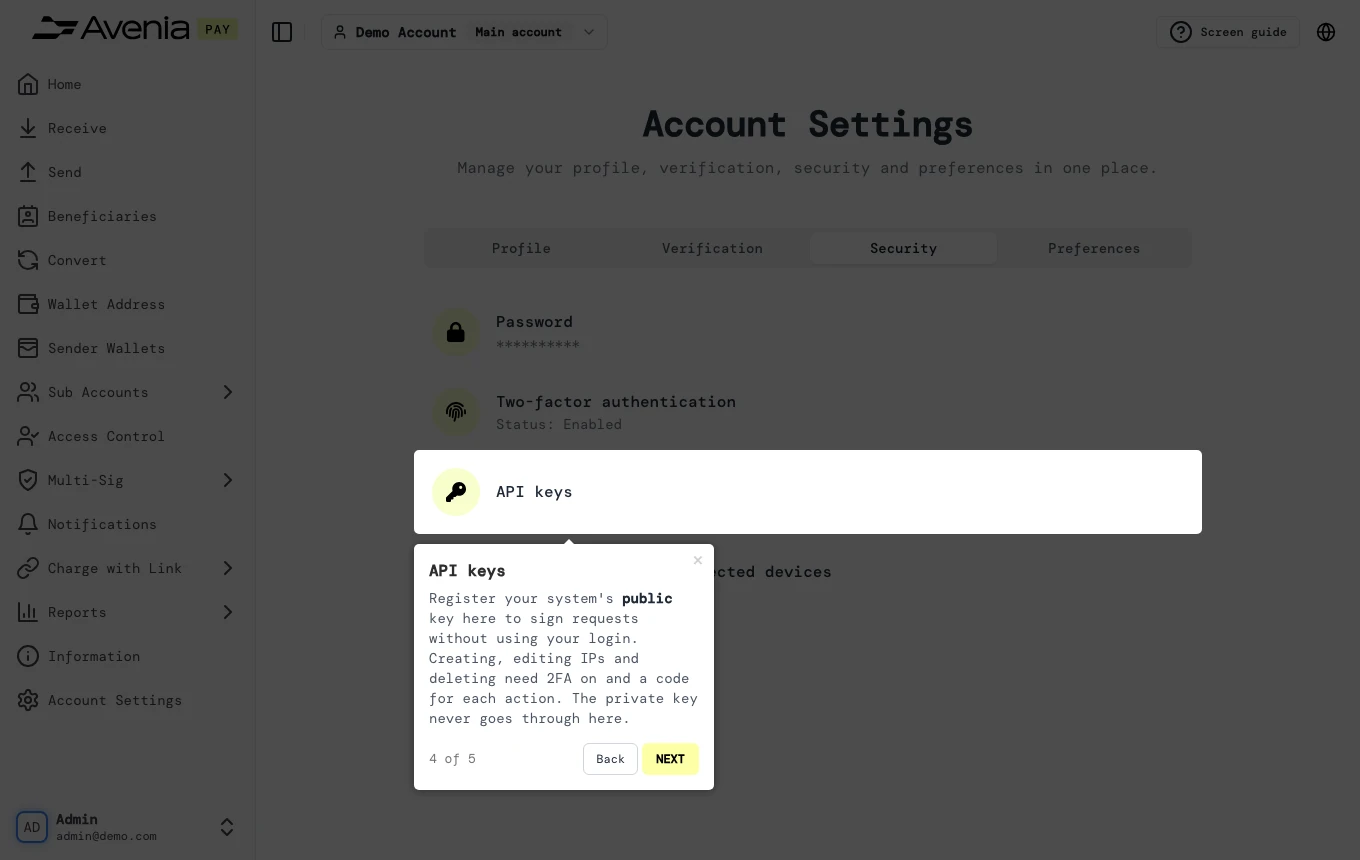
3. API keys
Register your system's public key here to sign requests without using your login. Creating, editing IPs and deleting need 2FA on and a code for each action. The private key never goes through here.
4. Sign out from all devices
Ends every session, this one included.
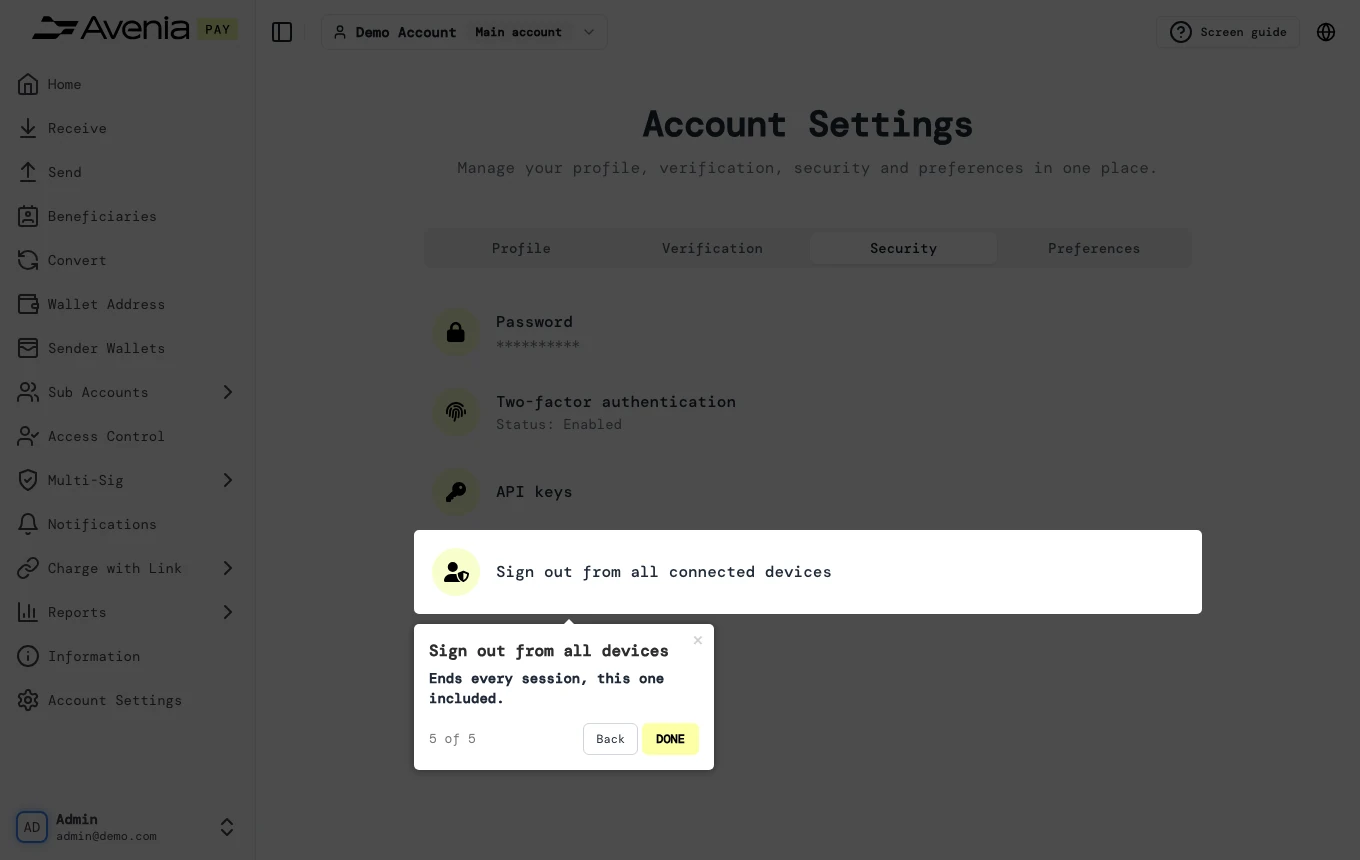
Screen guide
The Screen guide button at the top of this screen in the dashboard walks you through the same steps over your own data.