Account Settings: Verification
Your identity verification and your limits.
- Where: Side menu → Account Settings, tab Verification.
- Who can use it: every access to the account, view-only included.
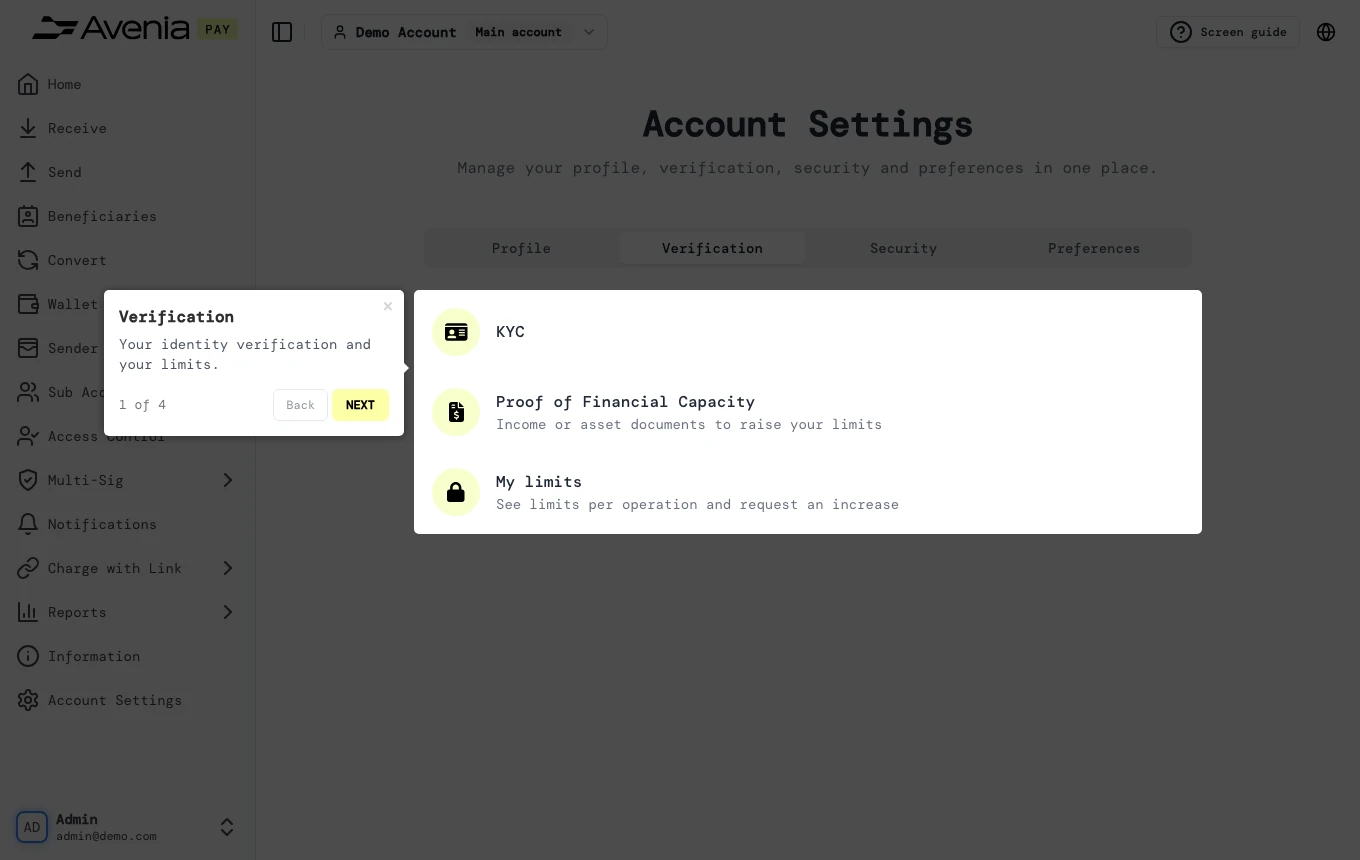
Step by step
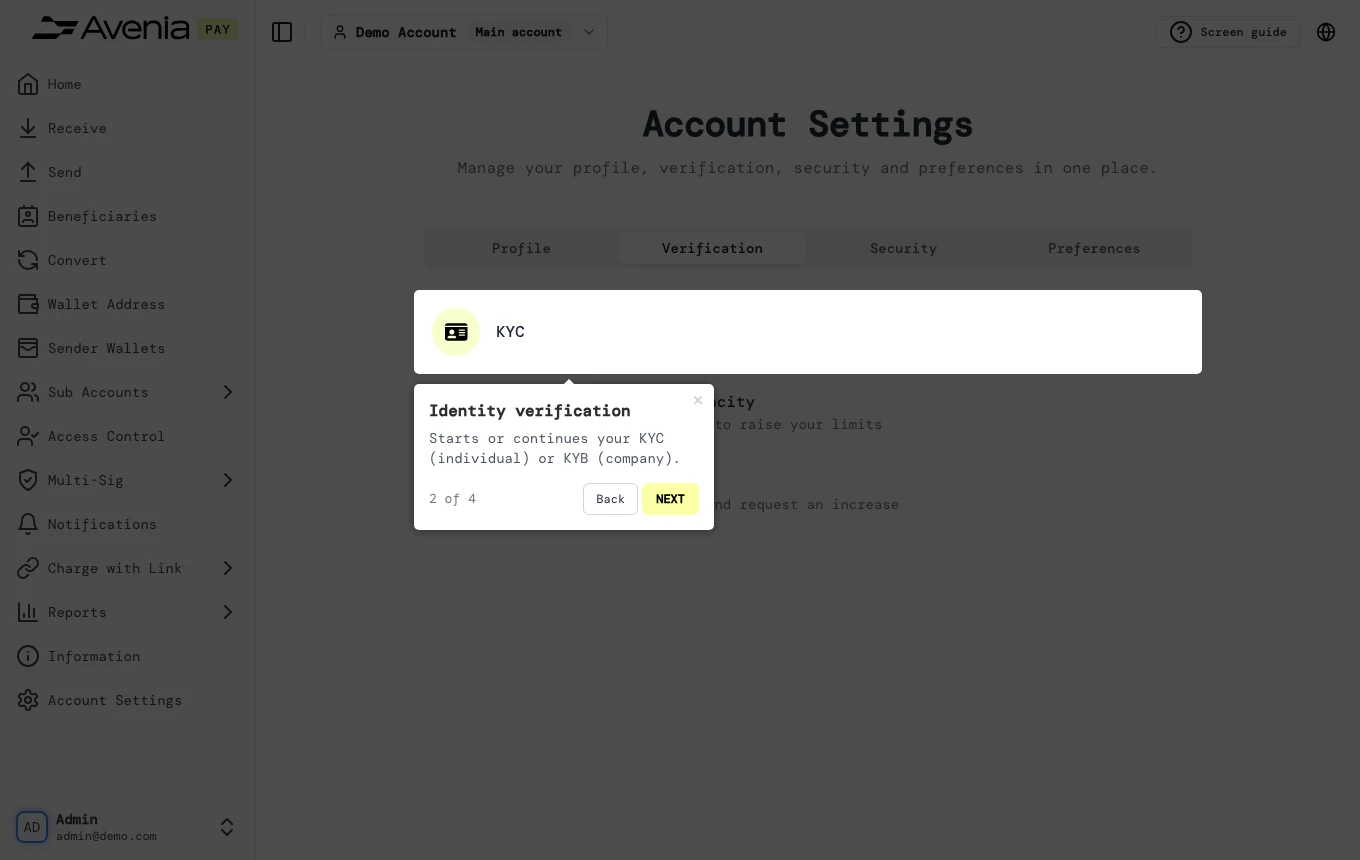
1. Identity verification
Starts or continues your KYC (individual) or KYB (company).
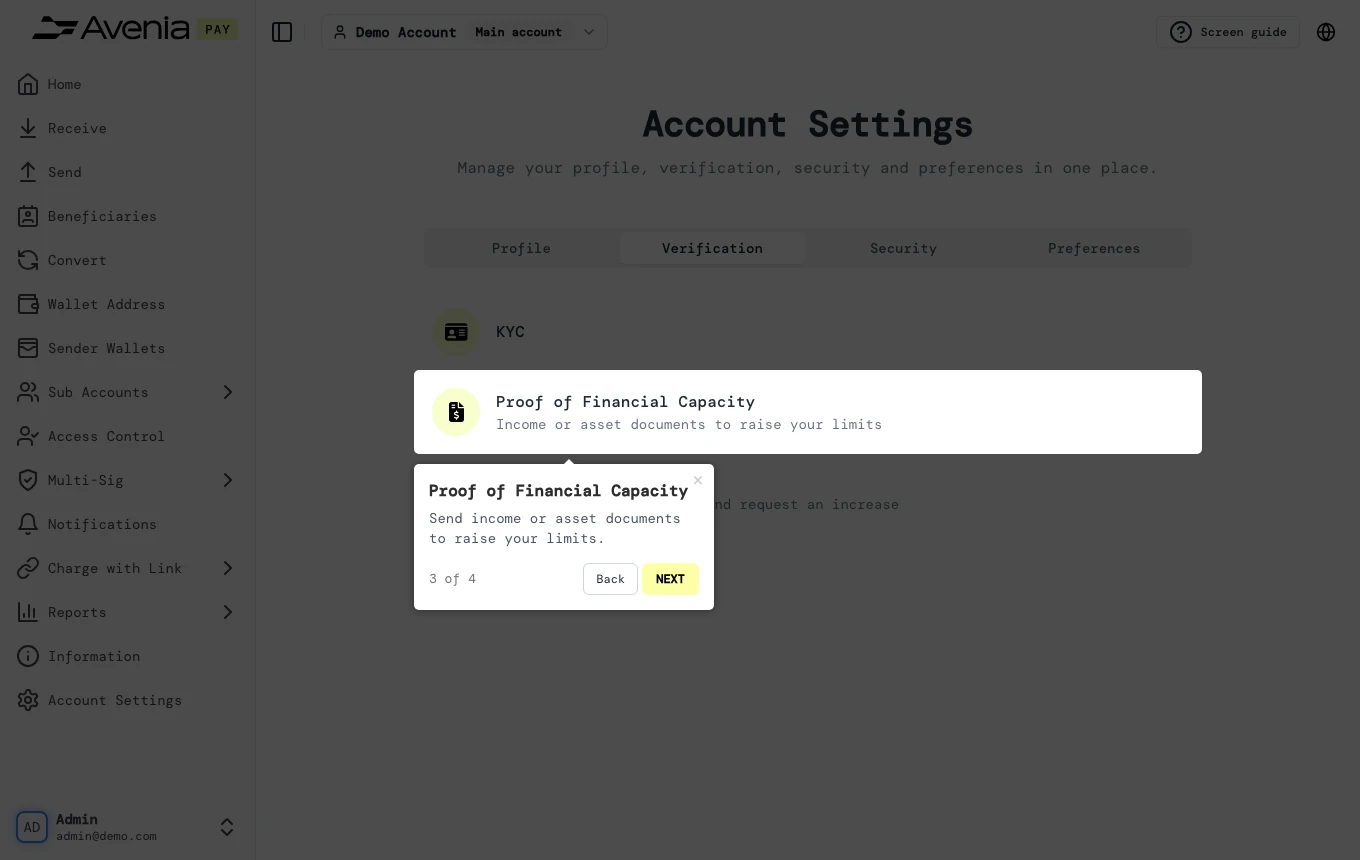
2. Proof of Financial Capacity
Send income or asset documents to raise your limits.
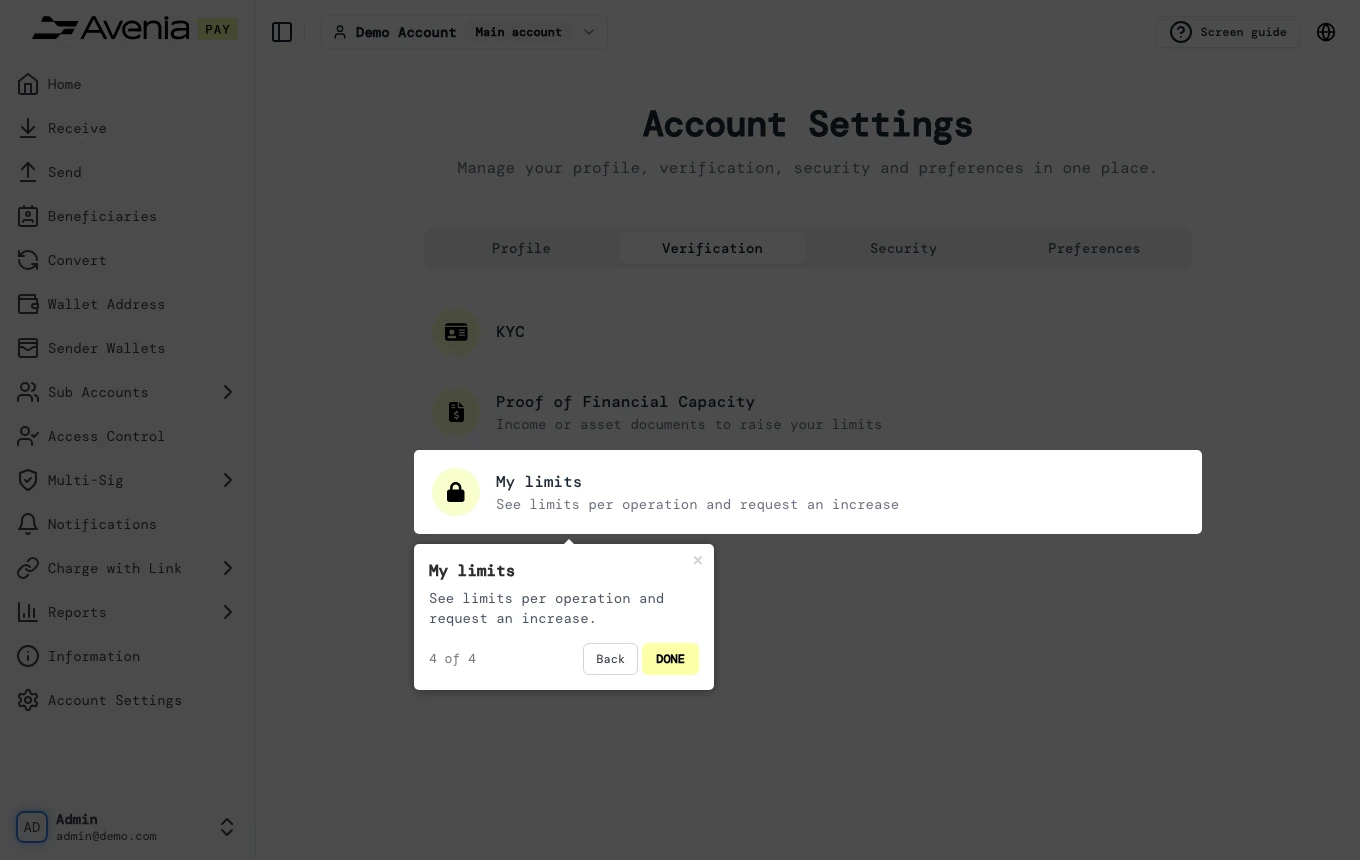
3. My limits
See limits per operation and request an increase.
Screen guide
The Screen guide button at the top of this screen in the dashboard walks you through the same steps over your own data.