Account Settings: Preferences
How the app works for you.
- Where: Side menu → Account Settings, tab Preferences.
- Who can use it: every access to the account, view-only included.
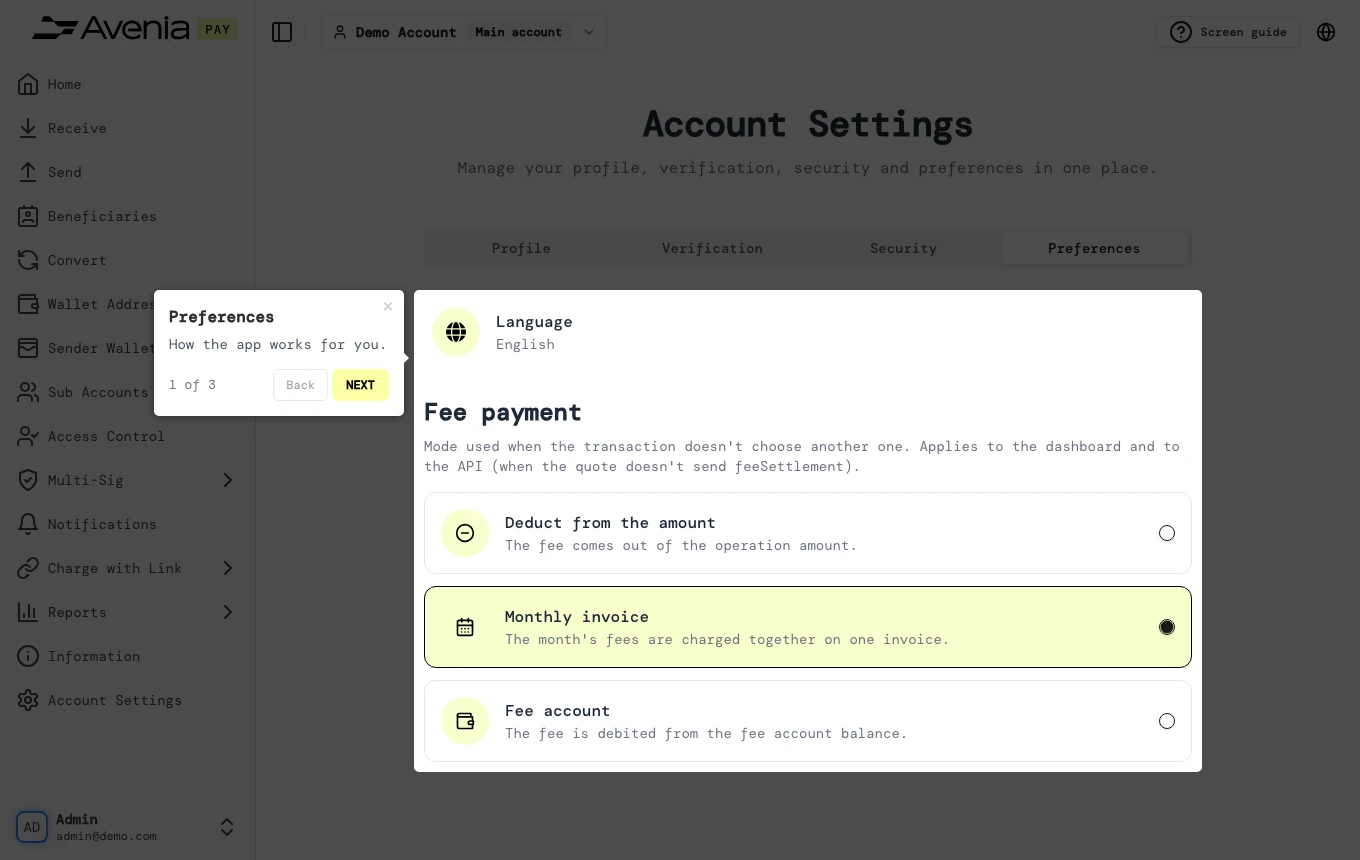
Step by step
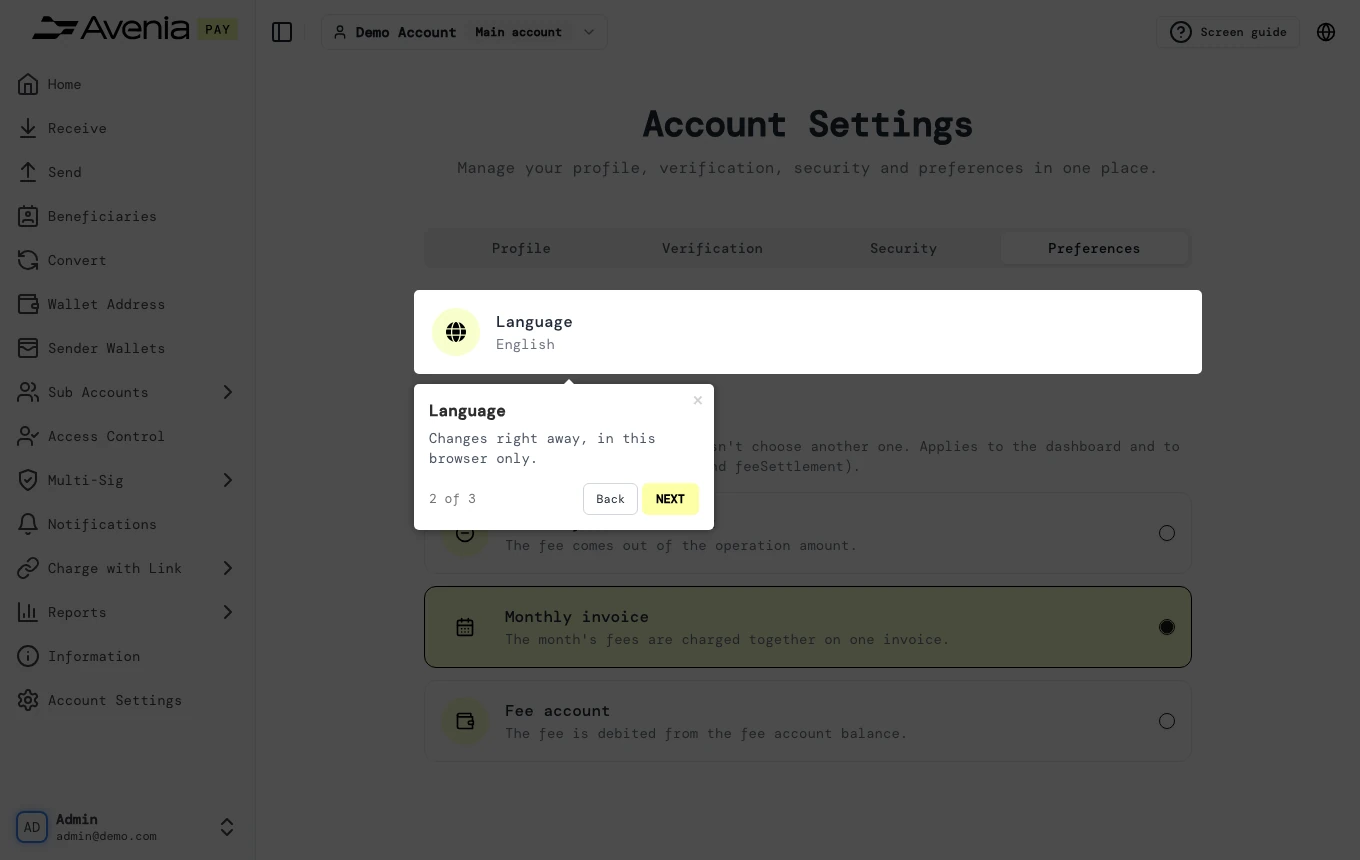
1. Language
Changes right away, in this browser only.
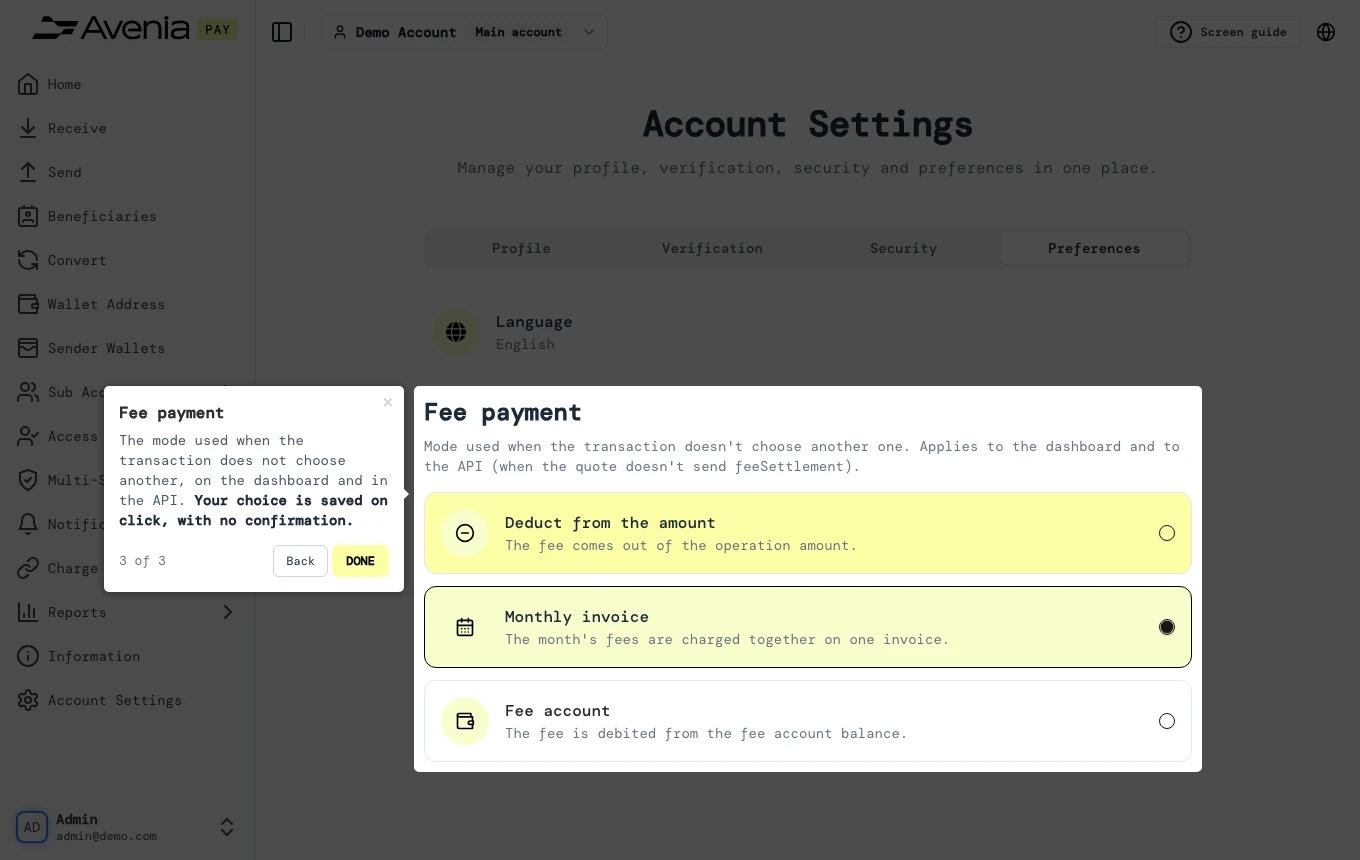
2. Fee payment
The mode used when the transaction does not choose another, on the dashboard and in the API. Your choice is saved on click, with no confirmation.
Screen guide
The Screen guide button at the top of this screen in the dashboard walks you through the same steps over your own data.