Receive
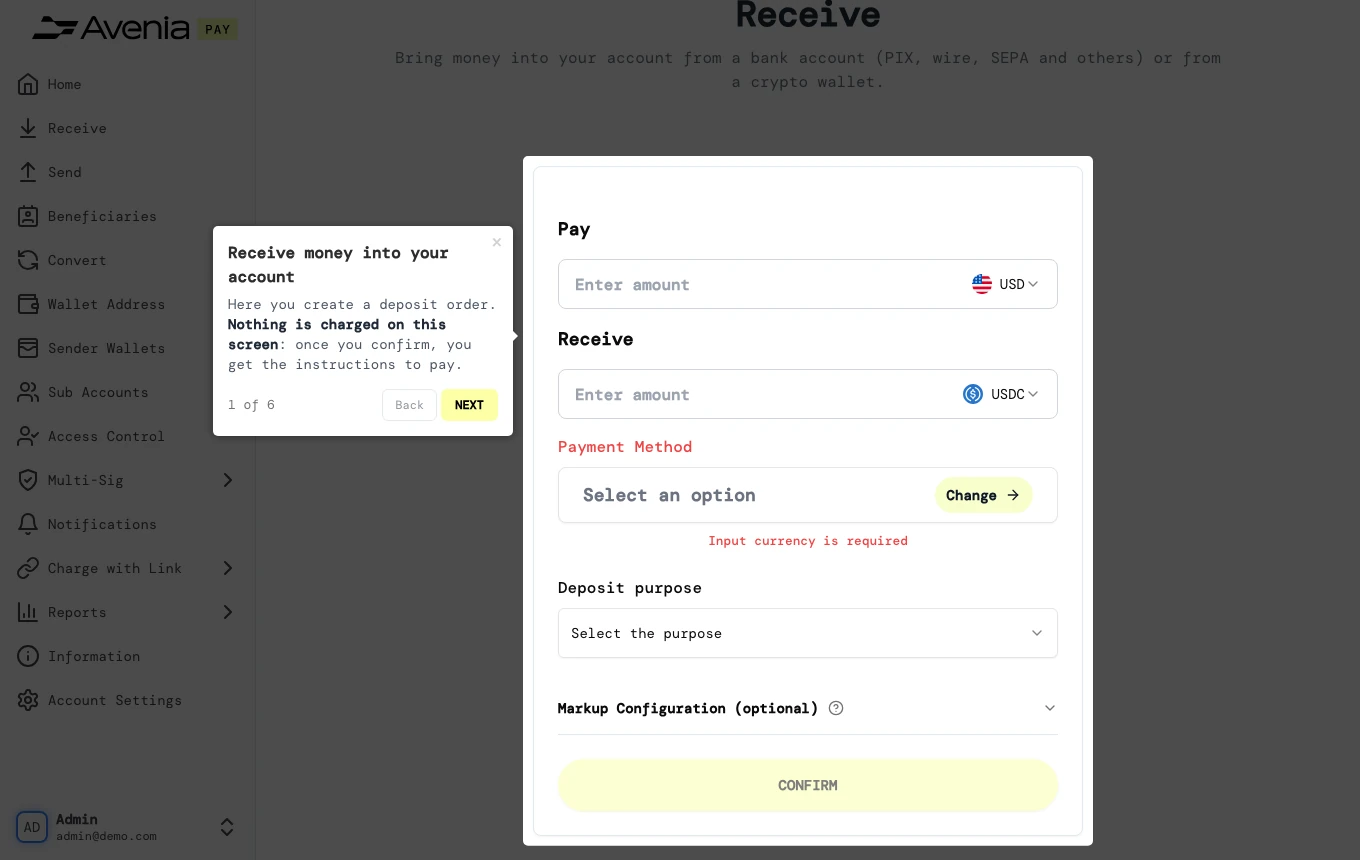
Here you create a deposit order. Nothing is charged on this screen: once you confirm, you get the instructions to pay.
- Where: Side menu → Receive.
- Who can use it: every access to the account except a view-only one.
Step by step
1. Pay
How much you will pay and in which currency. Fill in this amount or the Receive one: the other is calculated from the quote.
2. Receive
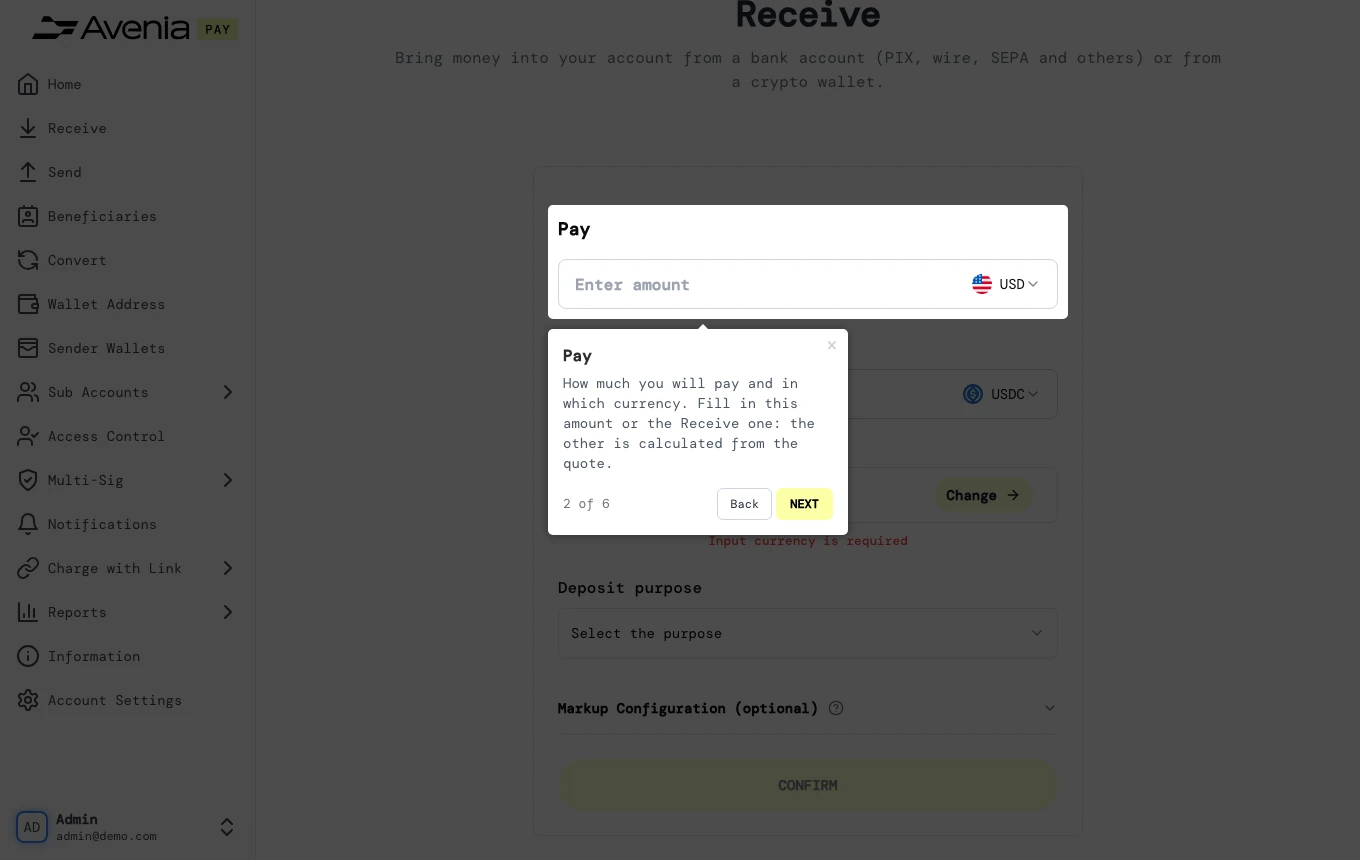
How much lands in your account and in which currency. Fees are shown in the summary below the Confirm button.
3. Payment method
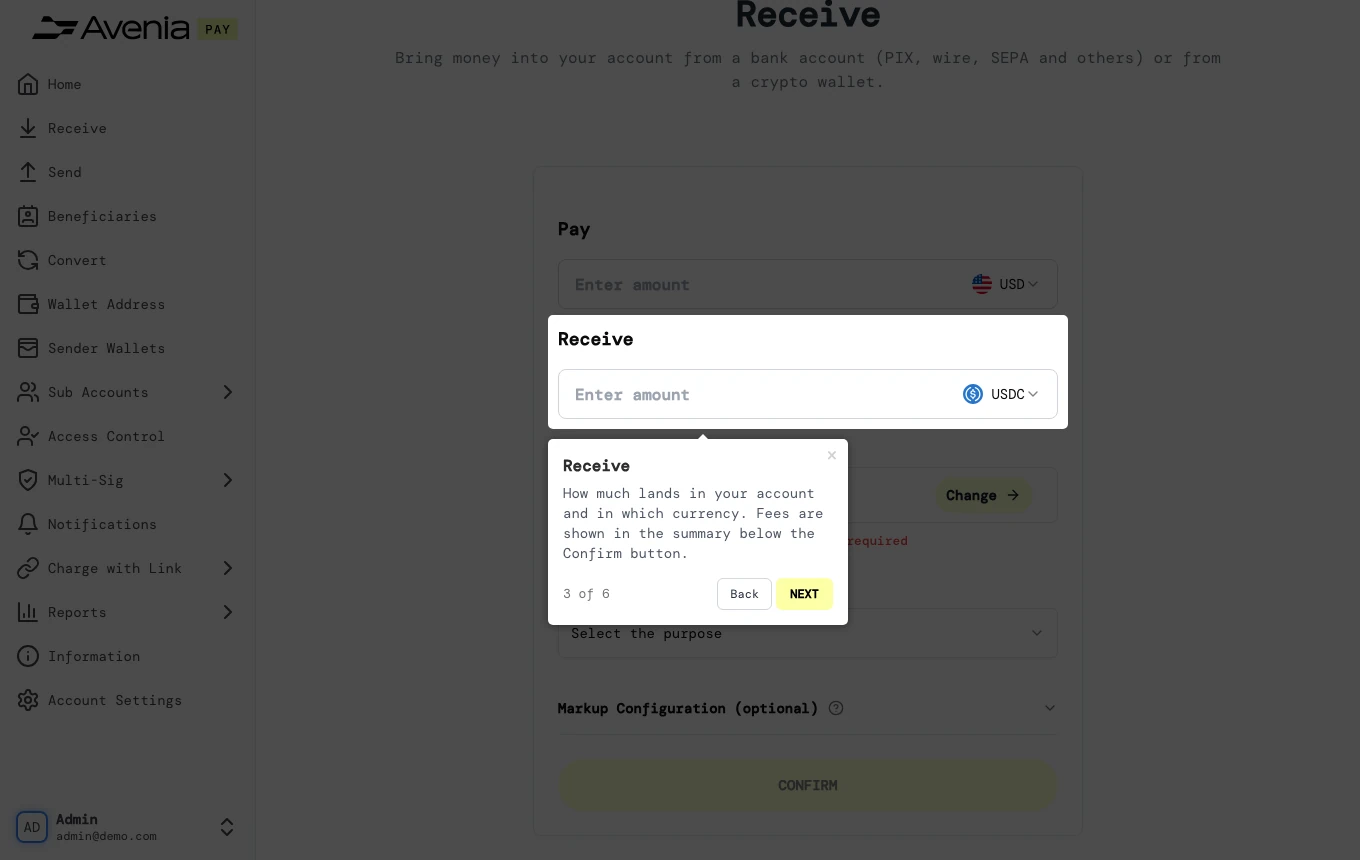
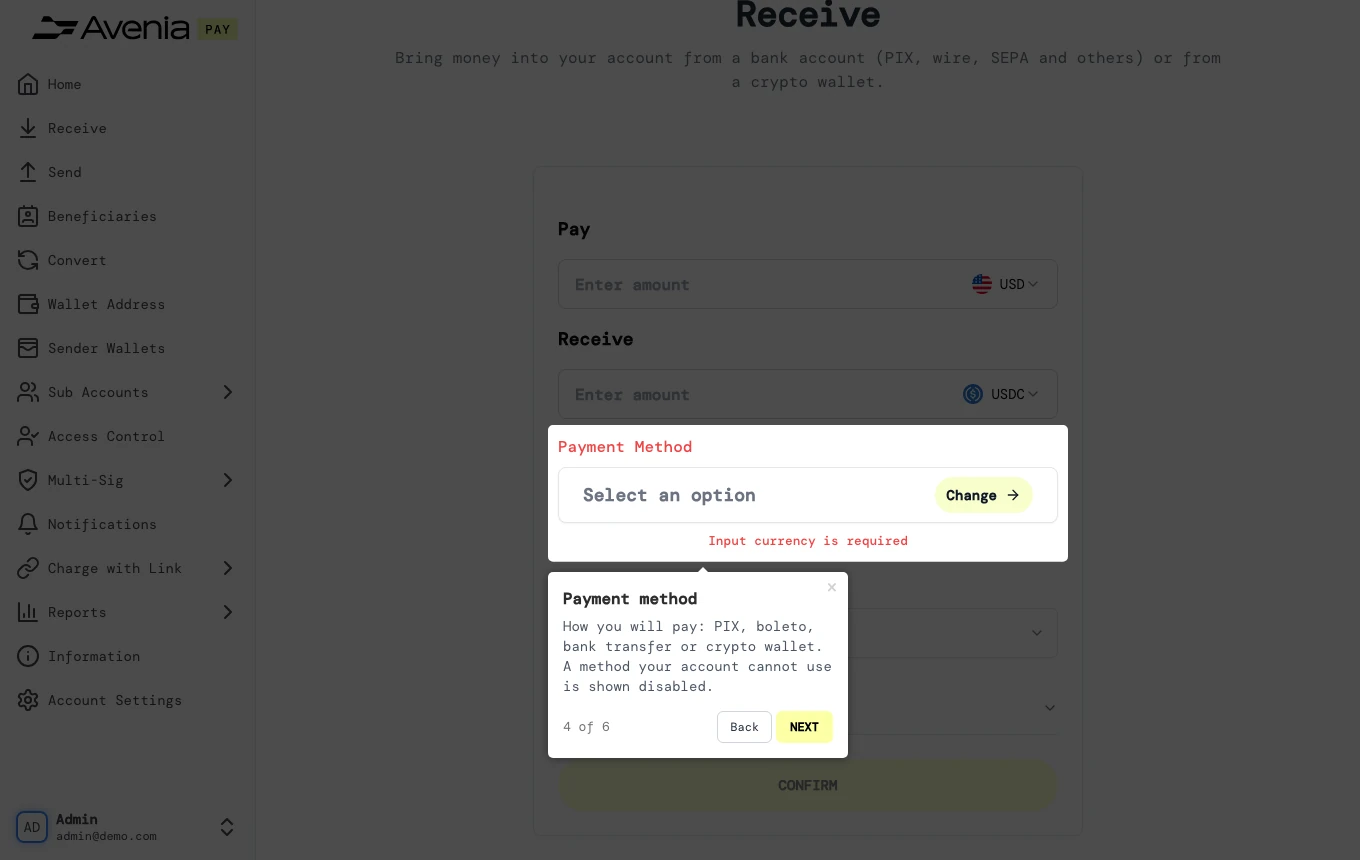
How you will pay: PIX, boleto, bank transfer or crypto wallet. A method your account cannot use is shown disabled.
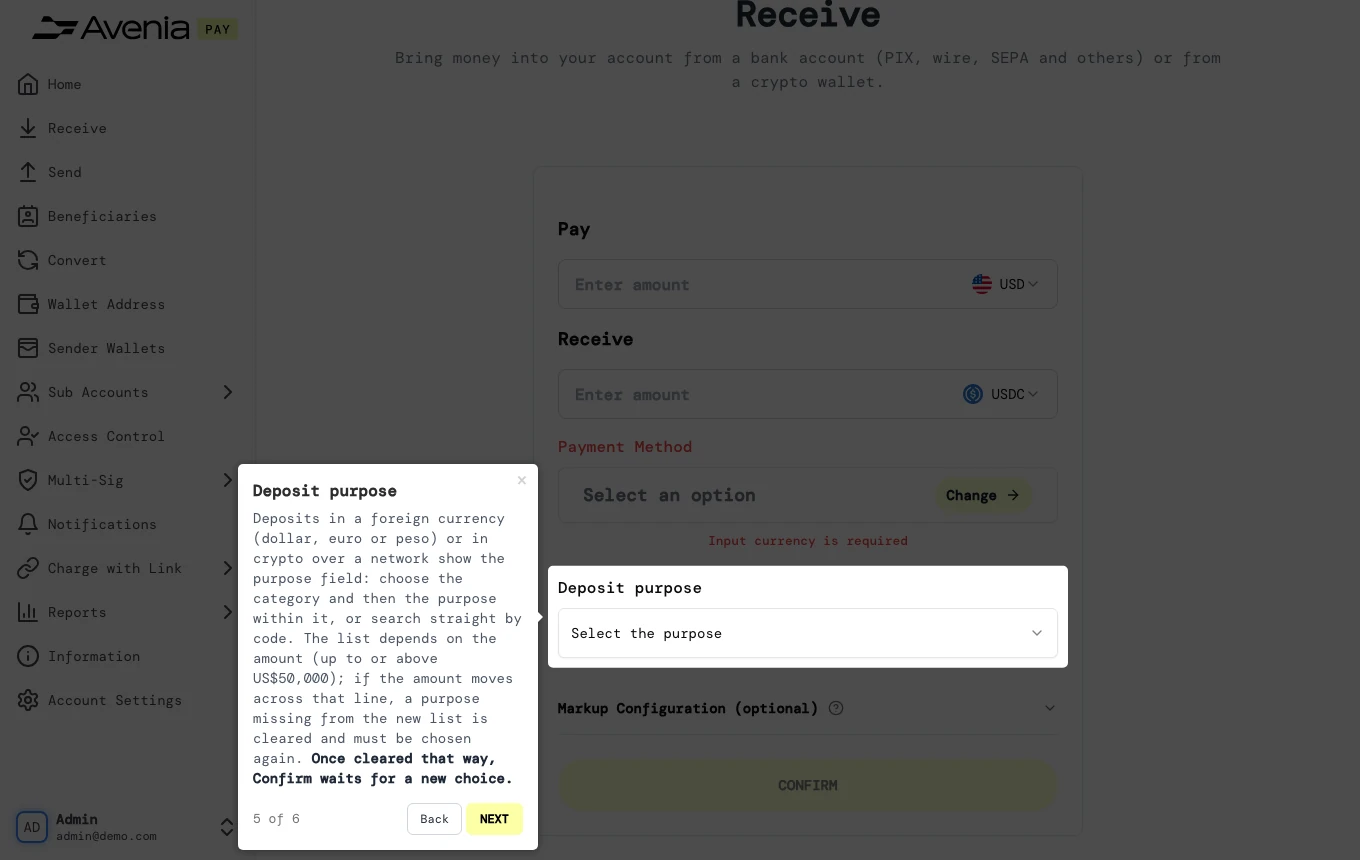
4. Deposit purpose
Deposits in a foreign currency (dollar, euro or peso) or in crypto over a network show the purpose field: choose the category and then the purpose within it, or search straight by code. The list depends on the amount (up to or above US$50,000); if the amount moves across that line, a purpose missing from the new list is cleared and must be chosen again. Once cleared that way, Confirm waits for a new choice.
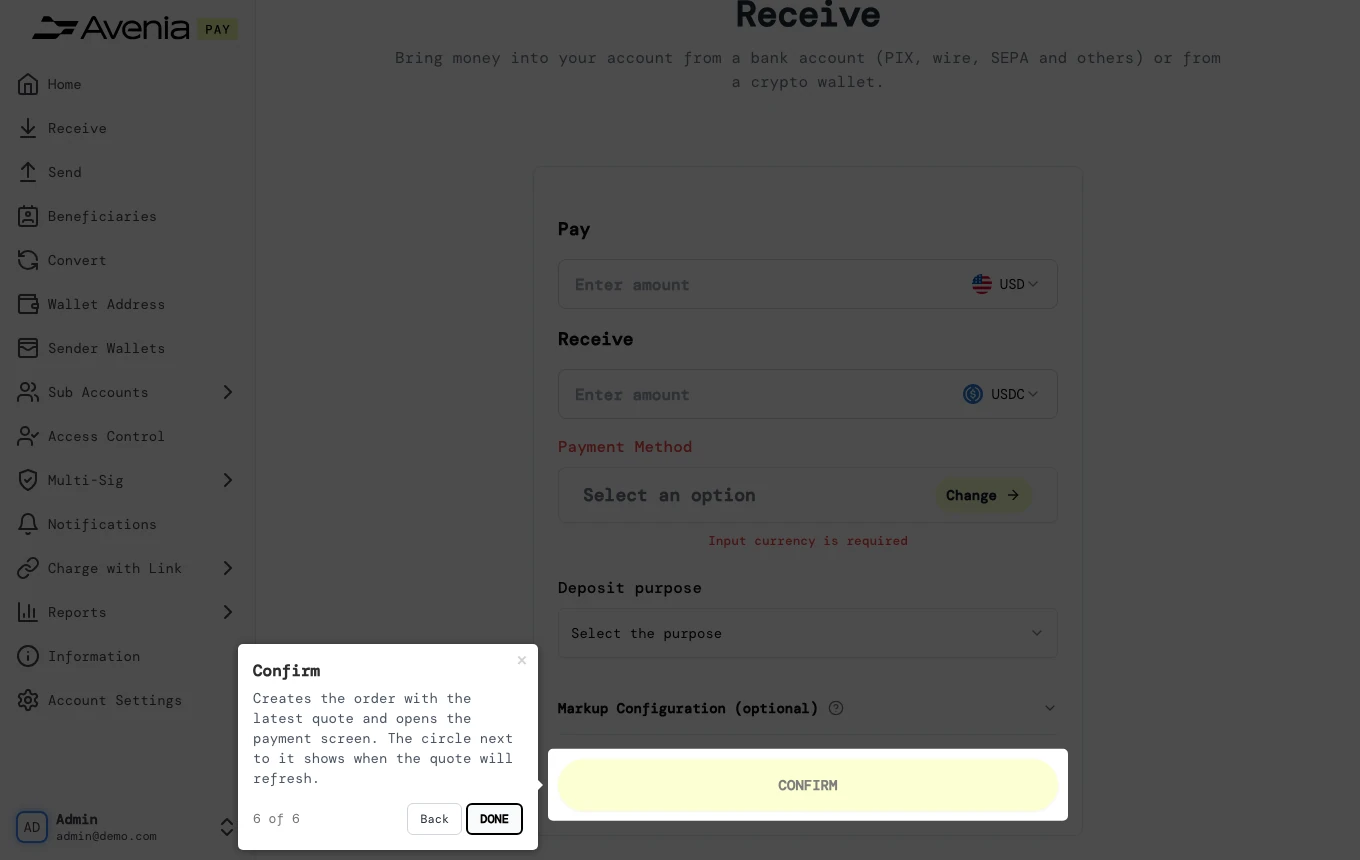
5. Confirm
Creates the order with the latest quote and opens the payment screen. The circle next to it shows when the quote will refresh.
The Screen guide button at the top of this screen in the dashboard walks you through the same steps over your own data.