Sender wallets
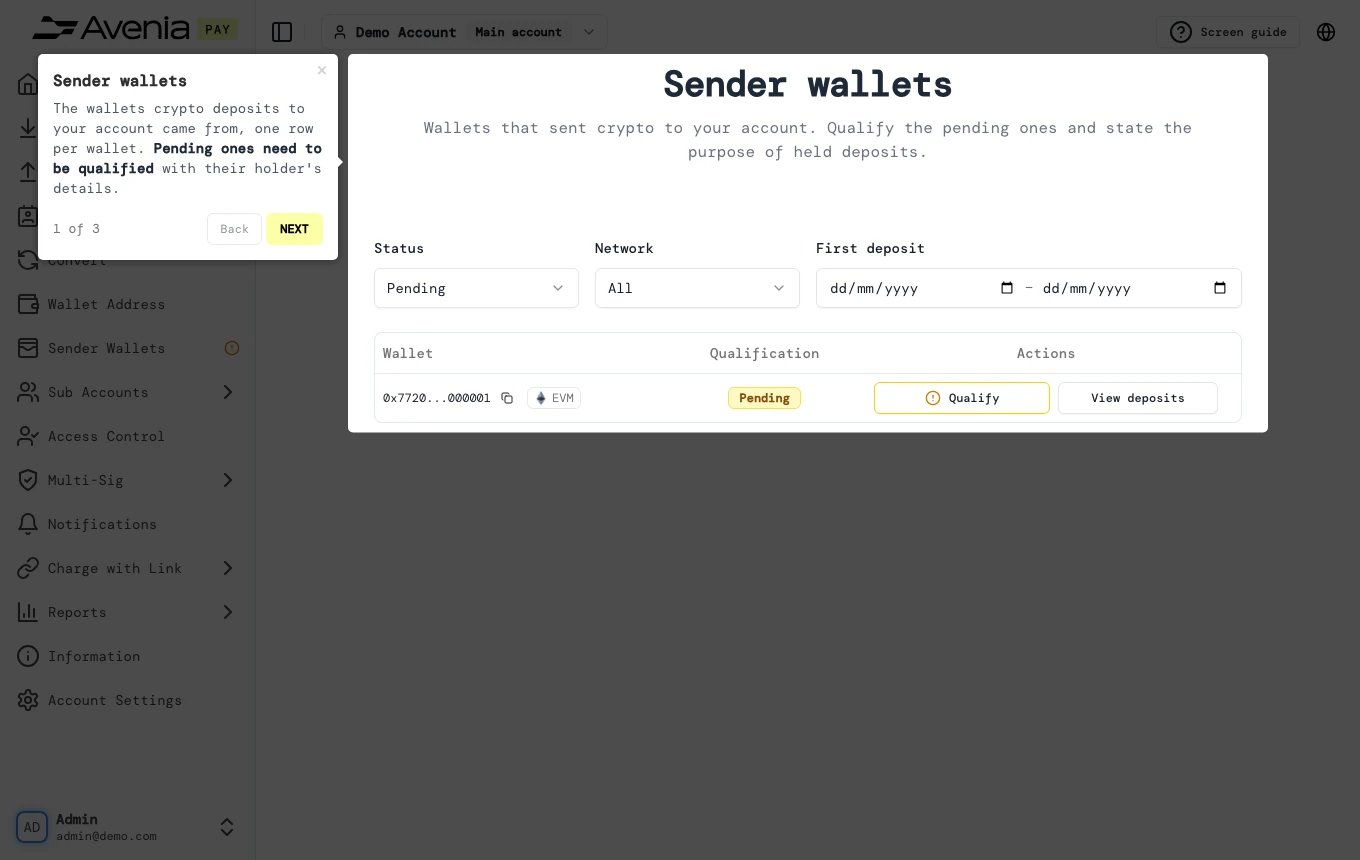
The wallets crypto deposits to your account came from, one row per wallet. Pending ones need to be qualified with their holder's details.
- Where: Side menu → Sender Wallets.
- Who can use it: every access to the account, view-only included.
Step by step
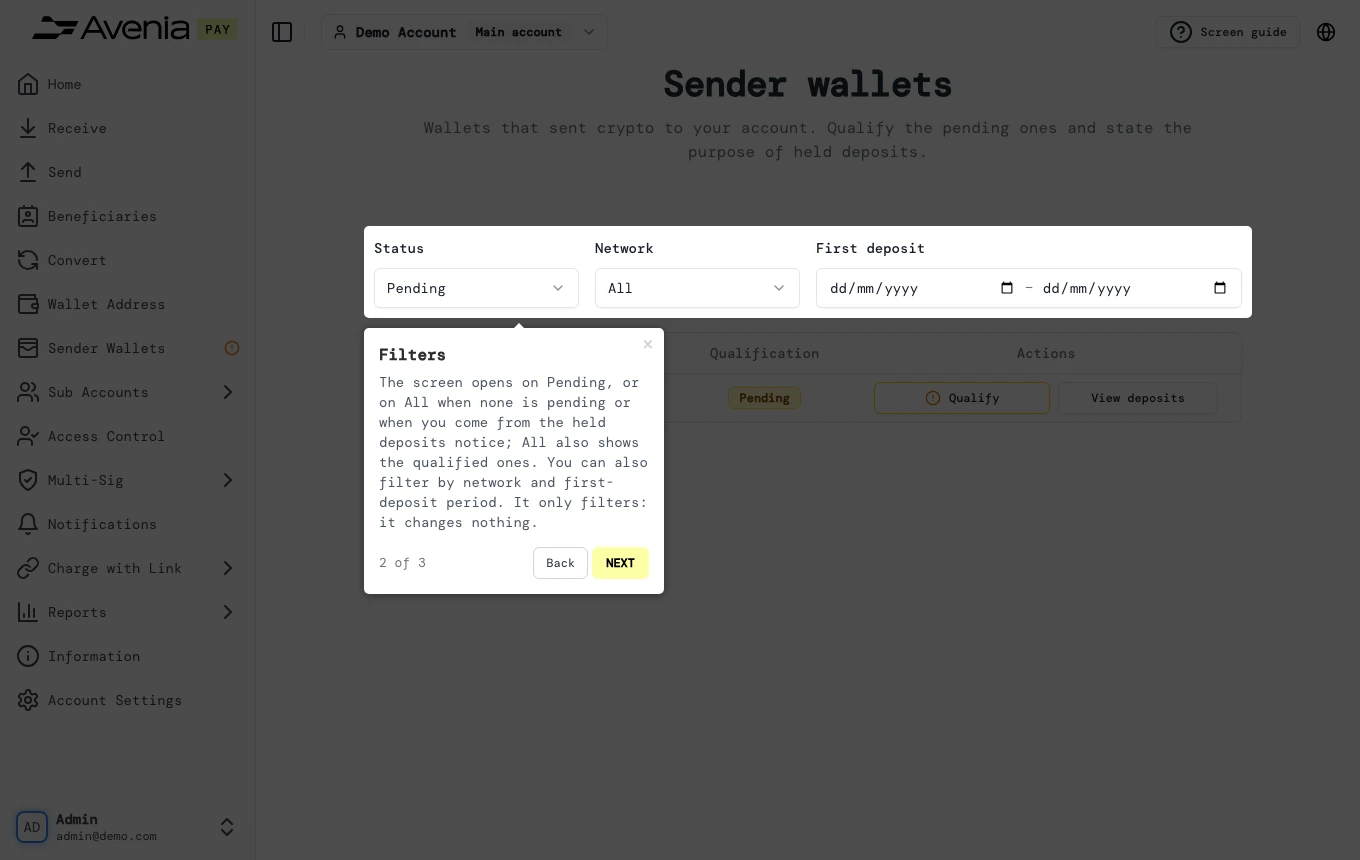
1. Filters
The screen opens on Pending, or on All when none is pending or when you come from the held deposits notice; All also shows the qualified ones. You can also filter by network and first-deposit period. It only filters: it changes nothing.
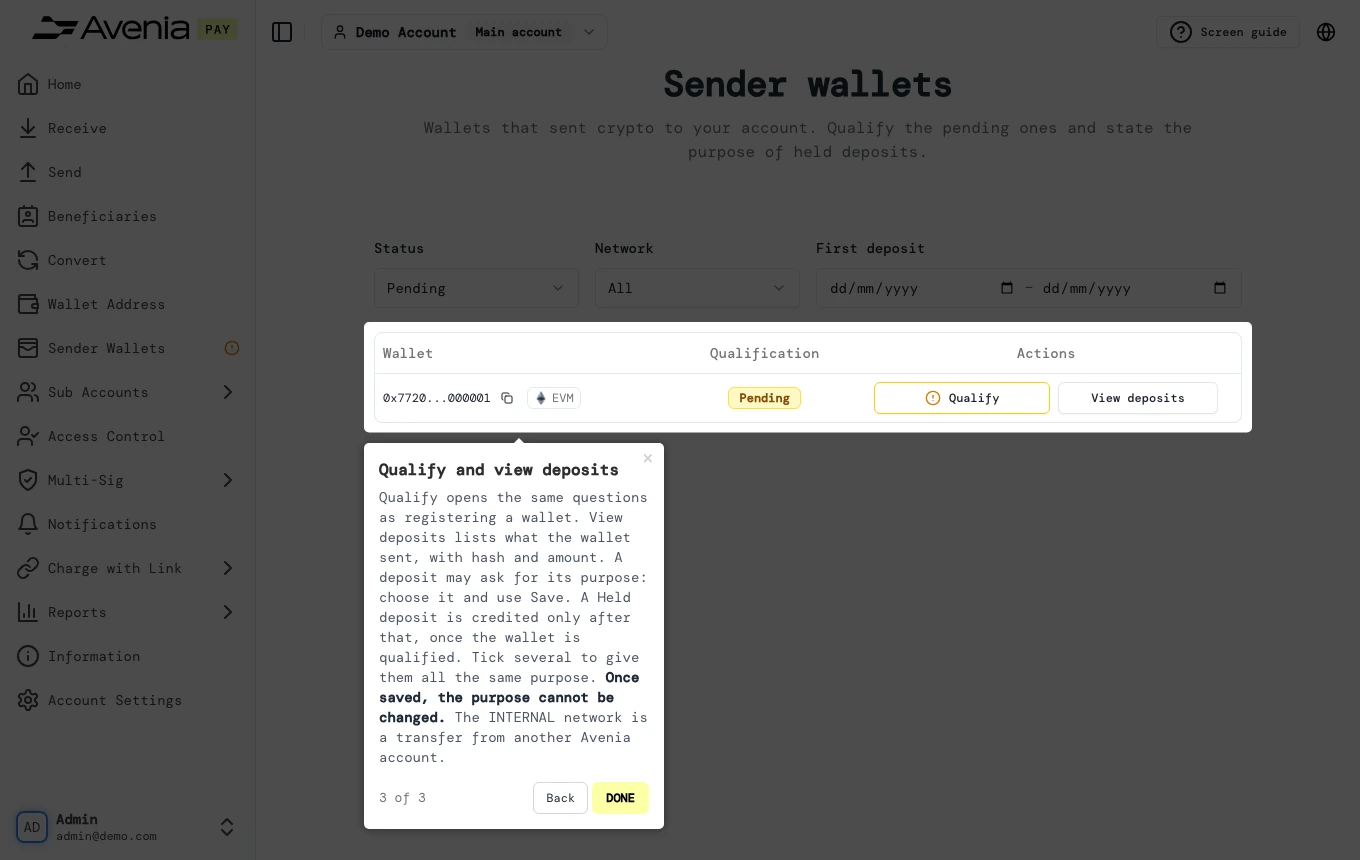
2. Qualify and view deposits
Qualify opens the same questions as registering a wallet. View deposits lists what the wallet sent, with hash and amount. A deposit may ask for its purpose: choose it and use Save. A Held deposit is credited only after that, once the wallet is qualified. Tick several to give them all the same purpose. Once saved, the purpose cannot be changed. The INTERNAL network is a transfer from another Avenia account.
The Screen guide button at the top of this screen in the dashboard walks you through the same steps over your own data.