D1 Settlement
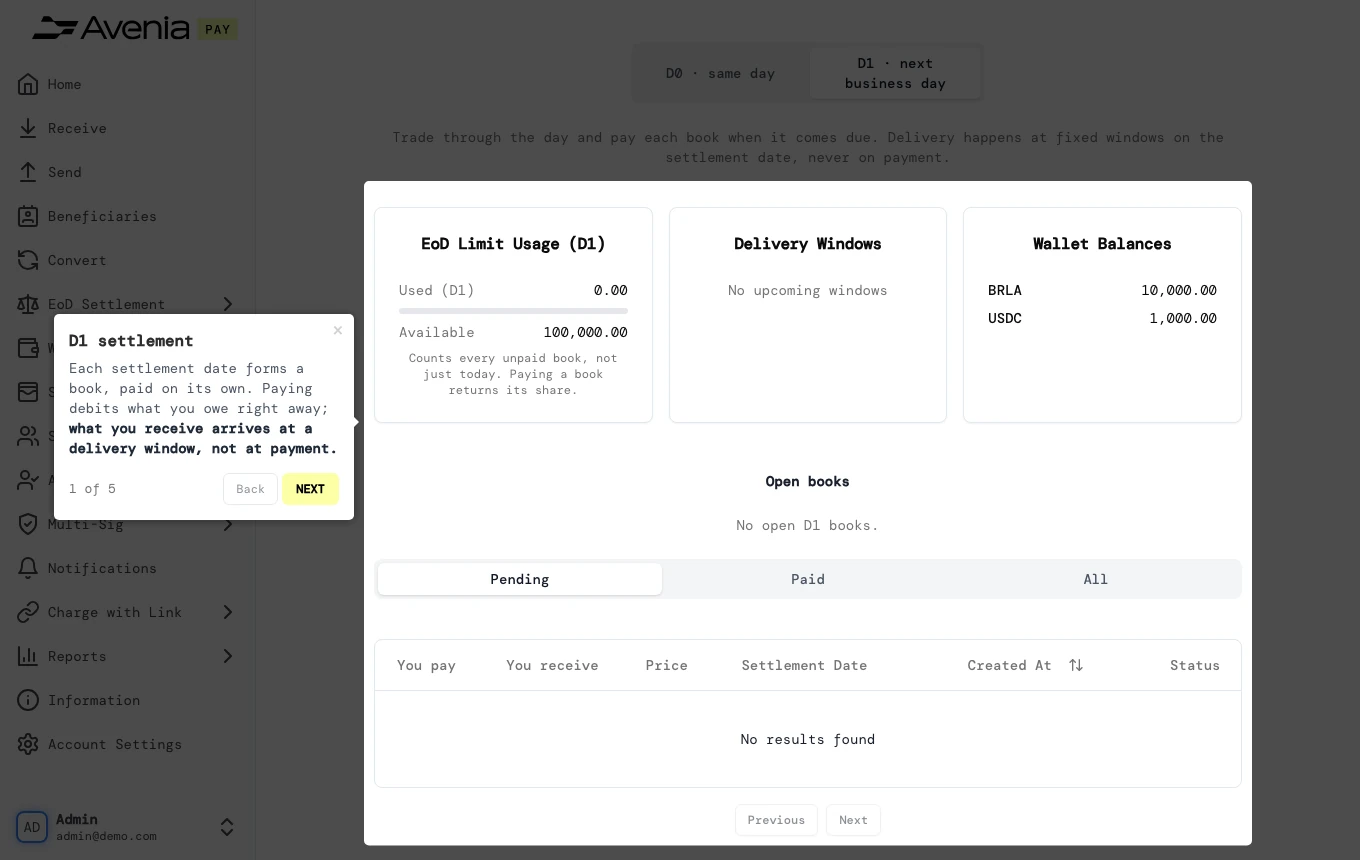
Each settlement date forms a book, paid on its own. Paying debits what you owe right away; what you receive arrives at a delivery window, not at payment.
- Where: The D1 · next business day tab of the EoD settlement screen, next to D0 Settlement.
- Who can use it: every access to the account, view-only included.
Availability
This screen shows only for accounts with end-of-day (EoD) settlement. To use it, contact your Avenia account manager.
Step by step
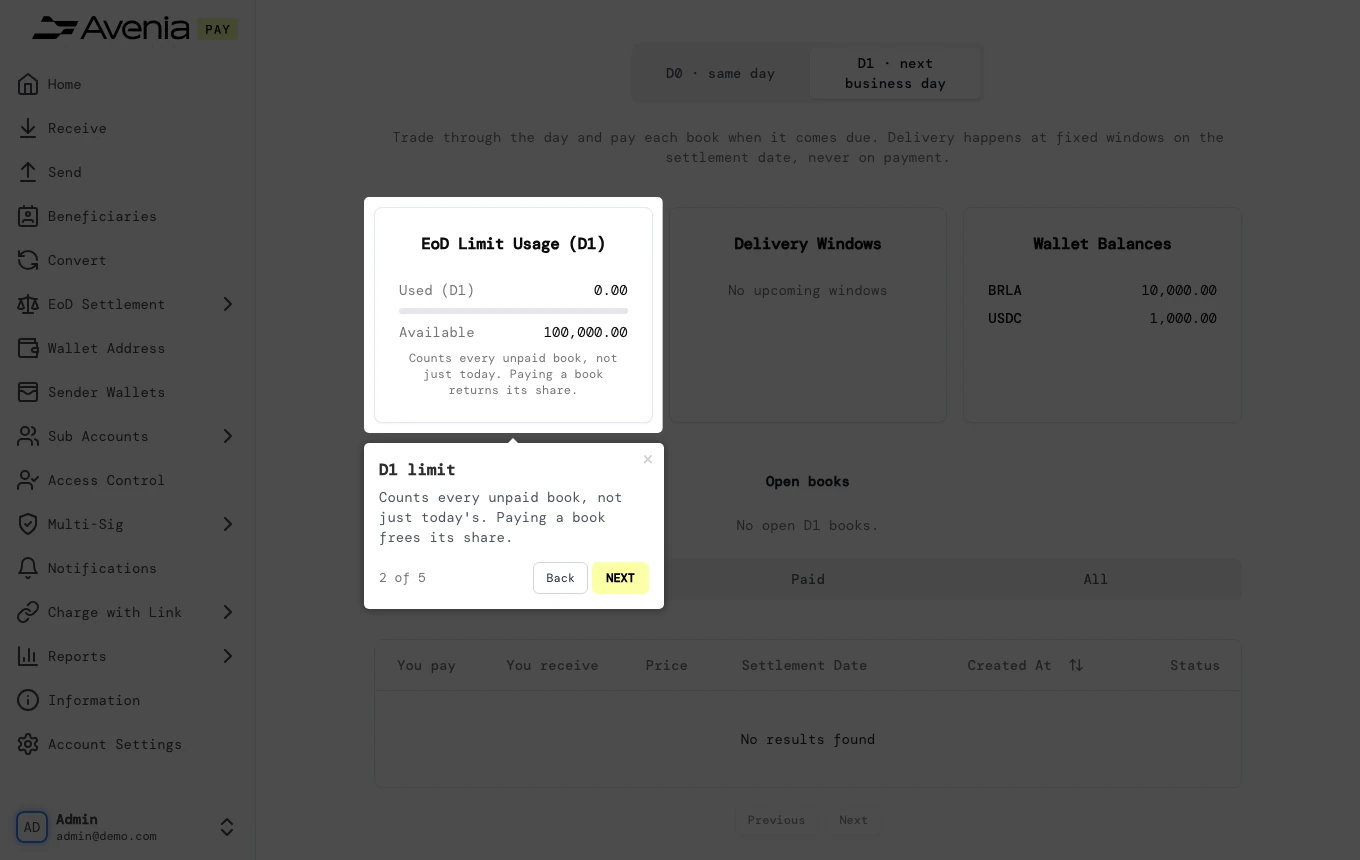
1. D1 limit
Counts every unpaid book, not just today's. Paying a book frees its share.
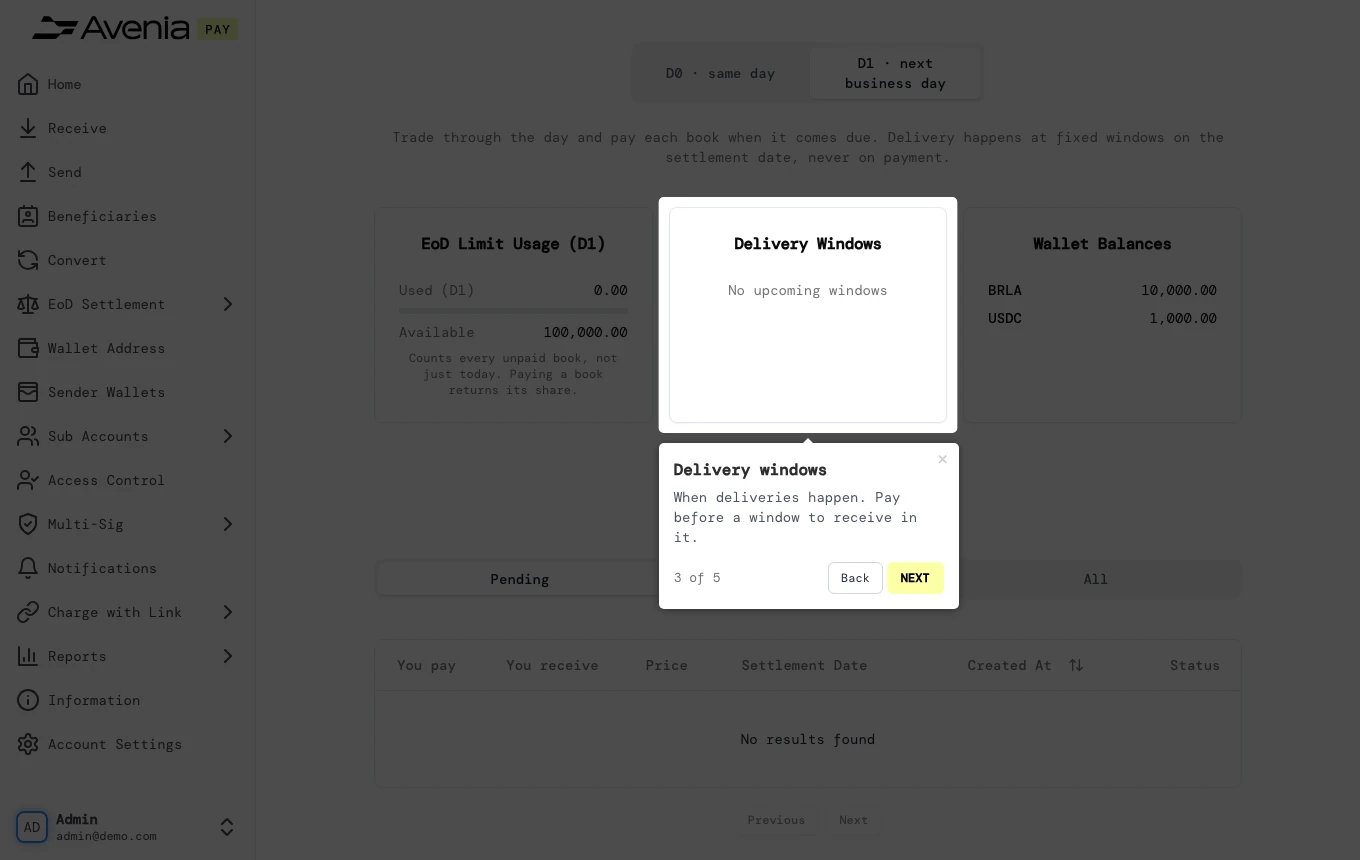
2. Delivery windows
When deliveries happen. Pay before a window to receive in it.
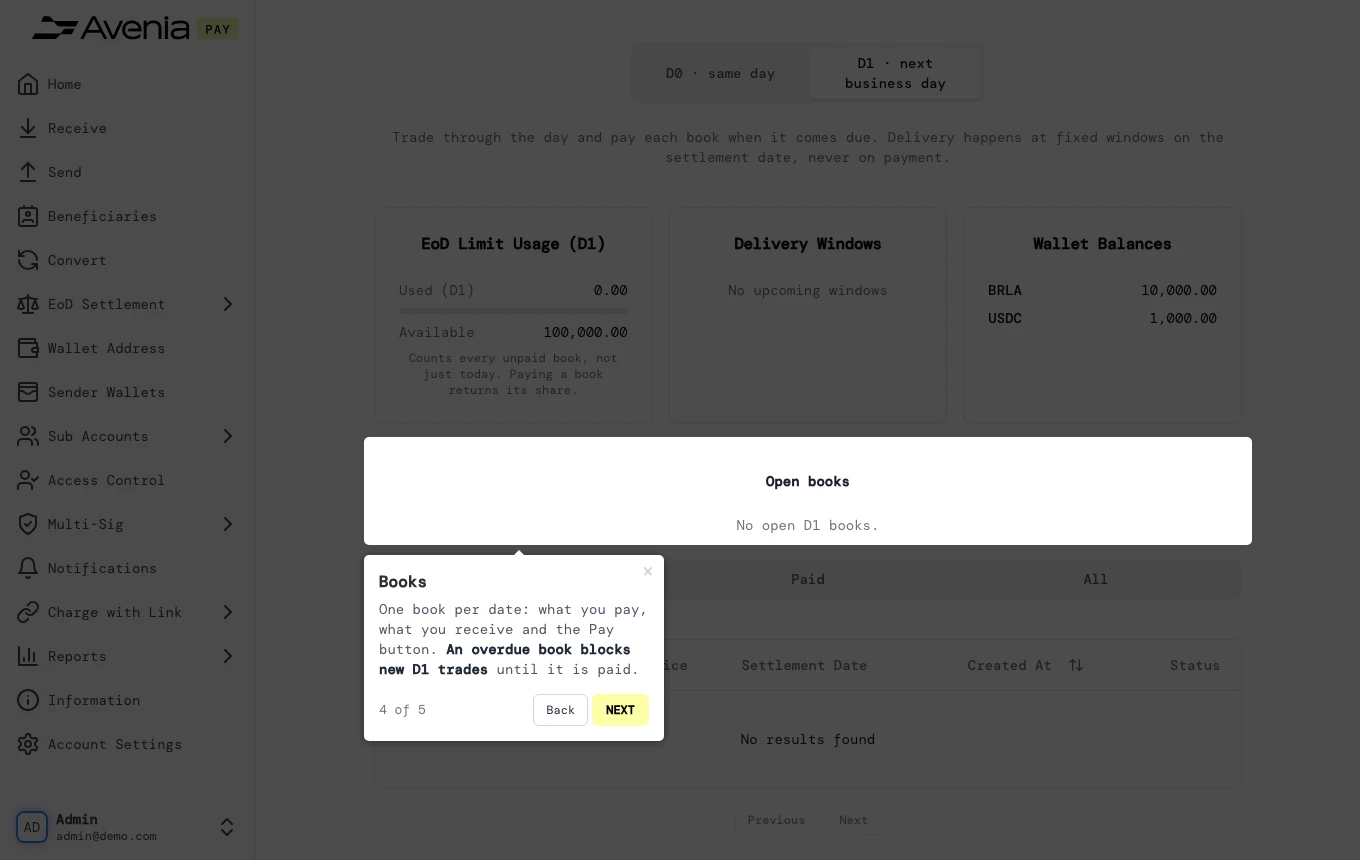
3. Books
One book per date: what you pay, what you receive and the Pay button. An overdue book blocks new D1 trades until it is paid.
4. Trades
Each D1 trade, with its settlement date and status.
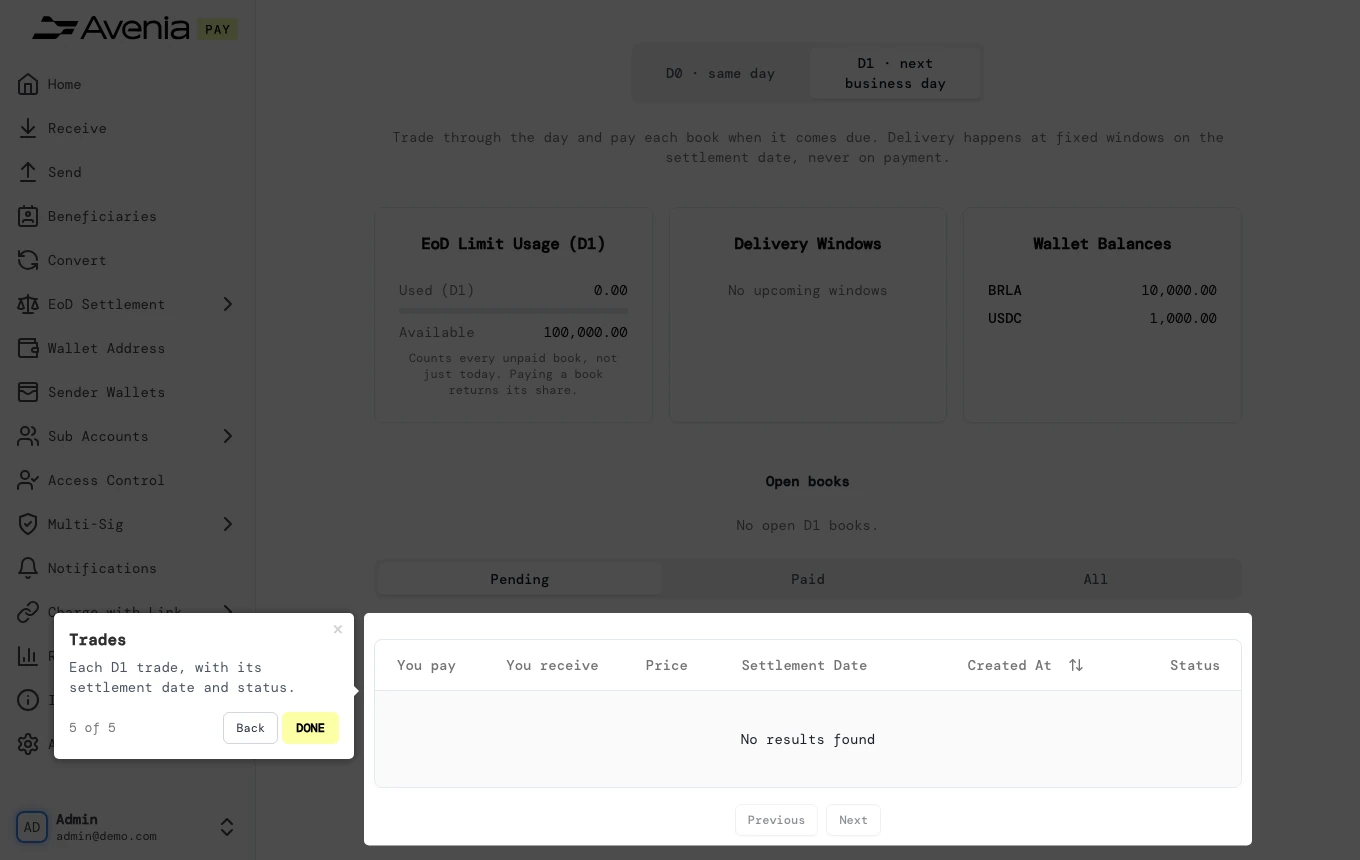
Screen guide
The Screen guide button at the top of this screen in the dashboard walks you through the same steps over your own data.