New EoD Trade
Quote BRLA/USDC and record a trade that goes into your settlement. Nothing is debited when you confirm: payment happens on the Settlement screen.
- Where: Side menu → EoD Settlement → New EoD Trade.
- Who can use it: the account administrator and accesses allowed to convert.
This screen shows only for accounts with end-of-day (EoD) settlement. To use it, contact your Avenia account manager.
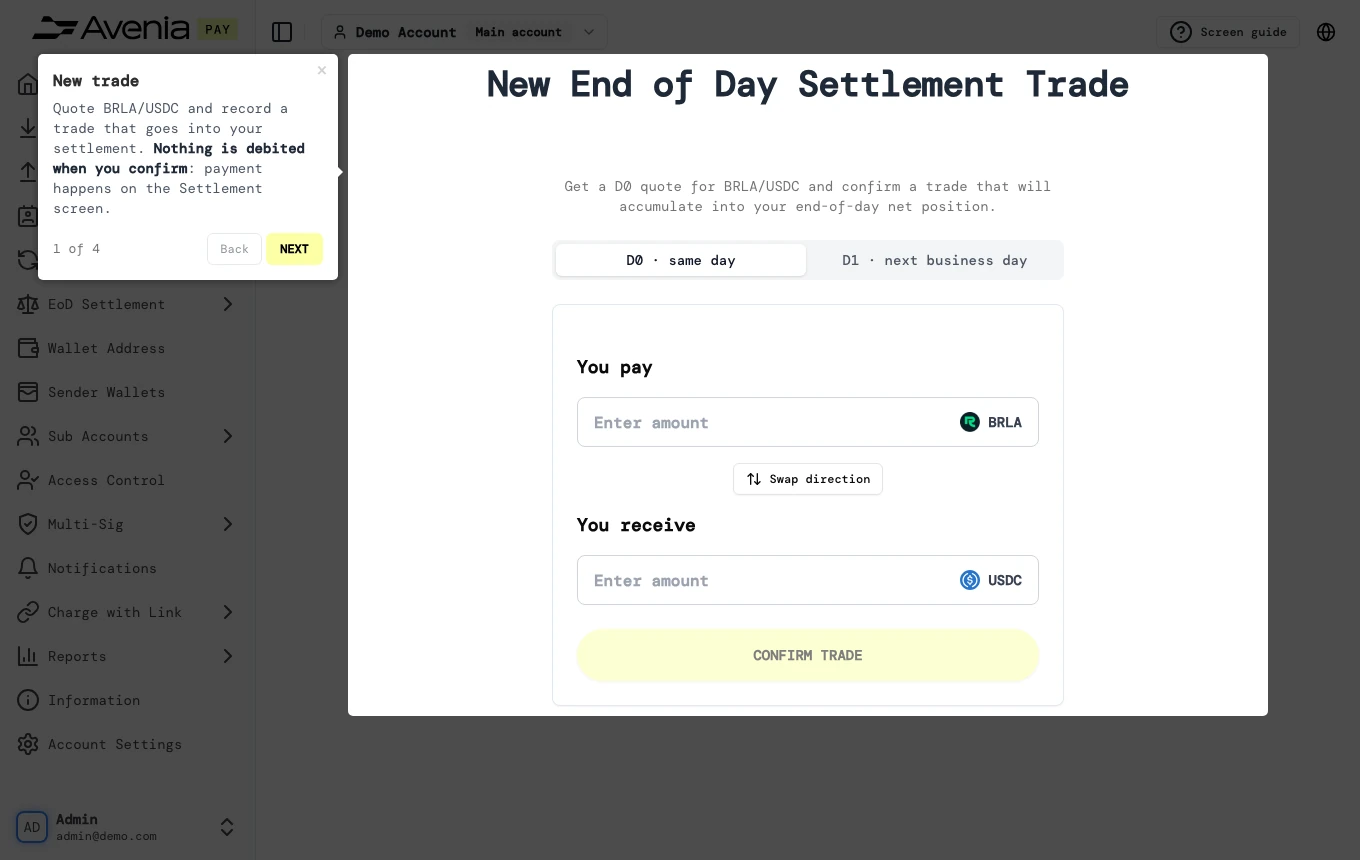
Step by step
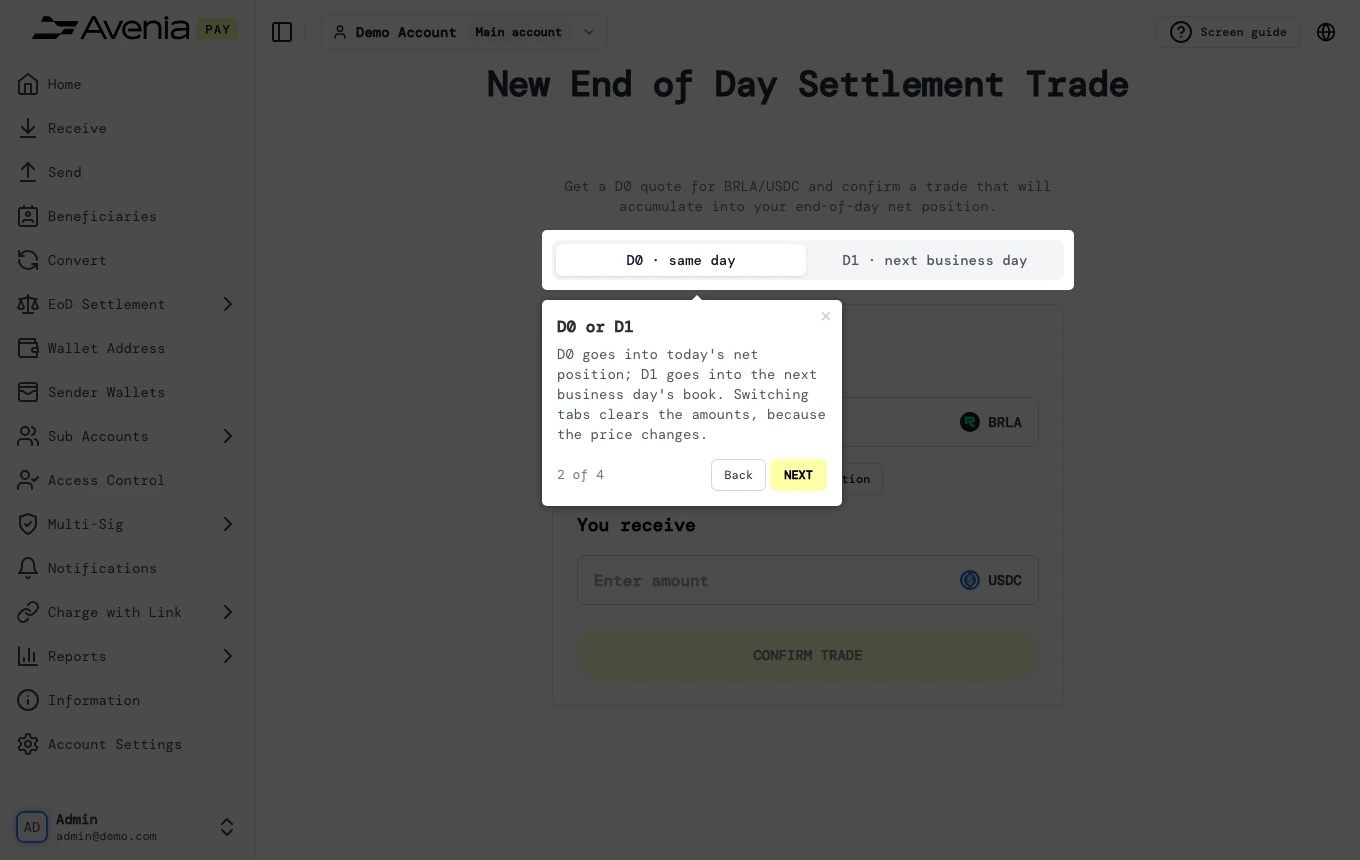
1. D0 or D1
D0 goes into today's net position; D1 goes into the next business day's book. Switching tabs clears the amounts, because the price changes.
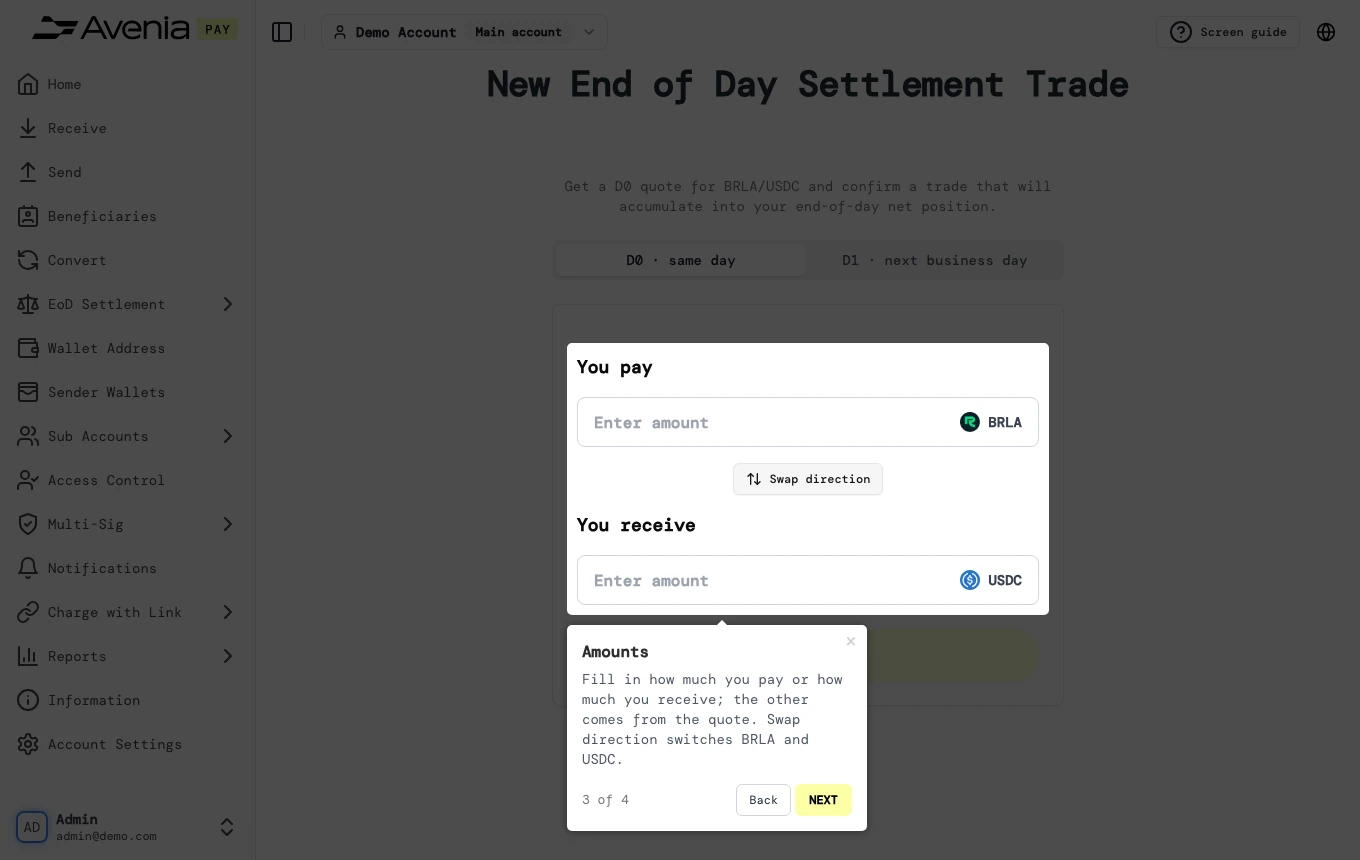
2. Amounts
Fill in how much you pay or how much you receive; the other comes from the quote. Swap direction switches BRLA and USDC.
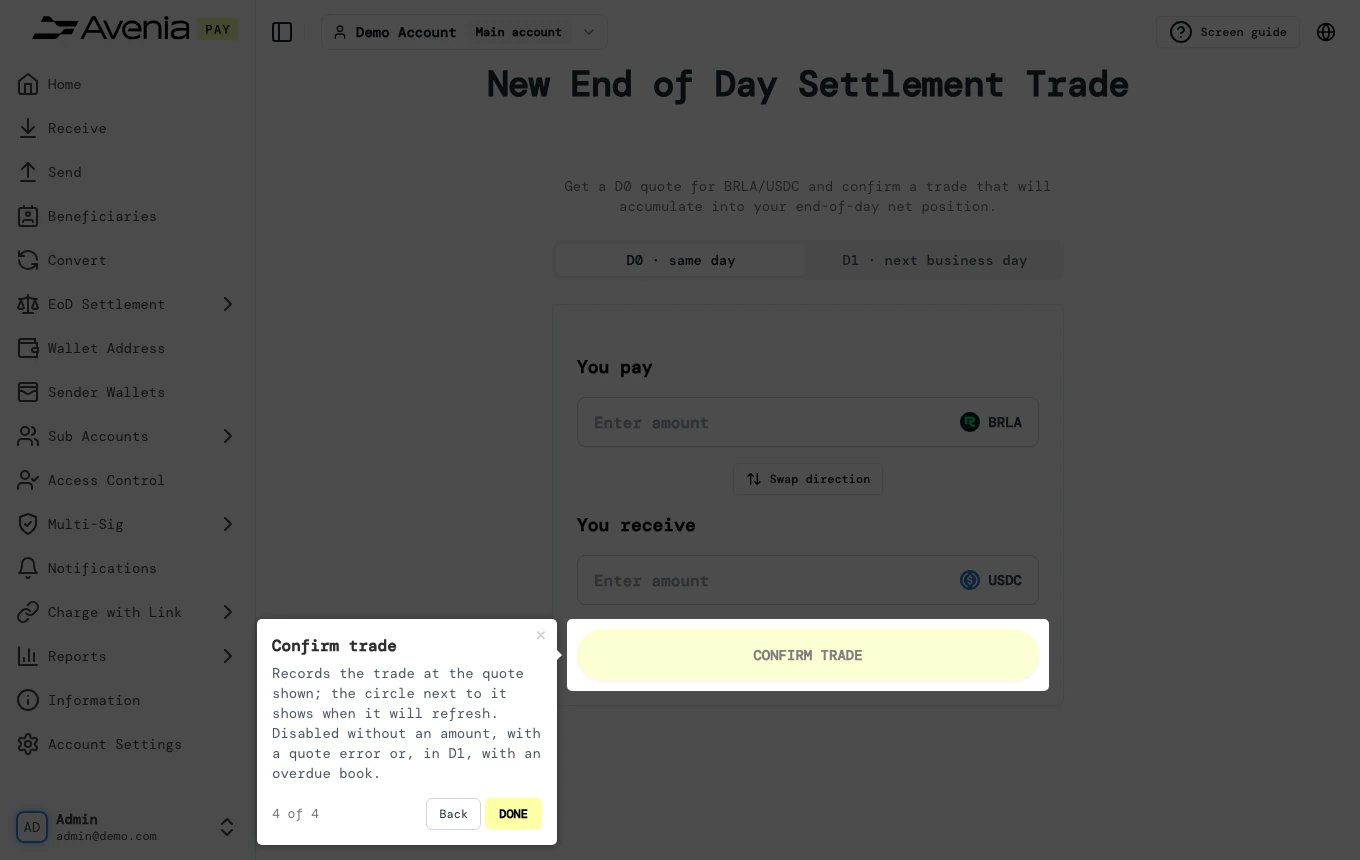
3. Confirm trade
Records the trade at the quote shown; the circle next to it shows when it will refresh. Disabled without an amount, with a quote error or, in D1, with an overdue book.
The Screen guide button at the top of this screen in the dashboard walks you through the same steps over your own data.