Access Control
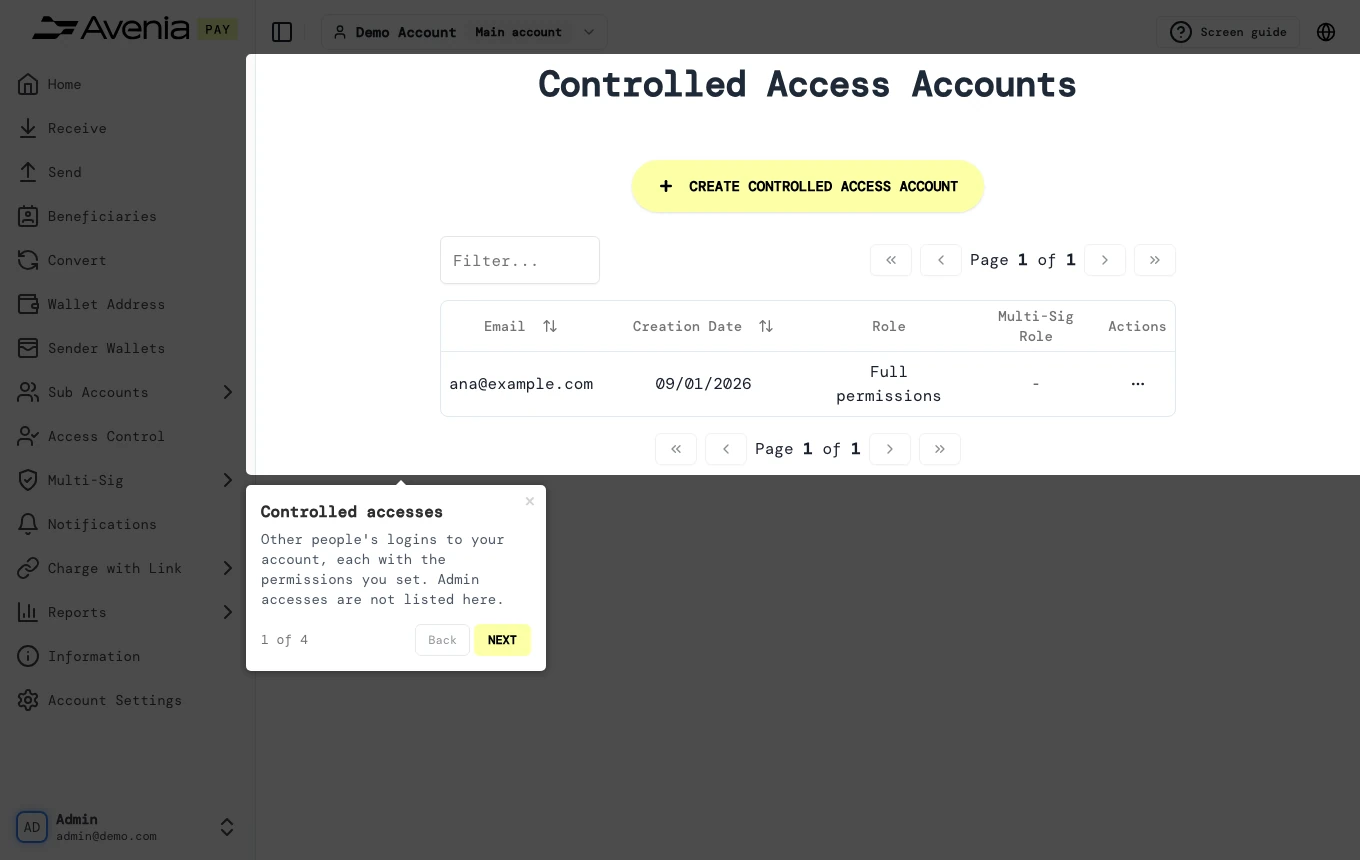
Other people's logins to your account, each with the permissions you set. Admin accesses are not listed here.
- Where: Side menu → Access Control.
- Who can use it: the account administrator and access managers.
Step by step
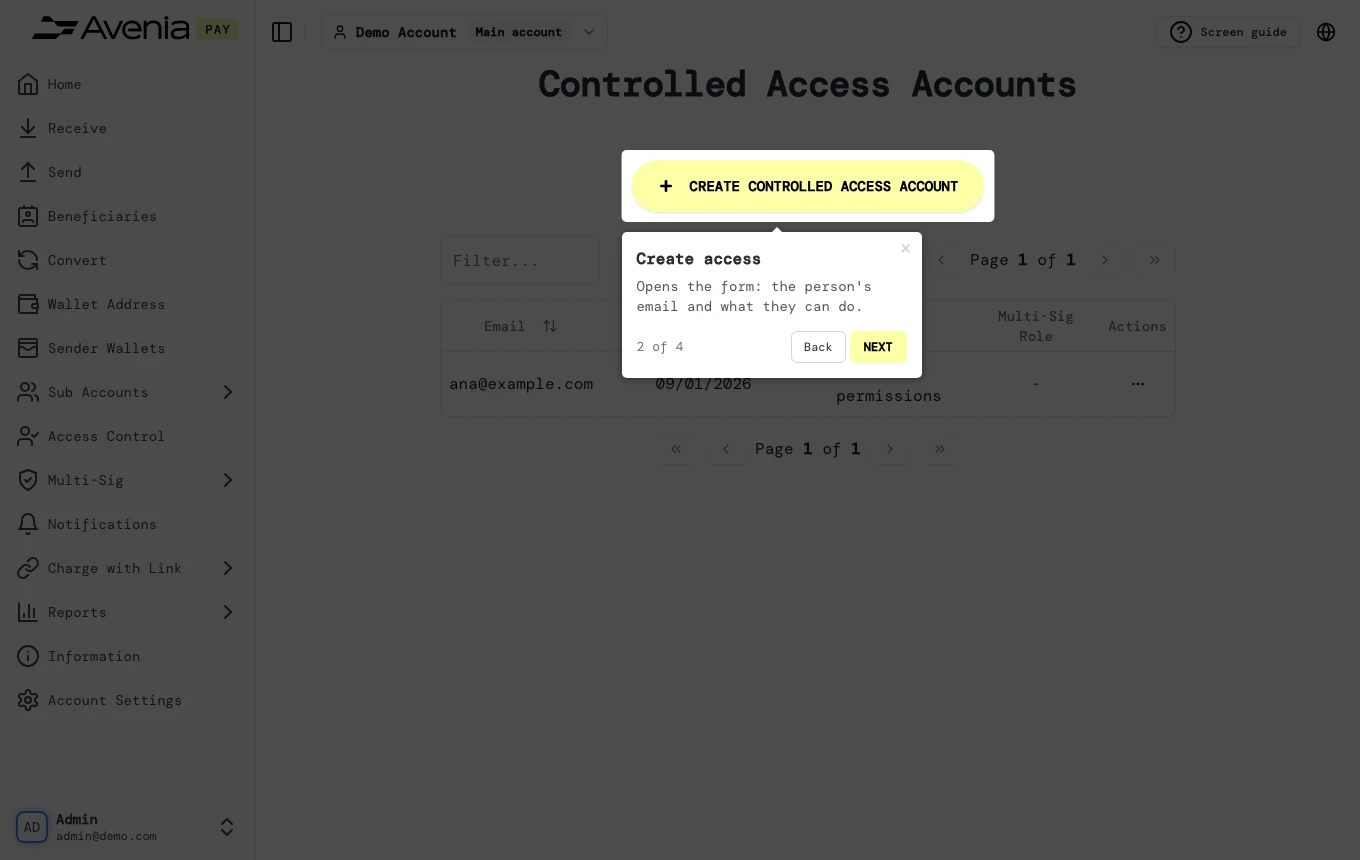
1. Create access
Opens the form: the person's email and what they can do.
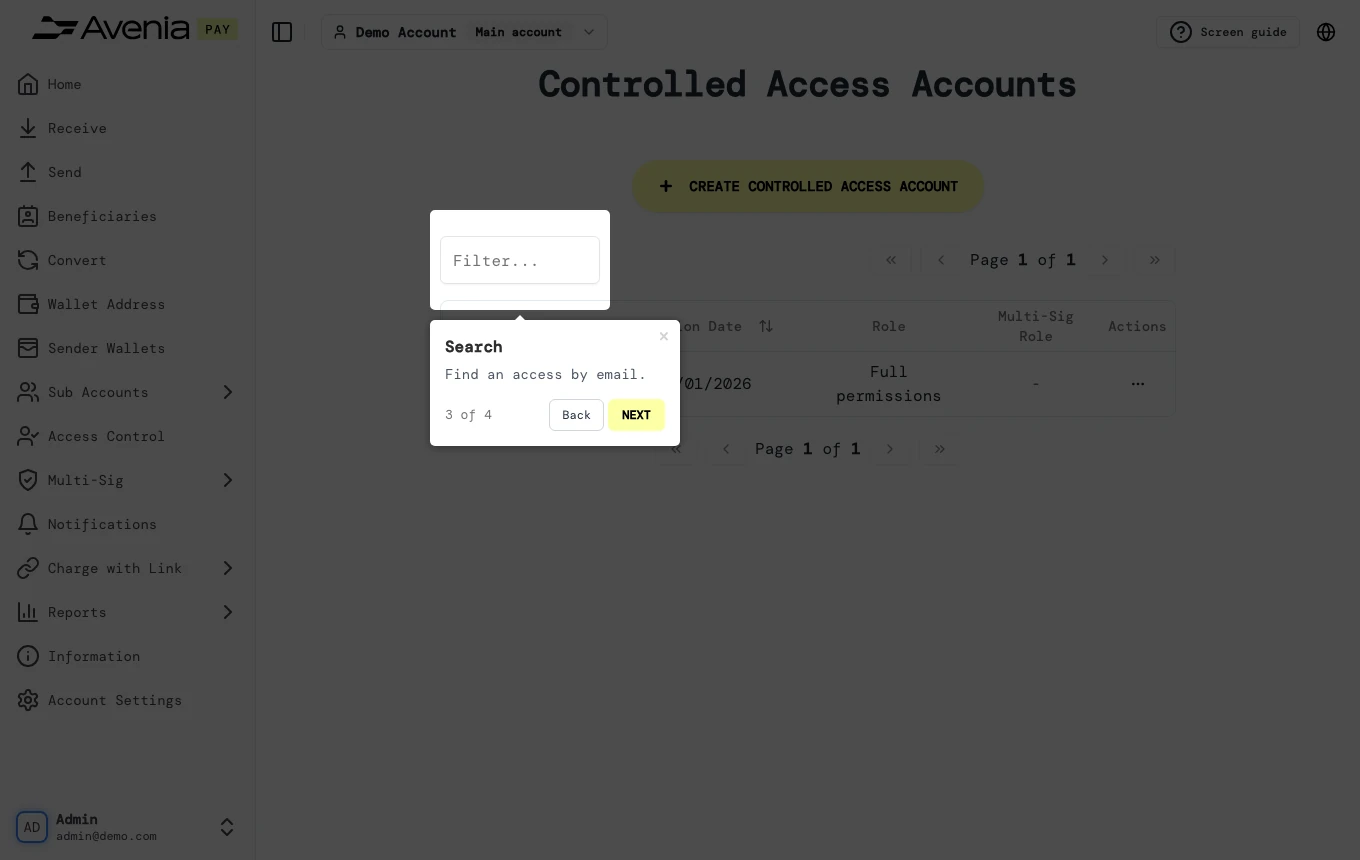
2. Search
Find an access by email.
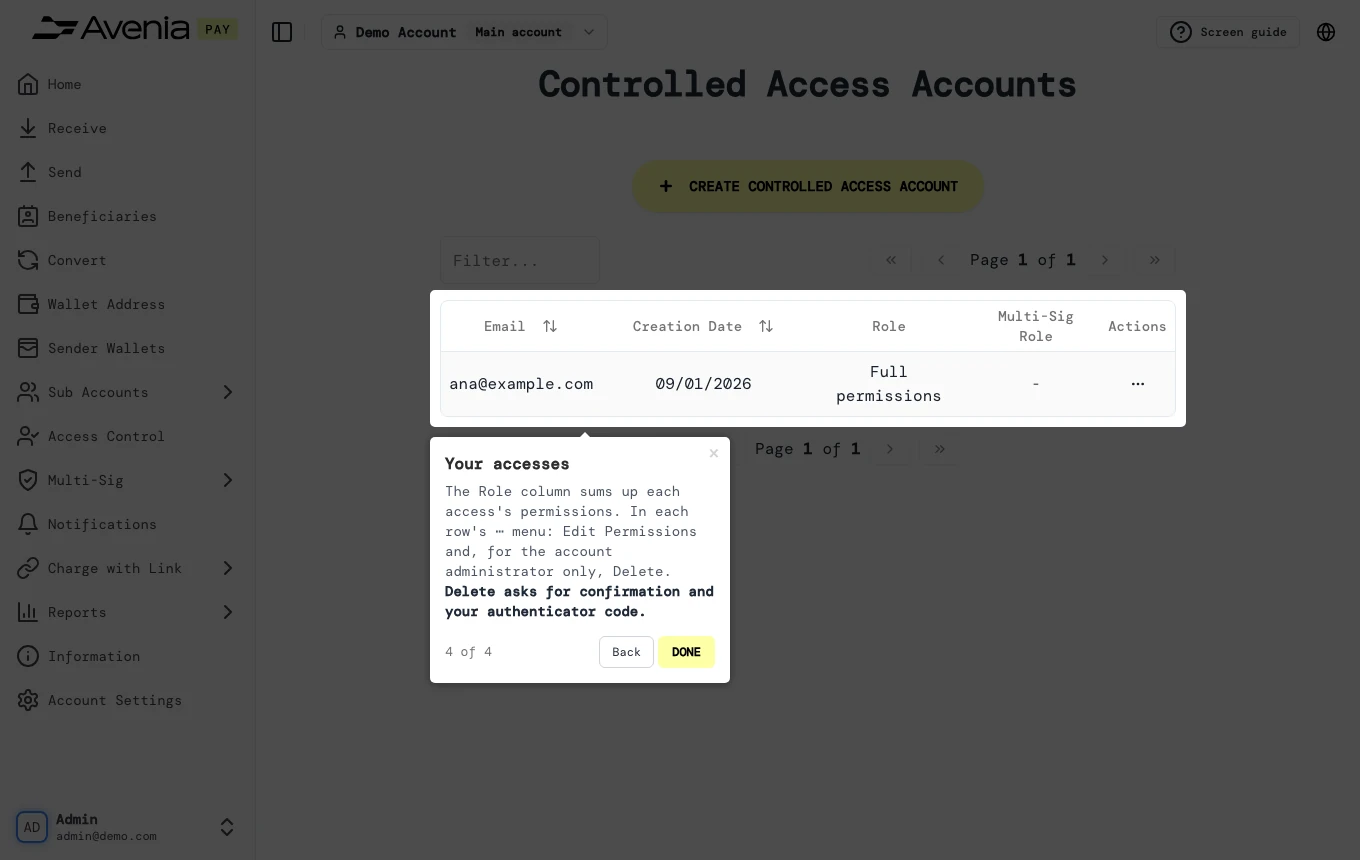
3. Your accesses
The Role column sums up each access's permissions. In each row's ⋯ menu: Edit Permissions and, for the account administrator only, Delete. Delete asks for confirmation and your authenticator code.
Screen guide
The Screen guide button at the top of this screen in the dashboard walks you through the same steps over your own data.