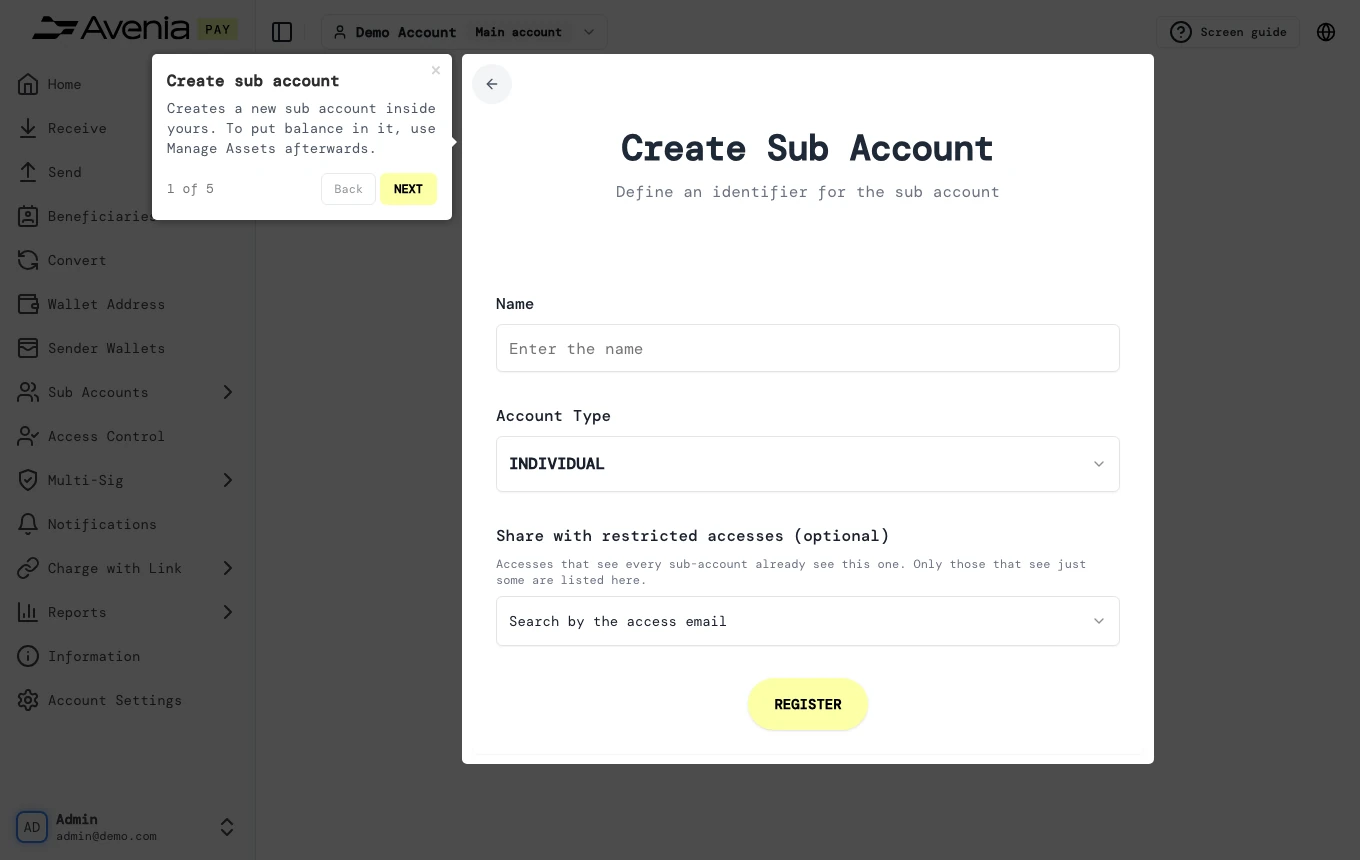
Create Sub Account
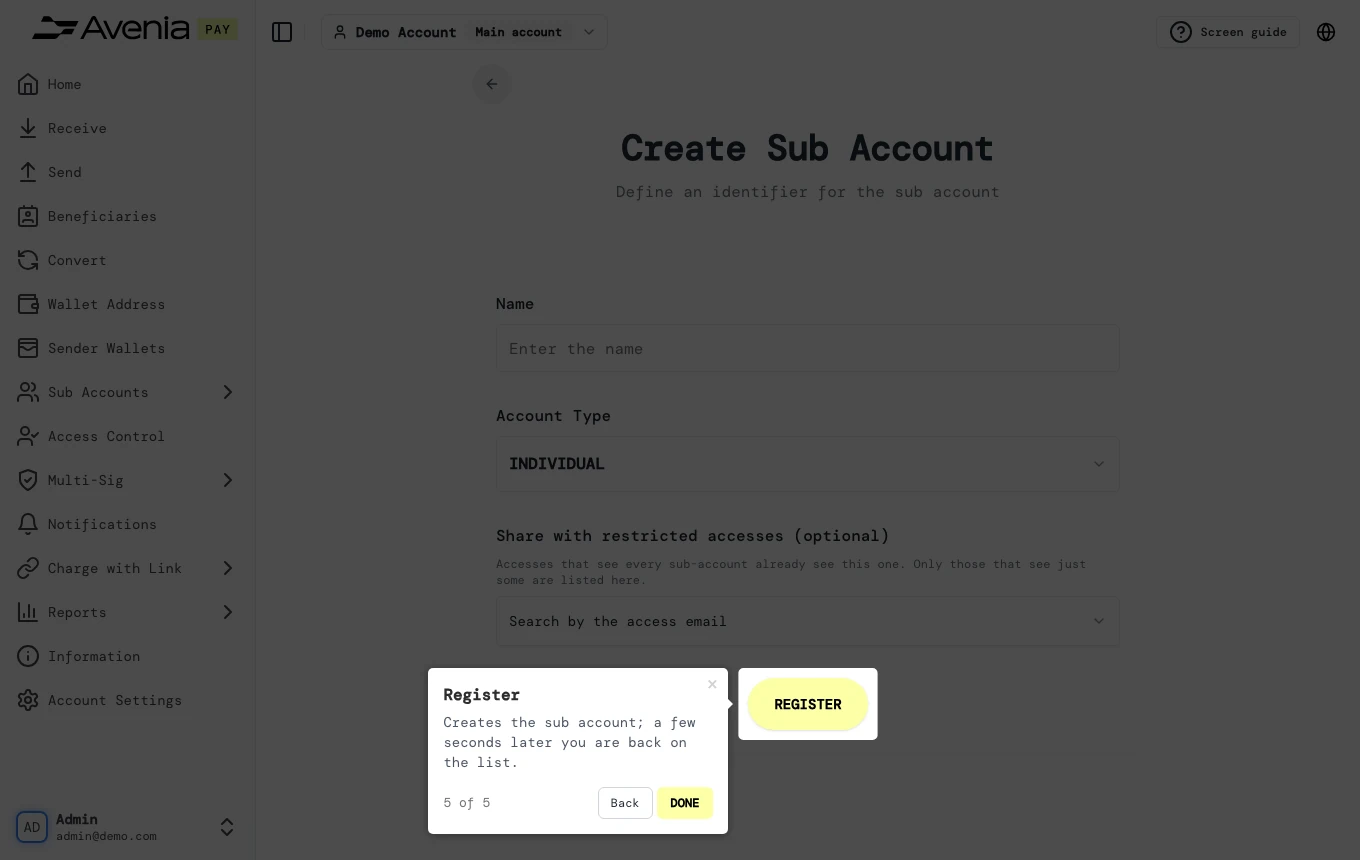
Creates a new sub account inside yours. To put balance in it, use Manage Assets afterwards.
- Where: Opens from CREATE SUB ACCOUNT on Manage Sub Accounts.
- Who can use it: every access to the account, view-only included.
Step by step
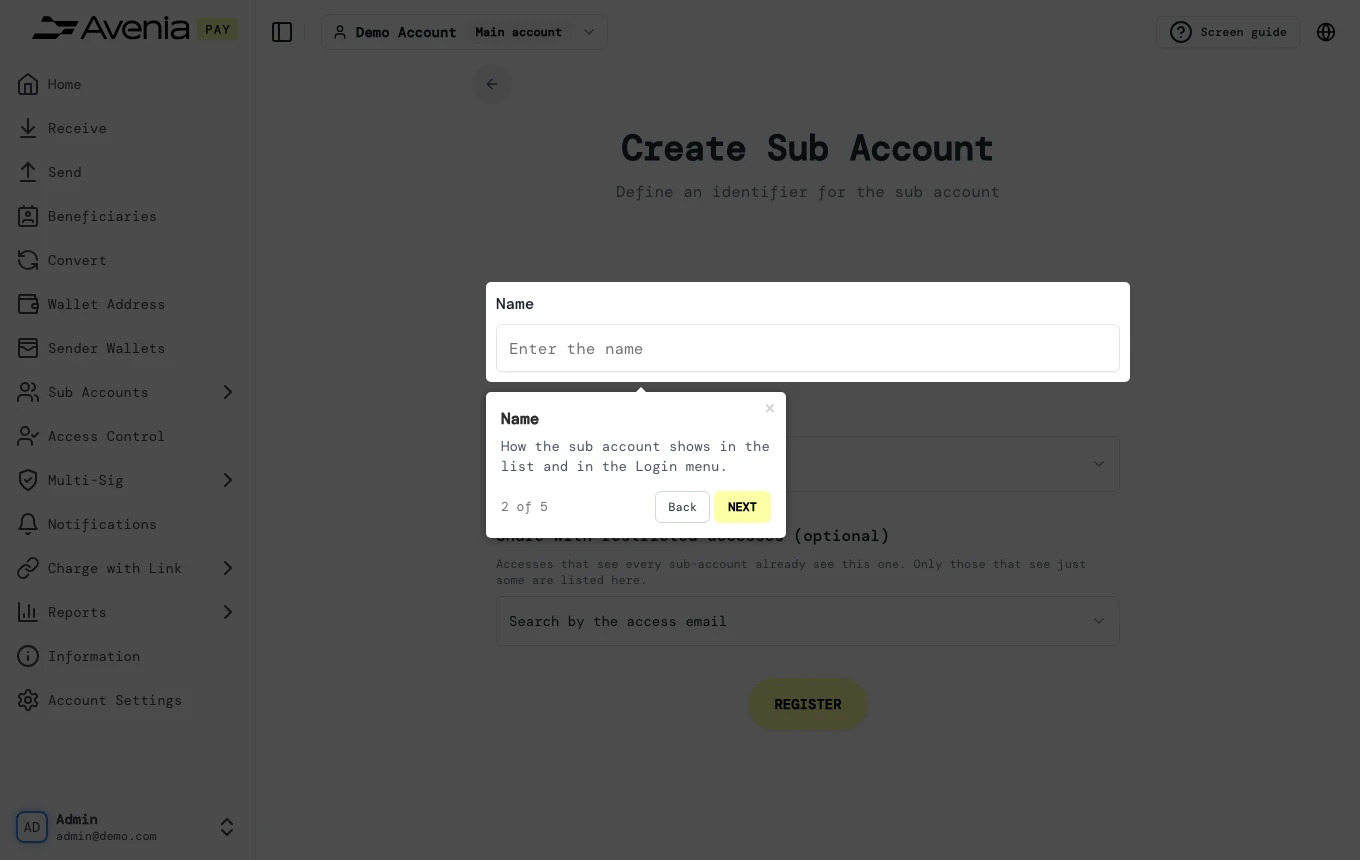
1. Name
How the sub account shows in the list and in the Login menu.
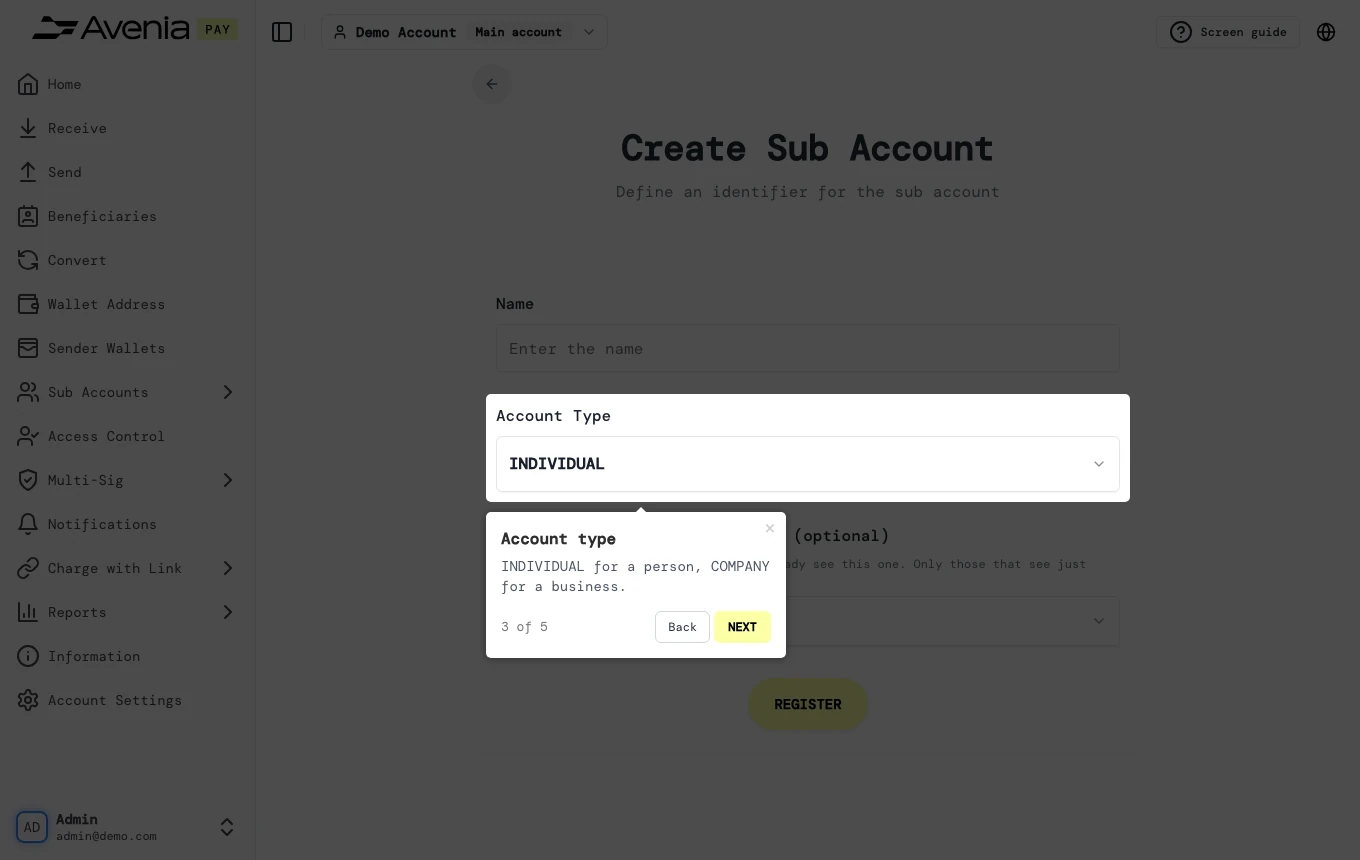
2. Account type
INDIVIDUAL for a person, COMPANY for a business.
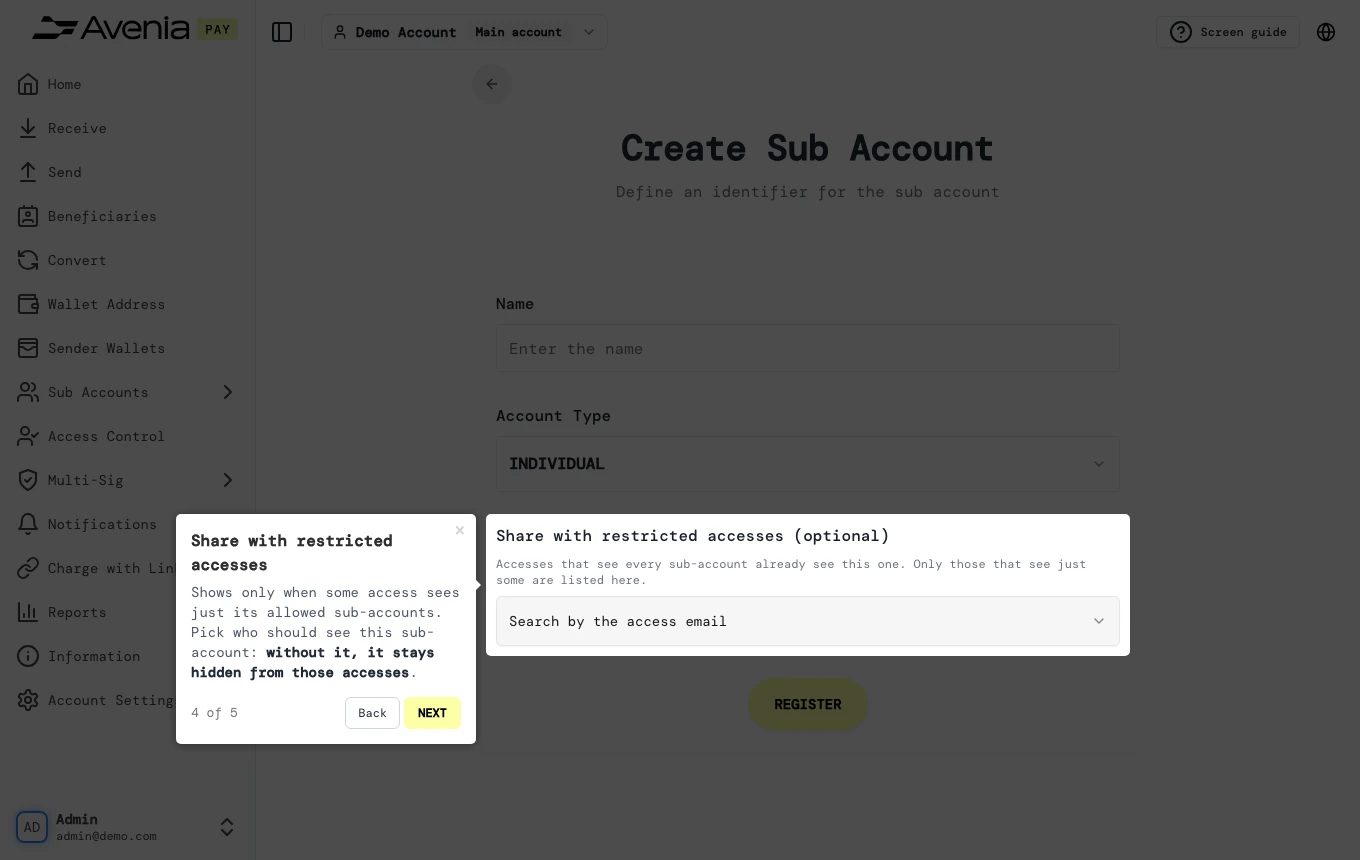
3. Share with restricted accesses
Shows only when some access sees just its allowed sub-accounts. Pick who should see this sub-account: without it, it stays hidden from those accesses.
4. Register
Creates the sub account; a few seconds later you are back on the list.
Screen guide
The Screen guide button at the top of this screen in the dashboard walks you through the same steps over your own data.