Balances
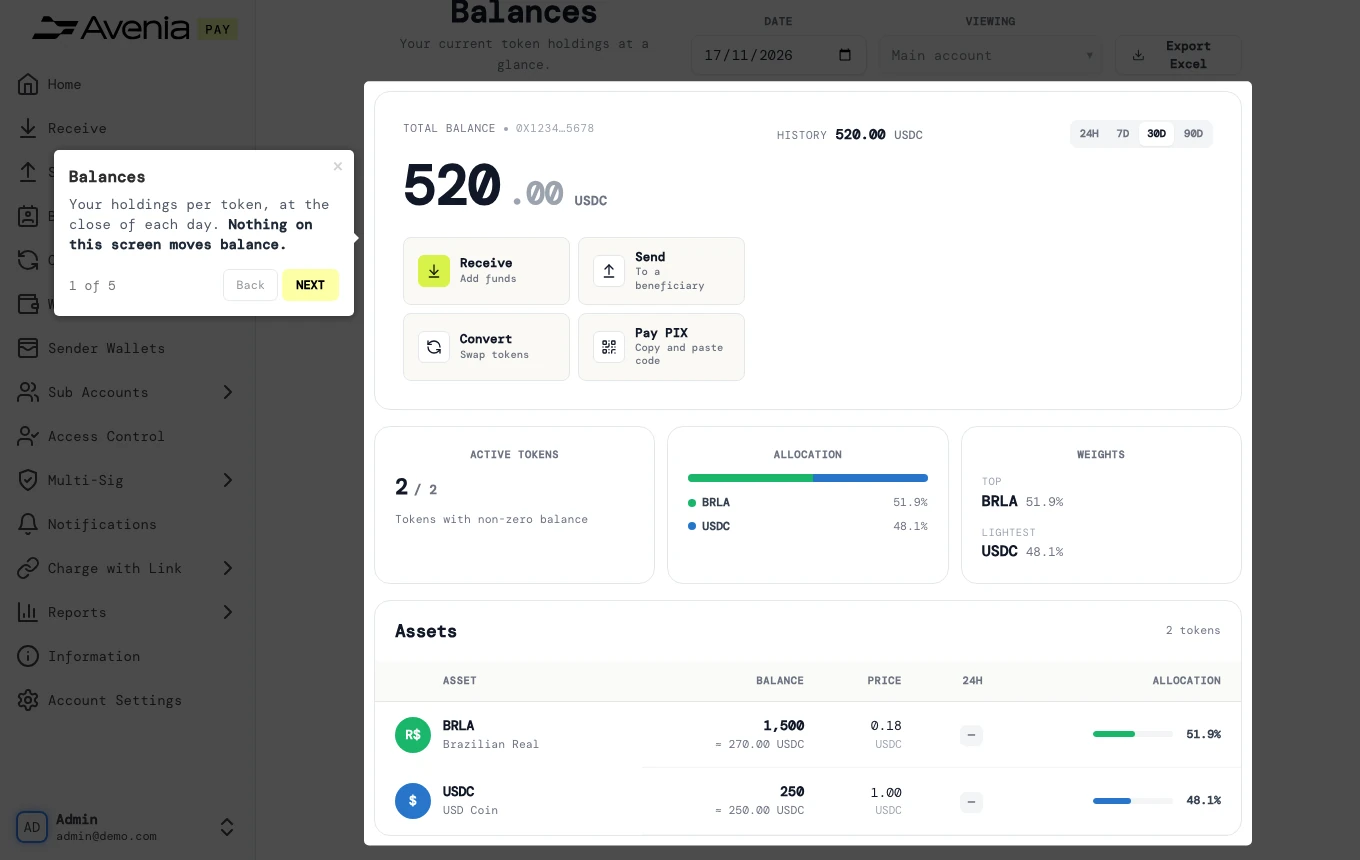
Your holdings per token, at the close of each day. Nothing on this screen moves balance.
- Where: Side menu → Reports → Balances.
- Who can use it: every access to the account, view-only included.
Step by step
1. Date
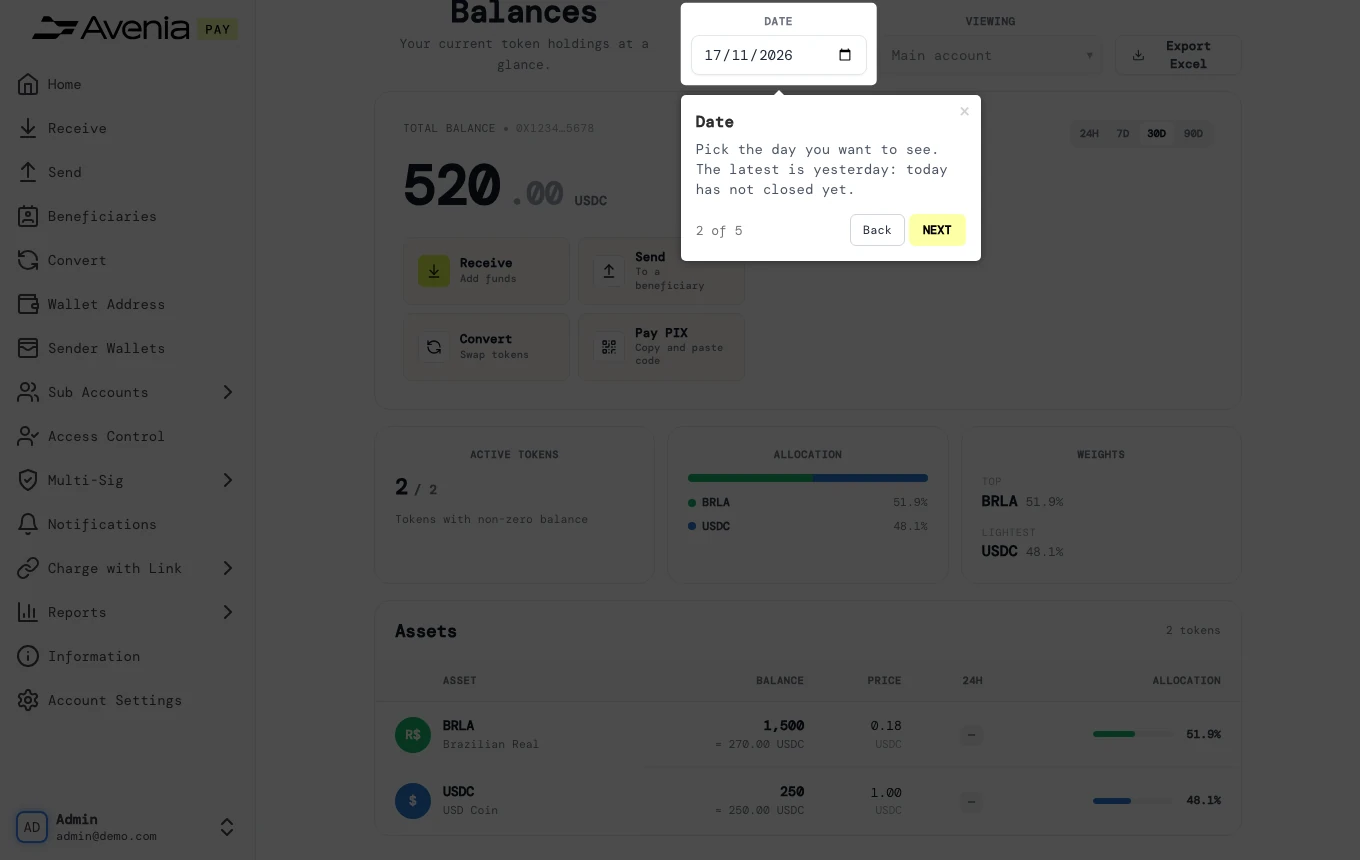
Pick the day you want to see. The latest is yesterday: today has not closed yet.
2. Total balance
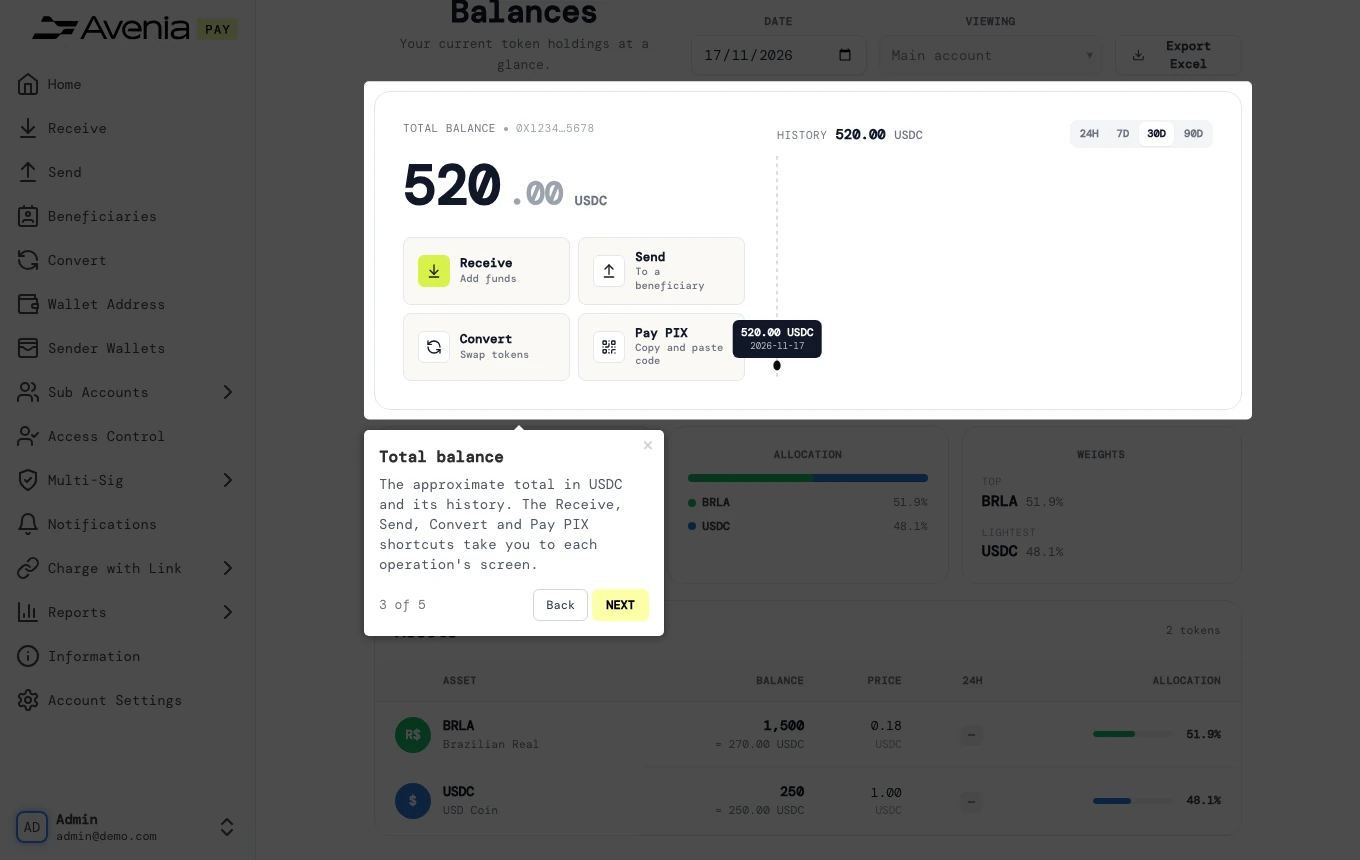
The approximate total in USDC and its history. The Receive, Send, Convert and Pay PIX shortcuts take you to each operation's screen.
3. Export
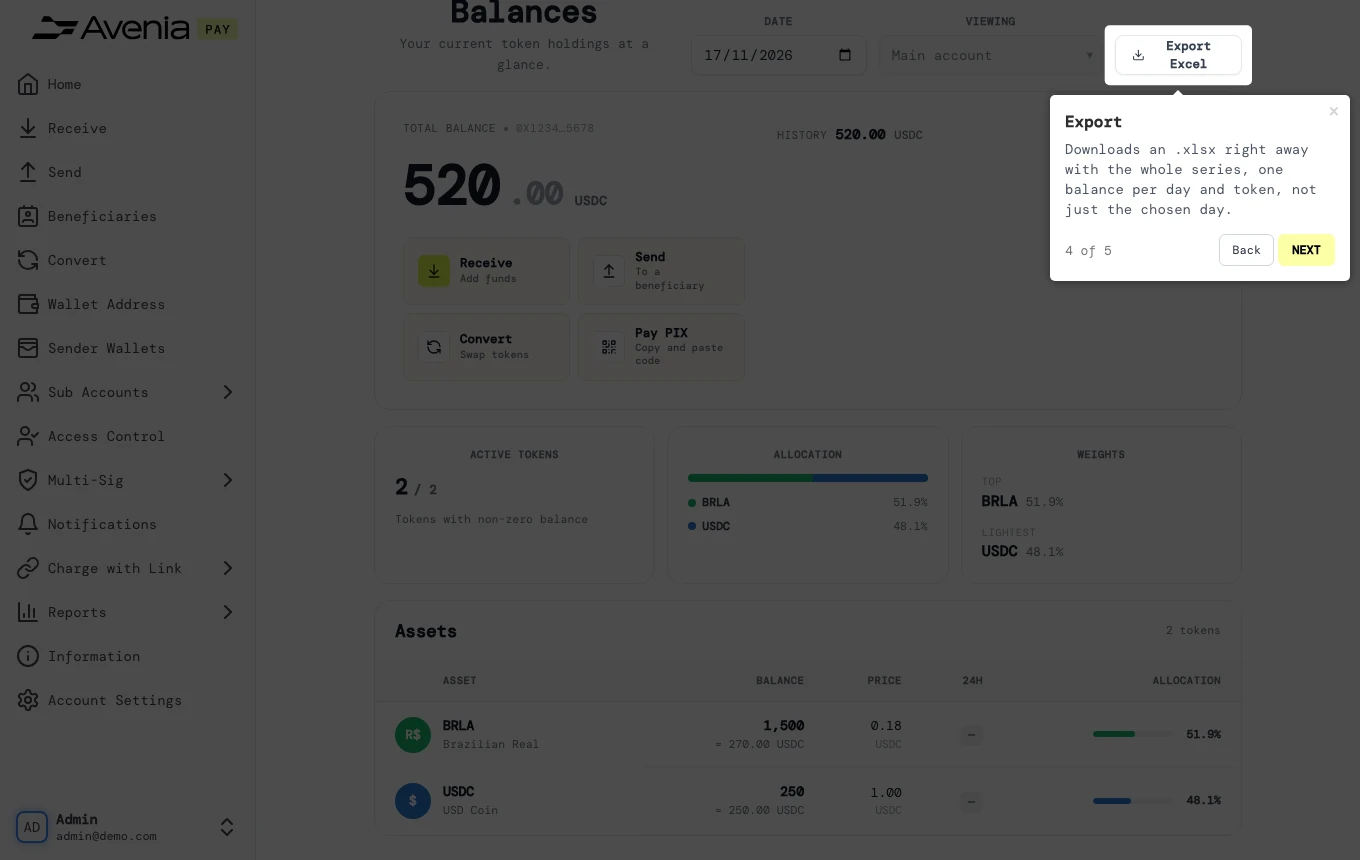
Downloads an .xlsx right away with the whole series, one balance per day and token, not just the chosen day.
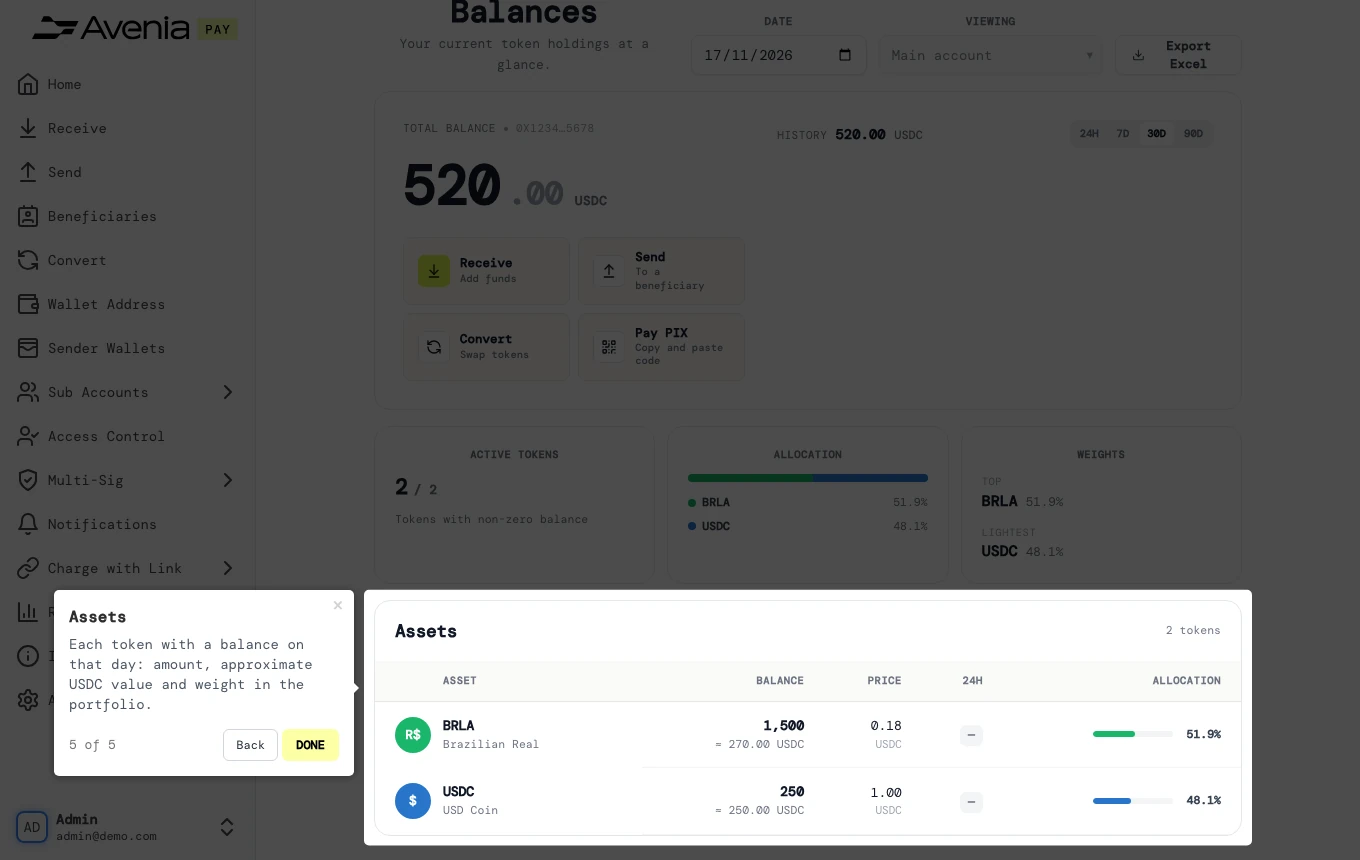
4. Assets
Each token with a balance on that day: amount, approximate USDC value and weight in the portfolio.
Screen guide
The Screen guide button at the top of this screen in the dashboard walks you through the same steps over your own data.