Fee account
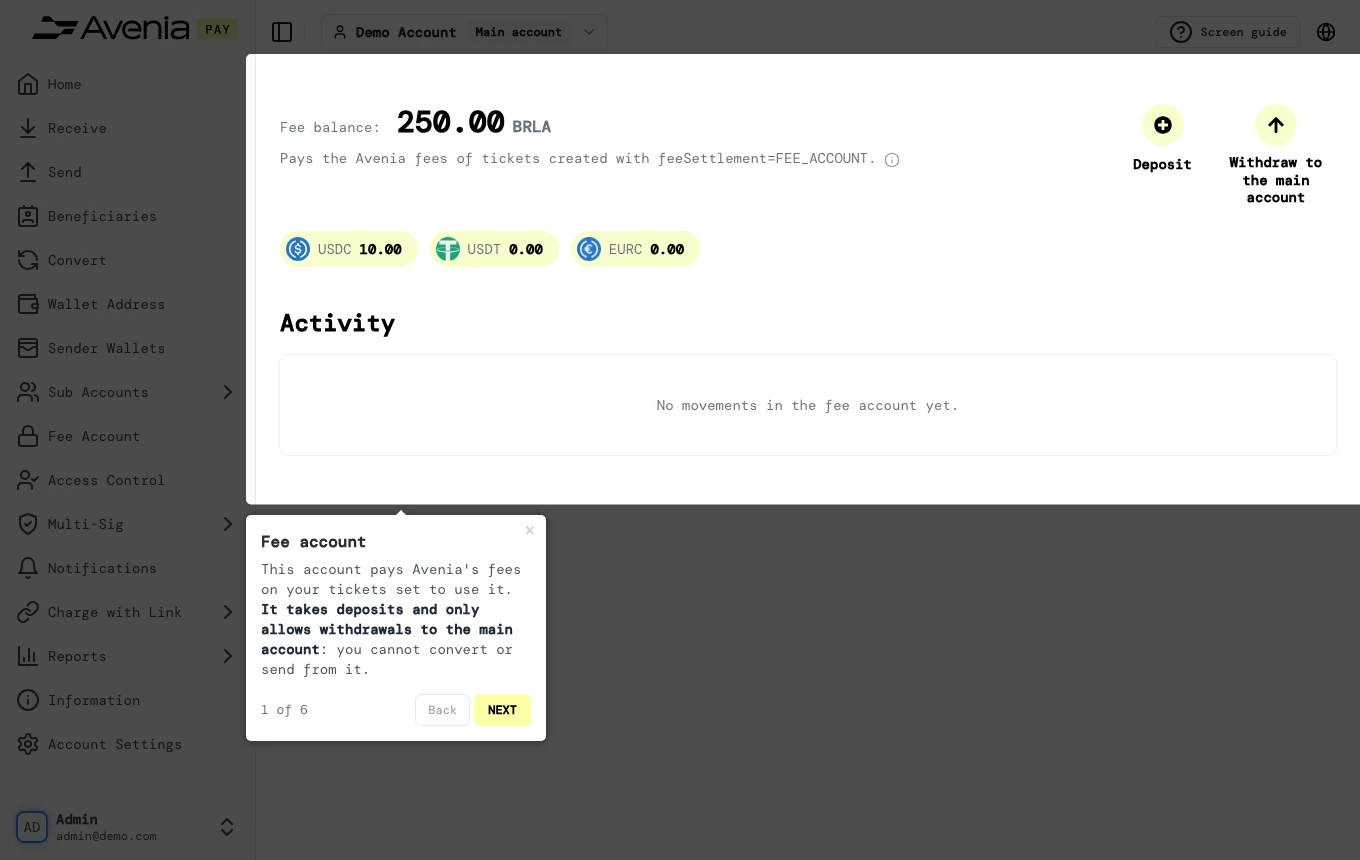
This account pays Avenia's fees on your tickets set to use it. It takes deposits and only allows withdrawals to the main account: you cannot convert or send from it.
- Where: Side menu → Fee Account.
- Who can use it: every access to the account, view-only included.
This screen shows only for accounts with a Fee Account. To use it, contact your Avenia account manager.
Step by step
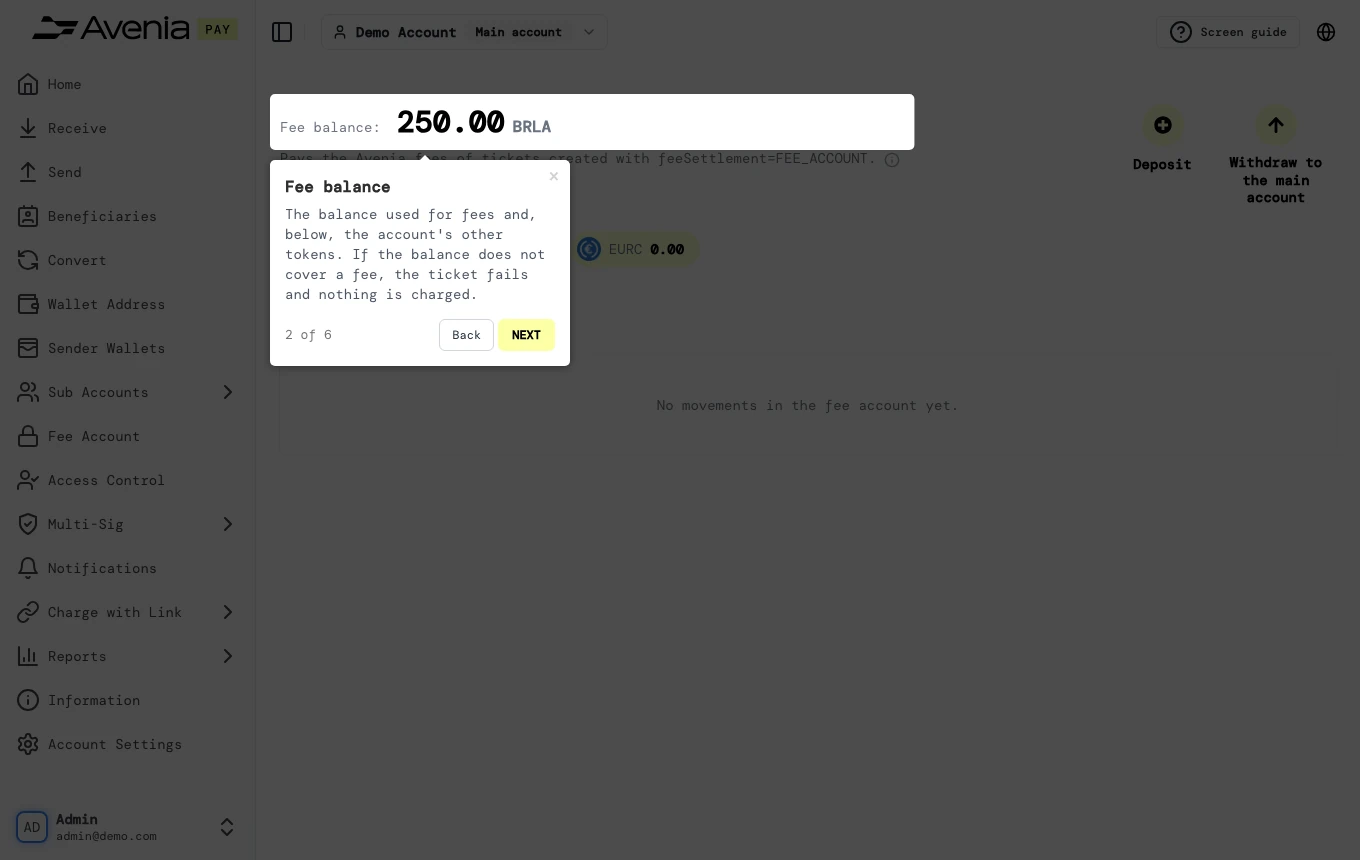
1. Fee balance
The balance used for fees and, below, the account's other tokens. If the balance does not cover a fee, the ticket fails and nothing is charged.
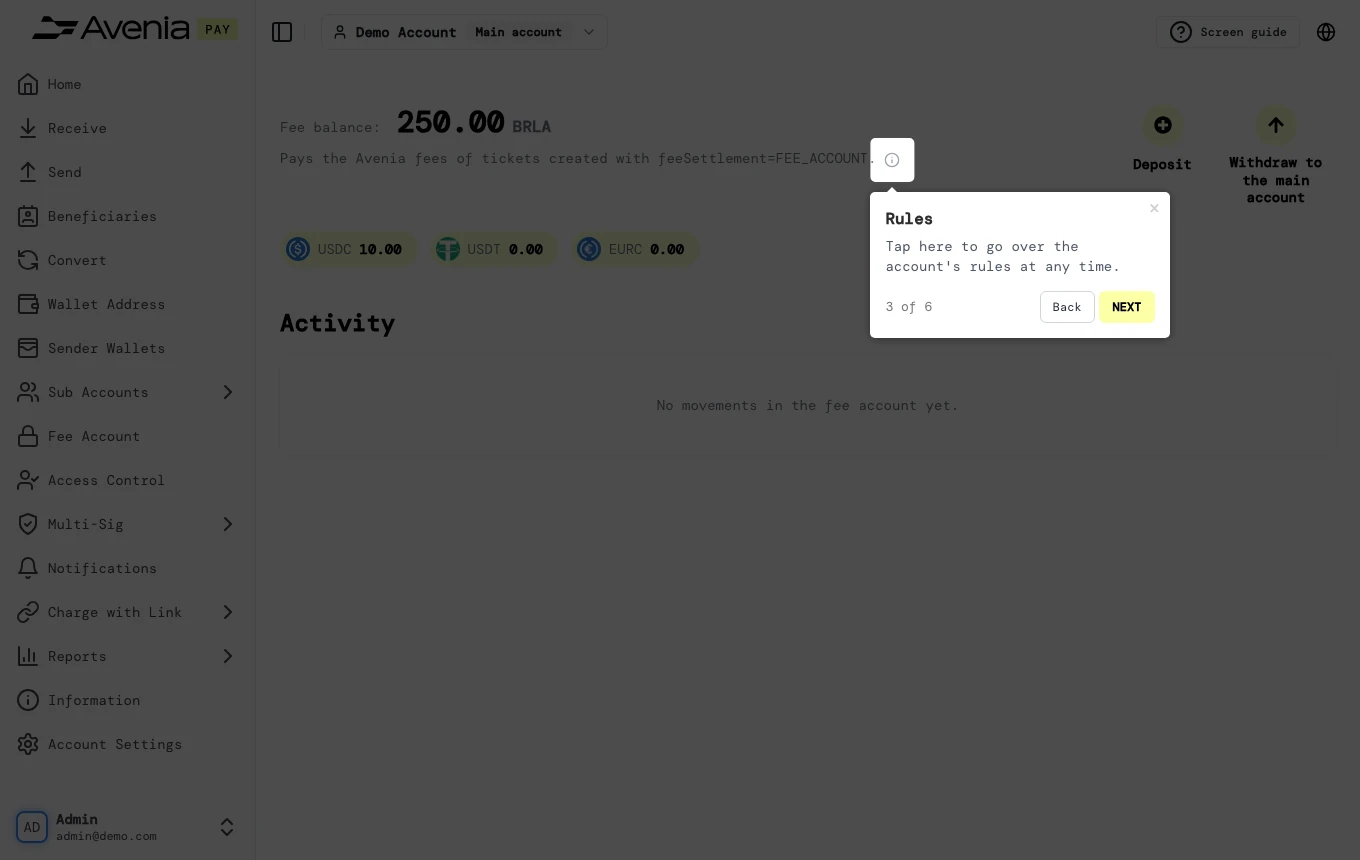
2. Rules
Tap here to go over the account's rules at any time.
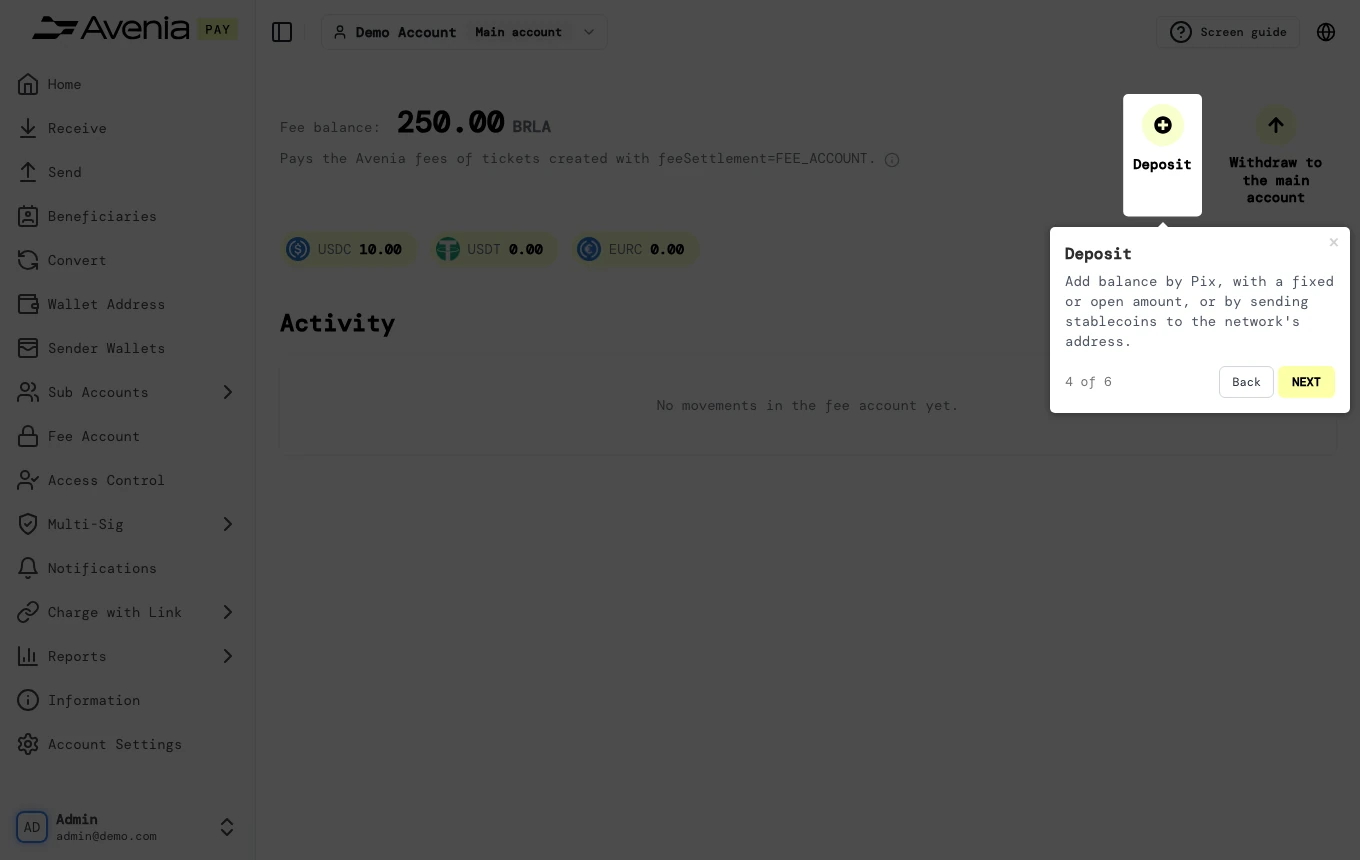
3. Deposit
Add balance by Pix, with a fixed or open amount, or by sending stablecoins to the network's address.
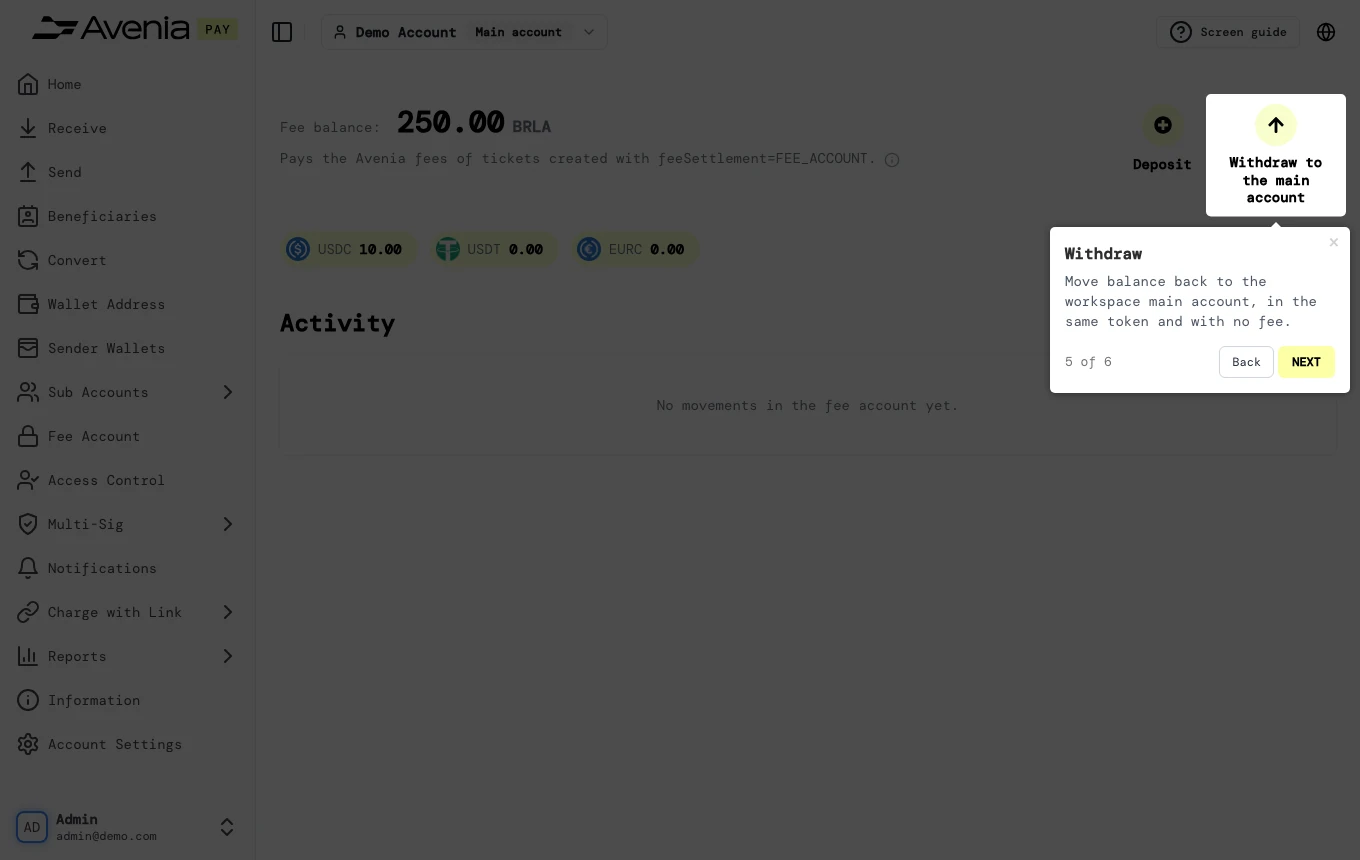
4. Withdraw
Move balance back to the workspace main account, in the same token and with no fee.
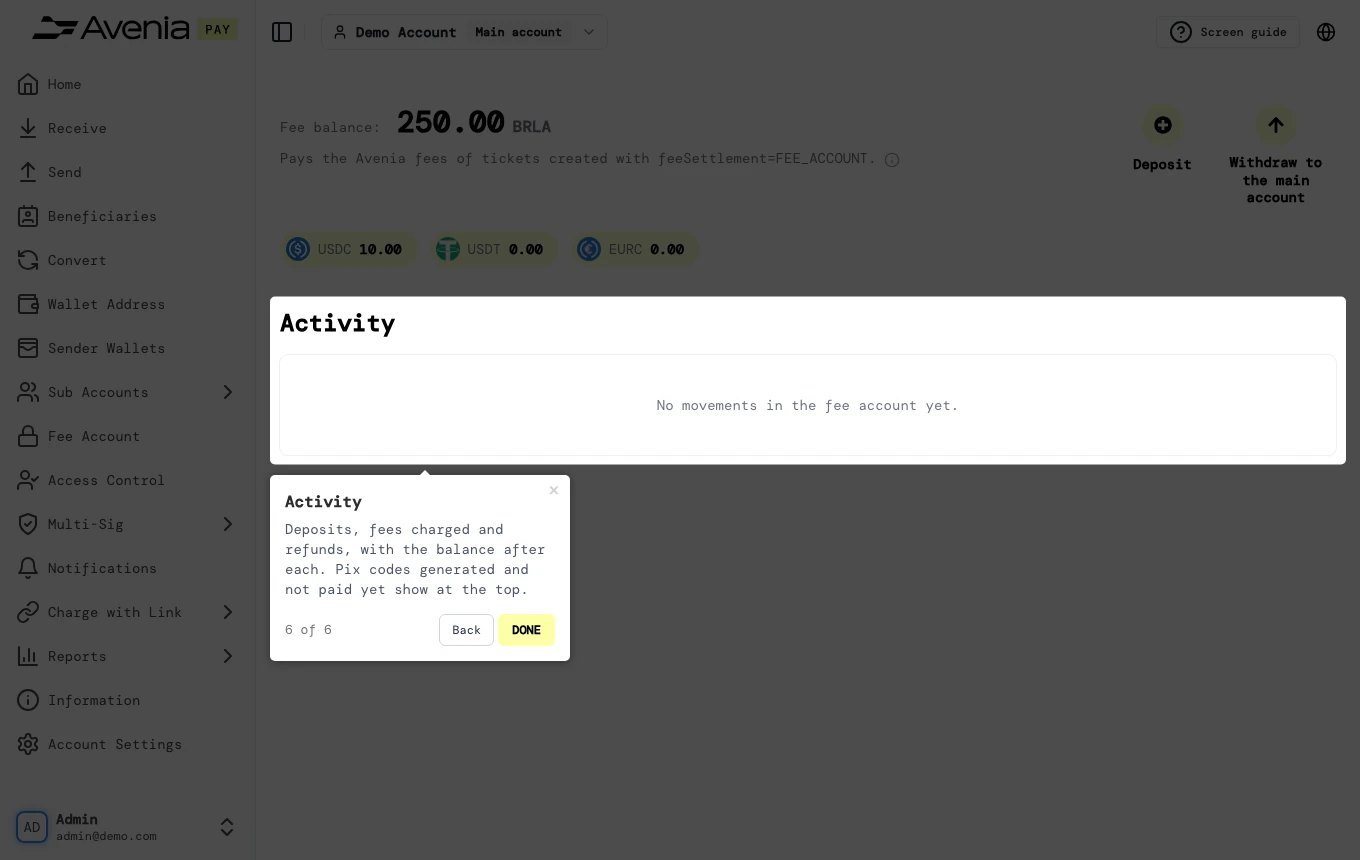
5. Activity
Deposits, fees charged and refunds, with the balance after each. Pix codes generated and not paid yet show at the top.
The Screen guide button at the top of this screen in the dashboard walks you through the same steps over your own data.